How to Monitor Remote Worker Activity the Right Way

To really get a handle on monitoring remote worker activity, you have to stop thinking about surveillance and start thinking about insight. It's not about tracking hours for the sake of it. The goal is to use data to understand workflows, spot roadblocks, and offer targeted support where it's needed most.
The secret? A transparent policy paired with the right tools. This is how you strike the perfect balance between hitting productivity goals and maintaining employee trust and privacy.
The New Era of Remote Work and Team Productivity

The worldwide shift to remote work wasn't just a temporary fix; it permanently changed how we view productivity. What started out of necessity has become a standard way of operating, forcing leaders everywhere to rethink their management playbooks.
This goes way beyond just managing tasks from a distance. It's about building a culture of performance and trust without the constant, in-person oversight of an office. For a lot of managers, the biggest hurdle is just getting a clear view of what’s happening so projects don't stall and teams stay on the same page.
Shifting from Oversight to Understanding
The conversation around how to monitor remote worker activity is definitely changing. Smart leaders are ditching the old-school "time in a chair" mentality for a results-driven approach. It’s less about watching every move and more about understanding how the work actually gets done.
Ethical monitoring gives you the data you need to make this transition. By looking at activity patterns, you can spot inefficiencies or even see when someone might be struggling. For example, the data might show a team member is swamped with meetings, leaving them no time for deep, focused work. That insight lets you step in with support—maybe by rethinking the meeting schedule—instead of just making assumptions.
The goal is to use data as a diagnostic tool, not a disciplinary one. It transforms monitoring from a source of anxiety into a mechanism for continuous improvement and employee empowerment.
This approach also protects the well-documented benefits of remote work. We know from studies that remote employees often see a 35% to 40% increase in output, thanks to fewer distractions and more flexible schedules. With over 32.6 million Americans now working remotely, those productivity gains are a massive deal for any business.
Building a Foundation of Trust
At the end of the day, successful remote management all comes down to trust and transparency. When you introduce monitoring as a supportive tool—explaining it clearly and connecting it directly to team goals—it can actually make the relationship between employees and managers stronger.
The data you gather can help in a few key ways:
- Identify Bottlenecks: Pinpoint exactly where projects are getting hung up so you can throw resources where they're needed most.
- Provide Targeted Support: See when an employee might need extra training or different tools to get past a hurdle.
- Ensure Fair Workload Distribution: Get an objective look at who’s overloaded and who has capacity, letting you balance tasks more effectively.
By looking at it from this perspective, companies can keep performance high while building a workforce that's both resilient and autonomous. To really cultivate a thriving remote team in this new landscape, digging into resources like this ultimate guide to managing remote teams is essential.
Before you even think about installing a single piece of software, you need to lay the groundwork with a transparent and fair monitoring policy. This isn't just about checking a legal box; it's the very foundation of trust you'll build with your remote team. A solid policy takes the mystery out of monitoring and frames it for what it should be: a tool for support, not a method of surveillance.
The whole point is to be crystal clear. Your policy should read like a straightforward agreement, leaving zero room for doubt or misinterpretation. Getting this right from the start heads off misunderstandings and makes sure everyone is on the same page from day one.
Define the Scope of Monitoring
This is the most critical part of your policy. You have to spell out exactly what you’ll be monitoring and, just as important, what you won't. Vague language is a recipe for anxiety, so get specific. The goal here is to connect every single monitored activity to a legitimate business purpose.
Start by listing the types of data you'll be collecting. It might include things like:
- Application and Website Usage: This helps you see which work-related apps and sites are being used during work hours. It's great for identifying which tools are actually helping people get work done and which might be distractions.
- Time Tracking on Projects: Logging hours against specific tasks or projects is essential for accurate client billing and better project management down the line.
- General Activity Metrics: Using aggregated data, you can spot productivity trends across the team without getting into the weeds of an individual's every move or break time.
It's equally important to draw clear lines in the sand to protect your team's privacy. State in no uncertain terms what is completely off-limits. For example, your policy should guarantee that personal emails, private messages on platforms like Slack, banking websites, and healthcare portals are never tracked or recorded.
Communicate the "Why" Behind the Policy
Just telling your team what you're monitoring is only half the battle. You have to explain why. When you connect the policy to real business goals, your team starts to understand the logic and see how it benefits everyone. The idea is to frame this as a way to hit shared objectives together.
For instance, you can explain that tracking application usage helps the company invest in software that truly makes the team's job easier. Or how tracking project hours leads to fairer workload distribution and helps you spot who's overloaded, preventing burnout.
When employees see that the data is used to make their work lives better—through improved resource allocation, better tools, or fairer workloads—they are far more likely to embrace the policy. The focus shifts from oversight to operational improvement.
This kind of transparency also boosts your security. By keeping an eye out for unapproved IT tools, you're in a much better position to protect company data from threats. We've seen recent reports of bad actors posing as remote workers to get inside an organization, making a clear, enforced policy a crucial line of defense.
Finalizing and Presenting Your Policy
Once you have a draft, don't just blast it out in a company-wide email and call it a day. That's a huge mistake.
Schedule a team meeting to present it properly. Walk them through each section, explain the thinking behind it, and if possible, do a quick demo of the software you'll be using. This gives you a chance to control the narrative and tackle any questions or concerns head-on.
And, of course, run the policy by your legal counsel. Privacy laws can be tricky and vary wildly depending on where your employees are located. A quick legal review protects both the company and your team.
Finally, require every single team member to read and formally sign off on the policy. It’s a simple step, but it ensures everyone is aligned and creates a clear record that the terms were understood and accepted.
Choosing the Right Tools for Your Remote Team
Once you have a solid, transparent policy in place, the next step is picking the right technology to bring it to life. The market for remote monitoring tools is huge, with everything from simple time trackers to sophisticated workforce analytics platforms.
Making the right choice isn't about finding the tool with the most bells and whistles. It's about aligning the software's features with your specific business needs and—just as importantly—your company culture.
Are you mostly concerned with accurate billing for client projects? Or is your main goal to understand workload distribution to prevent burnout? Answering these big-picture questions first will dramatically narrow down your options.
This visual breaks down the key things to think about—balancing time, tasks, and best practices—when you're looking at different productivity tools.
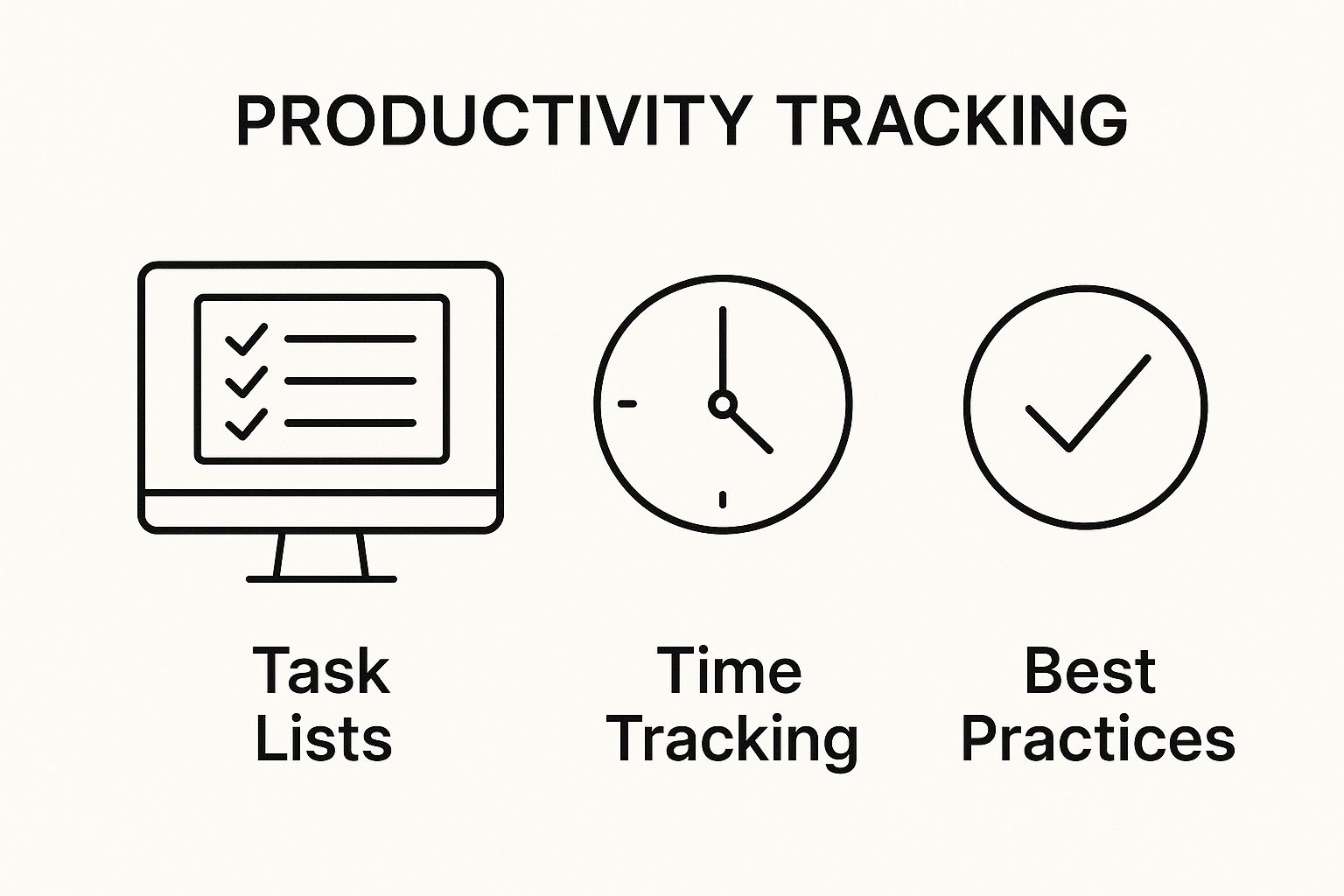
As you can see, the most effective tools don't just track one thing. They pull together time management, task tracking, and your own company's best practices to give you a complete picture of what’s really going on.
Key Features to Prioritize
When you start comparing different tools, there are a few features that are pretty much non-negotiable for most remote teams. These are the core functions that give you the data you need without feeling like you're micromanaging.
Here’s what to look for:
- Automatic Time Tracking: This is a lifesaver. It captures work hours without anyone needing to remember to hit a start-stop timer. You get a much more accurate log of time spent on work.
- Application and URL Usage: Knowing which websites and apps your team uses most is incredibly valuable. It helps you spot productivity drains and ensures company resources are being used for work.
- Productivity Labeling: A really good tool will let you classify apps and websites as "productive," "unproductive," or "neutral." This gives you a much clearer, more nuanced view of how time is actually being spent.
The best monitoring tools shift the focus from activity to output. They help you answer the question, "Is the team working efficiently?" instead of just, "Is the team working?"
For a deeper look at what's out there, checking out a list of the best computer screen monitoring software for remote teams can give you a great feel for the market leaders and their unique features. A good comparison guide can help you match a tool to your exact needs.
To help you navigate the options, here’s a quick breakdown of the different types of tools you'll encounter.
Comparison of Remote Monitoring Tool Types
This table compares the different categories of software, highlighting what they're best for and the potential privacy impact, which is a huge factor in making the right choice.
| Tool Type | Primary Function | Best For | Privacy Impact |
|---|---|---|---|
| Time Trackers | Logs hours worked, often with manual start/stop timers. | Freelancers, agencies billing by the hour, and basic attendance tracking. | Low: Focuses only on total hours, not on-screen activity. |
| Activity Monitors | Tracks app/website usage, idle time, and productivity scores. | Teams wanting to identify productivity trends and optimize workflows. | Medium: Collects data on digital habits, which requires clear policies. |
| Employee Monitoring | Includes features like screenshots, keystroke logging, and screen recording. | Highly regulated industries or roles where security is paramount. | High: Can be very intrusive and requires explicit, ongoing consent. |
| Workforce Analytics | Aggregates data to provide high-level insights on team performance and engagement. | Larger organizations looking to understand broad productivity patterns. | Low to Medium: Focuses on anonymized, aggregated data, not individuals. |
As you can see, the tool you choose says a lot about your management style and the level of trust you have in your team. There's a big difference between a simple time tracker and a full-blown surveillance suite.
Aligning Tools with Your Company Culture
The software you choose sends a powerful message to your team. An overly aggressive tool with features like constant screen recording or keystroke logging can breed a culture of distrust and anxiety. Nobody does their best work when they feel like Big Brother is watching.
On the other hand, a tool that focuses on high-level trends and project-based time tracking can foster a sense of autonomy and shared purpose. It becomes a resource, not a weapon.
Before you pull the trigger, think about your team's structure and how they work. An agency that bills clients by the hour has very different needs than a software development team focused on sprints and project milestones. If you're looking for guidance, a complete guide to employee attendance tracking software can help you weigh the options that best fit your team's specific workflow.
Ultimately, the right tool should feel like a natural part of your workflow. It should integrate with the platforms you already use (like project management or communication apps) and provide data that empowers managers to have more supportive, constructive conversations with their people.
Using Monitoring Data to Support Your Team
Collecting data is one thing; using it to build a stronger, more efficient team is where great management truly shines. Once you start monitoring remote worker activity, the insights you gather are a powerful resource for positive change—not a tool for micromanagement. The goal is to move beyond raw numbers and see the story they tell about your team’s workflow, challenges, and successes.
When you approach it correctly, these insights can completely change how you lead. Instead of guessing who's overworked or which projects are hitting roadblocks, you have objective information to guide your decisions and conversations. This data-informed approach leads to more targeted, effective, and supportive leadership.
From Raw Data to Actionable Insights
The real value of monitoring data isn't in tracking every single minute, but in identifying the broader patterns. You should be looking for trends over weeks or months, not just daily blips. A single unproductive day is pretty meaningless, but a consistent drop in a team member's activity levels over two weeks? That could definitely signal an issue.
Here’s how you can translate that data into meaningful action:
- Spot Productivity Trends: Do you notice that the entire development team’s productivity dips every Tuesday afternoon? That’s not a performance problem; it’s a process problem. Maybe a recurring, inefficient meeting is draining their energy and focus.
- Identify Early Signs of Burnout: Is one of your top performers suddenly working late into the night, day after day? This is a huge red flag for burnout. The data gives you a chance to step in with support before they’re completely overwhelmed.
- Recognize Top Performers: Look for who consistently delivers results without logging excessive hours. These are your most efficient employees, and their methods might hold valuable lessons for the rest of the team.
Viewing holistic patterns allows you to make informed management decisions—like rebalancing workloads or improving processes—instead of singling out individuals. It’s about optimizing the system, not scrutinizing the person.
By early 2025, remote work has firmly established itself as a major part of the global job market. Data even shows that remote-only employees log an average of 51 more productive minutes daily than their office-based peers, highlighting a sustained increase in efficiency. With top opportunities in professional services (24.3%) and technology (18.3%), using data to support these teams is key.
Initiating Positive and Supportive Conversations
With insights in hand, the next step is communication. The data should be a starting point for a conversation, never a verdict. You'll want to frame your discussions around support and problem-solving.
For instance, instead of saying, "Your productivity was down last week," try something like, "I noticed you had a lot of time logged on the new design project. How is that going? Are there any roadblocks I can help clear for you?" This approach opens the door for genuine dialogue. You can explore a wide range of employee activity monitoring tools for remote work that provide the right level of detail to facilitate these constructive check-ins.
This supportive method builds psychological safety, encouraging employees to be honest about the challenges they're facing. For a comprehensive approach to fostering team productivity and using these insights effectively, you can explore these Top Performance Management Best Practices for Success.
Ultimately, using data this way transforms monitoring from a source of anxiety into a valuable tool for mutual growth and team success.
Balancing Productivity Goals and Employee Privacy
This is where the rubber meets the road. Get the ethical side of monitoring wrong, and you risk absolutely cratering morale and watching your best people head for the door. The trick is to stop thinking of monitoring as a tool for control and start seeing it as a resource for empowerment.
It’s all about building a culture where data is used to help, not to micromanage. When you get this right, monitoring actually fosters a sense of ownership and fairness. When you get it wrong, you breed anxiety and distrust—which are guaranteed productivity killers.
Setting Clear and Respectful Boundaries
The first order of business in ethical monitoring is drawing firm lines in the sand. Your transparent policy is the foundation, but what you do day-to-day is what really counts. You have to make a clear distinction between what’s necessary for business and what crosses over into personal privacy.
For instance, tracking which work-related apps are being used is perfectly reasonable. Capturing keystrokes or snapping random screenshots of an employee's screen? That’s often invasive and completely counterproductive. The focus should always be on metrics that measure output and efficiency, not moment-to-moment actions.
The most effective monitoring programs focus on aggregated, anonymized data to understand team-wide trends. This approach protects individual privacy while still providing the insights needed to identify workflow bottlenecks or resource gaps.
This strategy is key to maintaining a healthy work environment where your team feels trusted and respected. It’s about accountability without sacrificing autonomy—a balance that’s non-negotiable for long-term remote success.
Empowering Employees with Their Own Data
One of the single best ways to build trust is to give employees access to their own productivity metrics. Simple as that.
When people can see their own data, it demystifies the whole process and transforms monitoring from a scary oversight tool into a personal development tool. They can pinpoint their own peak productivity hours, see what trips them up, and take genuine ownership of their performance.
This transparency pays off in several ways:
- It Fosters Ownership: Employees can self-correct and manage their time more effectively.
- It Reduces Anxiety: Seeing exactly what managers see eliminates the fear of the unknown.
- It Improves Conversations: Performance reviews become more objective and collaborative when they're based on shared data.
Effective employee scheduling software can boost productivity by aligning individual work patterns with team goals, and giving employees a window into this data reinforces their role in the company's success.
The Real Consequences of Invasive Monitoring
Let's be clear: the risks of getting this balance wrong are huge. Overly invasive monitoring leads directly to plummeting morale, disengagement, and a spike in turnover. People who feel constantly watched are far less likely to be creative, take initiative, or collaborate openly.
The global remote job market isn't slowing down. In fact, the second quarter of 2025 saw an 8% increase in remote job postings, a clear sign that skilled workers have plenty of options. In such a competitive environment, a culture of distrust is a liability you simply can't afford. You can find more data like this in the Remote Work Economy Index from FlexJobs.
Ultimately, the goal isn't just to monitor—it's to build a supportive system that drives productivity while respecting the very people who make it all happen.
Answering the Tough Questions About Remote Monitoring
Let's be honest: bringing up employee monitoring can feel a little… awkward. It’s a topic that’s bound to raise some questions from your team, and that's a good thing. Answering them openly and clearly is the first step to building the trust you need for this to work.
Here are some of the most common questions that pop up, along with some straight-talking answers.
Is This Even Legal?
Yes, in most places, it's perfectly legal for a company to monitor activity on devices and networks it owns. But—and this is a big "but"—that legality usually hinges on being completely transparent about it. You need a crystal-clear policy that every single employee has seen and signed off on.
Laws can get tricky and vary wildly depending on where you are. For instance, GDPR in Europe has some very strict rules about data privacy, and different states in the US have their own unique takes. This is one area where you absolutely want to talk to a legal expert to make sure you're compliant. Trying to monitor people secretly is a legal minefield and the fastest way to demolish team morale. Don't do it.
How Do I Roll This Out Without Freaking Everyone Out?
It's all in the framing. This isn't about playing "Big Brother." It's about getting insights to help everyone work smarter, not harder.
Your entire conversation should center on support and improvement. Talk about how the data will help you spot workflow bottlenecks, make sure workloads are distributed fairly, and step in with support when someone's struggling with a particular task.
Call a team meeting. Be upfront about the "why" behind the decision. Show them exactly what's being monitored (and what isn't). Then, open the floor for a real, no-holds-barred Q&A session.
When your team understands the goal is to make their jobs easier and the company more efficient, the conversation shifts. It’s no longer about policing every mouse click; it's about improving the way you all work together.
What are the Biggest Mistakes I Should Avoid?
There are three classic blunders that will sink your monitoring efforts before they even start: lack of transparency, creepy metrics, and using the data to punish people.
Installing software on the sly is a betrayal of trust, plain and simple. You can't come back from that.
Next, avoid invasive tracking like keystroke logging or constant screen captures. This kind of micromanagement creates a culture of fear and tells you nothing about the actual quality or value of someone's work.
And finally, never use this data as a weapon. If you start calling people out for taking a five-minute coffee break or having a slow afternoon, you'll crush morale and motivation. The goal is to find patterns and improve systems, not to catch individuals in a "gotcha" moment.
Ready to see how your team really works, without sacrificing trust? DeskCove gives you the insights you need to improve workflows and support your people. Find out more and start your free trial.