12 Best Time Tracking Apps to Boost Productivity in 2025
Understanding where your time goes isn't just a productivity metric; it's a competitive advantage. For freelancers invoicing clients, managers guiding remote teams, or agencies maximizing profitability, manual timesheets and guesswork lead to lost revenue and inefficiency. The core problem is a lack of clarity, which results in inaccurate billing, poor project estimates, and hidden operational bottlenecks. The right time tracking app transforms this ambiguity into actionable data, helping you bill with precision, manage resources effectively, and reclaim your most valuable asset.
This guide cuts through the noise to present a detailed analysis of the best time tracking apps available today. We move beyond generic feature lists to provide a practical resource focused on real-world application. Each review dives into specific strengths, ideal use cases, and honest limitations to help you find the perfect fit for your workflow, whether you need simple time logging or a comprehensive project management tool.
You'll find a breakdown of platforms like DeskCove, Toggl Track, Clockify, and Harvest, complete with screenshots and direct links to help you evaluate each option efficiently. Our goal is simple: to provide a clear, comprehensive comparison so you can stop guessing and start making data-driven decisions that boost your bottom line.
1. DeskCove
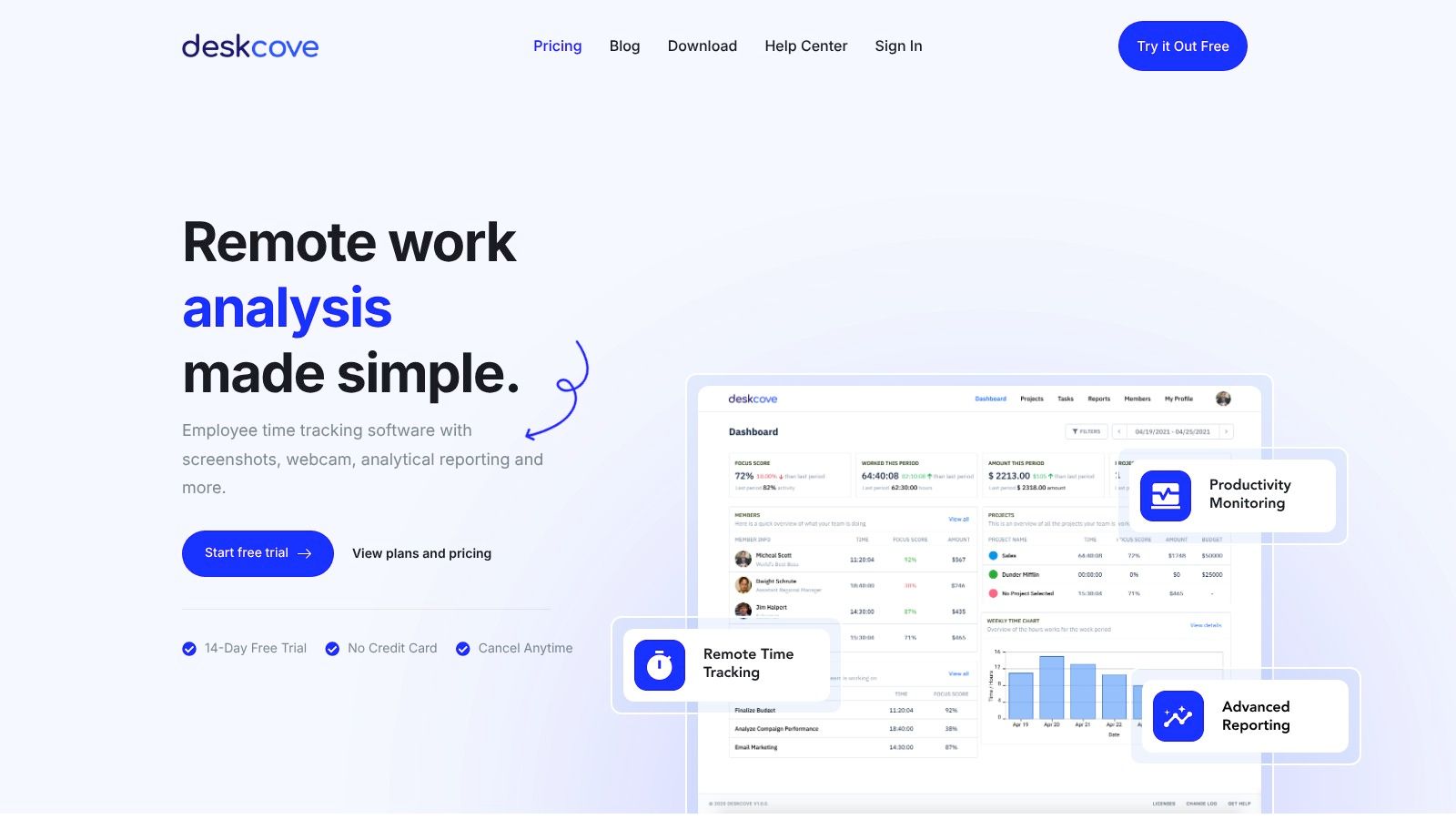
DeskCove stands out as a powerful, all-in-one solution for teams seeking to elevate productivity and gain crystal-clear visibility into their workflows. It is engineered specifically for remote teams, freelancers, and managers who need more than just basic time logging. This platform excels by combining automatic time tracking with comprehensive productivity monitoring, offering a granular view of how every minute is spent without requiring manual input from the user.
What makes DeskCove one of the best time tracking apps is its intelligent blend of automation and detailed analytics. Its system automatically captures not just work hours but also screenshots, webcam photos, and a full log of applications and URLs used. This data is then neatly summarized in intuitive 10-minute timecard intervals, allowing managers to quickly identify productivity patterns, address bottlenecks, and optimize resource allocation effectively.
Key Features and Use Cases
DeskCove's feature set is designed for actionable insights. The per-user monitoring settings are a significant advantage, allowing organizations to customize tracking rules based on individual roles and responsibilities. This flexibility ensures that monitoring remains relevant and fair, fostering trust rather than creating a sense of micromanagement.
- Automatic Time Capture: Ideal for agencies and consultancies that need precise, billable hours without the administrative overhead of manual timesheets. The system runs quietly in the background, ensuring all work is logged.
- Productivity Monitoring: Managers can use the detailed app and URL usage reports to understand work habits, identify time-wasting activities, and provide targeted coaching to improve team efficiency.
- Intuitive Timecards & Analytics: Project managers can leverage these reports to validate project timelines and budgets. Testimonials highlight how this visibility has helped teams cut project build times in half.
Practical Considerations
While DeskCove's monitoring capabilities are extensive, their implementation requires transparent communication with your team to maintain a positive work culture. The platform is primarily cloud-based, making it perfect for remote-first companies, but teams needing robust offline or on-premise functionality may need to assess its fit.
Pros:
- Comprehensive and automatic tracking of time, apps, and screenshots
- Highly customizable per-employee monitoring settings
- Detailed analytics that translate directly into productivity improvements
- Secure 1-year image retention and VIP support
Cons:
- Primarily focused on remote team management
- Extensive monitoring features may feel intrusive without proper team communication
DeskCove offers a 14-day free trial without requiring a credit card, and its pricing plans start at a competitive $10 per user per month.
Learn more at DeskCove.com
2. Toggl Track
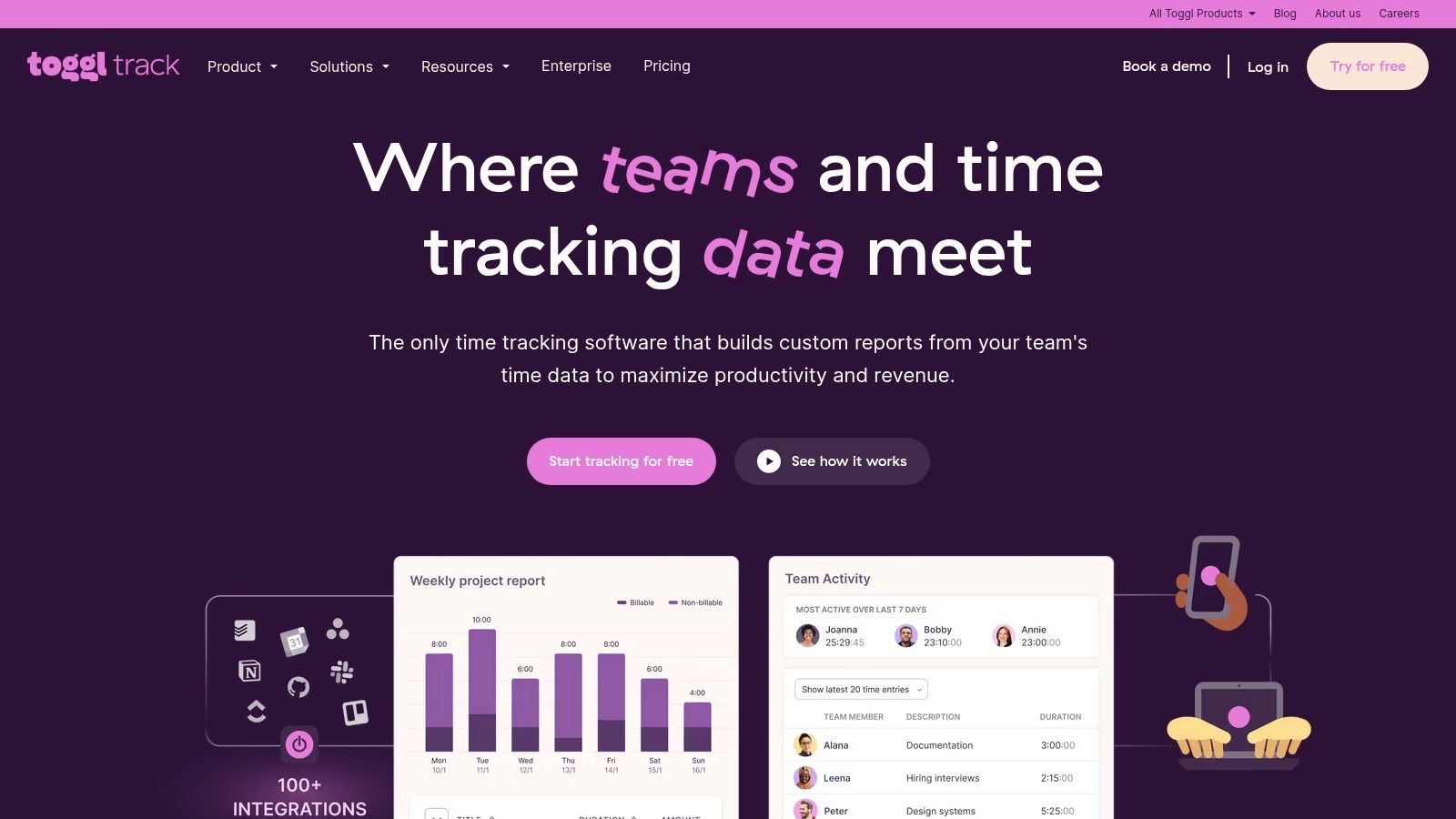
Toggl Track is renowned for its simplicity and powerful features, making it one of the best time tracking apps for users who value a low-friction experience. Its one-click timer and intuitive interface across web, desktop, and mobile platforms significantly lower the barrier to adoption for teams of any size. The platform excels at turning tracked hours into actionable data through detailed reporting and project profitability analysis.
Key Features and Pricing
Toggl Track's strength lies in its flexible and scalable feature set. Users can leverage over 100 integrations, including popular tools like Jira, Asana, and Salesforce, to embed time tracking directly into existing workflows. Project managers can set estimates, receive budget alerts, and define billable rates to ensure projects stay on track and profitable.
- Pricing:
- Free: Generous plan for up to 5 users, includes basic tracking and reporting.
- Starter: $9 per user/month (billed annually), adds billable rates and project estimates.
- Premium: $18 per user/month (billed annually), unlocks advanced features like timesheet approvals, scheduled reports, and project forecasting.
- Enterprise: Custom pricing for large organizations needing tailored solutions.
Who is it For?
Toggl Track is ideal for freelancers, agencies, and small to medium-sized businesses that need a straightforward yet robust time tracking solution. Its free tier is perfect for individuals or small teams just starting, while its paid plans provide the necessary tools for growing companies to manage team capacity, monitor project budgets, and streamline client billing. The clean user experience makes it a top choice for teams that have struggled with adopting more complex time tracking software.
Website: https://toggl.com/track/
3. Clockify
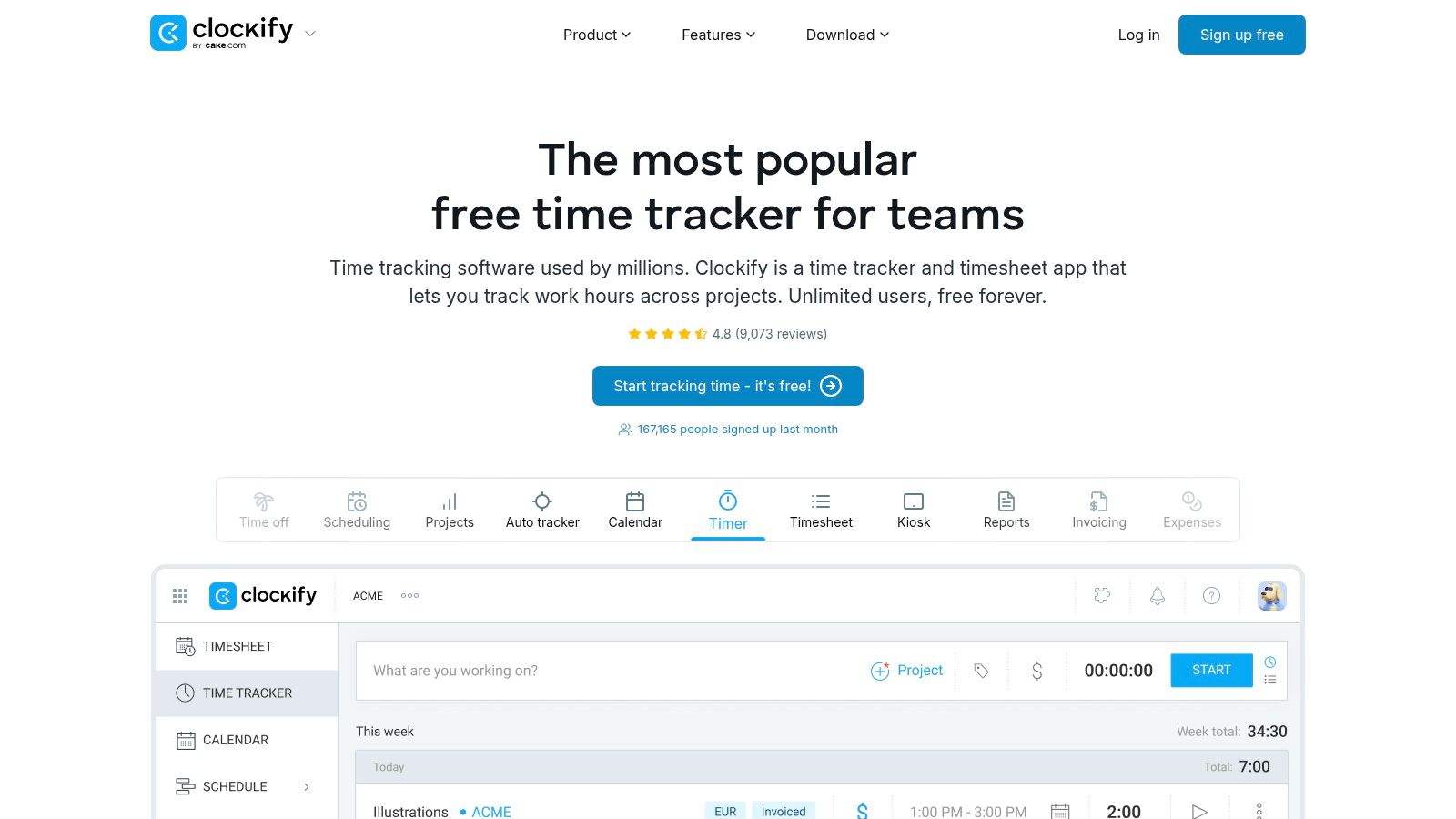
Clockify stands out as one of the best time tracking apps, primarily due to its incredibly generous free plan that supports unlimited users and projects. This makes it an exceptionally accessible entry point for teams of any size looking to implement time tracking without an initial investment. The platform provides both a simple timer and manual timesheet entry, catering to different workflow preferences across its web, desktop, and mobile applications.
Key Features and Pricing
Clockify’s core value is offering essential time tracking tools for free while providing affordable, powerful upgrades for growing teams. Users can track time against projects, assign tasks, and generate basic reports on the free plan. Upgrading unlocks features like invoicing, time-off requests, timesheet approvals, and direct QuickBooks integration for streamlined payroll and billing processes. For businesses looking into other options, exploring some Clockify alternatives can provide a broader perspective on available features.
- Pricing:
- Free: Unlimited users, projects, and tracking.
- Basic: $3.99 per user/month (billed annually), adds admin features and project templates.
- Standard: $5.49 per user/month (billed annually), includes timesheet approvals and invoicing.
- Pro: $7.99 per user/month (billed annually), adds scheduling, budgeting, and expense tracking.
- Enterprise: $11.99 per user/month (billed annually), for advanced security and control.
Who is it For?
Clockify is an unbeatable choice for freelancers, startups, and large teams that need a comprehensive, no-cost time tracking solution to get started. Its unlimited free tier is perfect for organizations that want to track productivity and project hours without committing to a monthly fee. As companies scale, the low-cost paid plans offer a logical upgrade path for adding crucial business management features like billing, approvals, and employee attendance tracking, making it a highly scalable and cost-effective platform.
Website: https://clockify.me/
4. Harvest
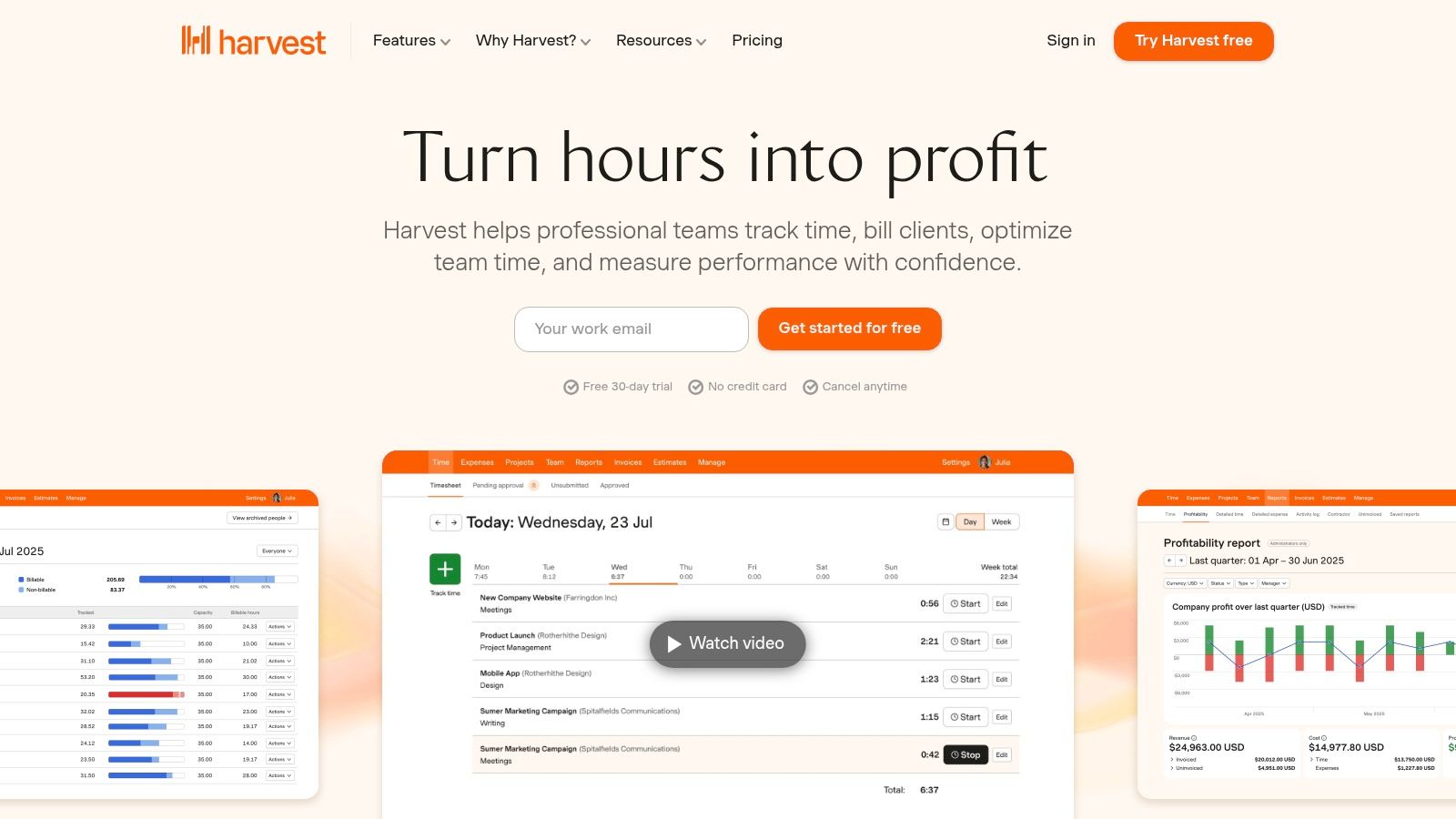
Harvest is a top-tier time tracking app designed specifically for businesses that bill for their time, such as agencies and consultancies. It seamlessly combines time tracking with powerful invoicing and expense management, allowing teams to turn billable hours directly into professional invoices. The platform provides critical insights into project budgets, team capacity, and profitability, making it an essential tool for financial management and operational efficiency.
Key Features and Pricing
Harvest excels at streamlining the entire project lifecycle, from tracking time to getting paid. It integrates with popular accounting software like QuickBooks and Xero and allows for online payments via Stripe and PayPal. Its reporting features are particularly strong, offering clear visuals on team utilization and project health. You can learn more about how Harvest fits into a comprehensive project management time tracking software strategy.
- Pricing:
- Free: Fully-featured plan for 1 user and up to 2 projects.
- Pro: $12 per user/month, offers unlimited users and projects.
- A 30-day free trial is available for the Pro plan without requiring a credit card.
Who is it For?
Harvest is ideal for freelancers, agencies, and professional service teams that need an integrated solution for time tracking, project budgeting, and invoicing. Its intuitive workflow for converting timesheets into payable invoices is a major advantage for businesses focused on billable work. While its invoicing lock behaviors can present a slight learning curve, the clarity it provides on project profitability and team capacity makes it one of the best time tracking apps for client-focused organizations.
Website: https://www.getharvest.com/
5. QuickBooks Time (by Intuit)
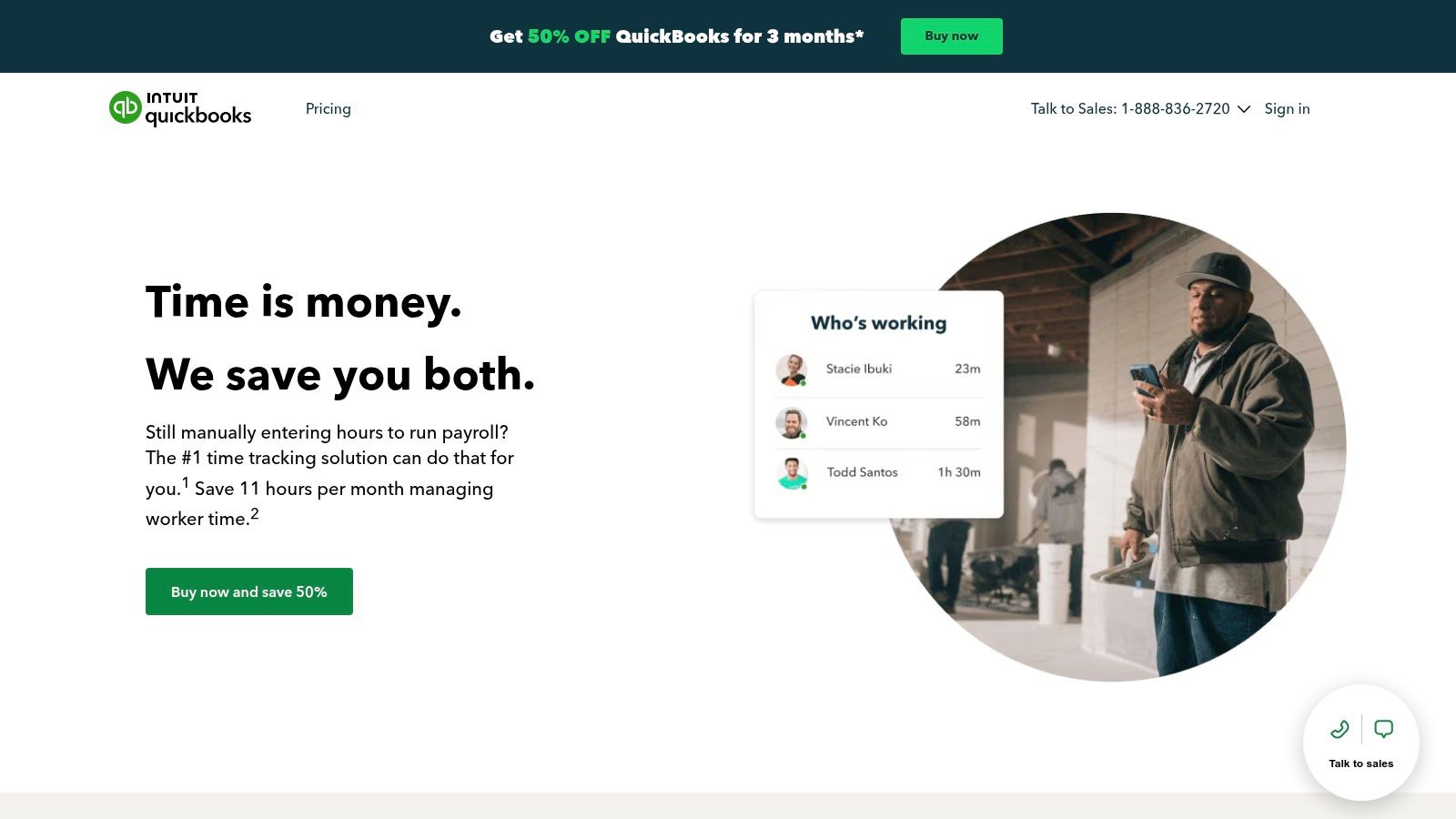
QuickBooks Time is the premier time tracking solution for businesses already embedded in the Intuit ecosystem. Its deep, seamless integration with QuickBooks Online transforms time tracking from a simple log into a powerful component of your entire payroll and accounting workflow. It is particularly effective for managing mobile teams, offering features like GPS tracking, geofencing, and a time clock kiosk with facial recognition to ensure accurate, verifiable time entries from any location.
Key Features and Pricing
The platform's main advantage is streamlining the path from tracked hours to paid employees and invoiced clients. Features include robust job and shift scheduling, real-time reporting, and detailed time-off management. The end-to-end workflow significantly reduces administrative overhead and eliminates manual data entry errors between time tracking and payroll.
- Pricing:
- Premium: $20/month base fee + $8 per user/month. Includes scheduling and job tracking.
- Elite: $40/month base fee + $10 per user/month. Adds features like geofencing, timesheet signatures, and project tracking.
- Note: An active QuickBooks Online subscription is required. Promotional discounts are frequently available.
Who is it For?
QuickBooks Time is the best time tracking app for companies that run their payroll and accounting through QuickBooks Online. It's an ideal choice for businesses in construction, landscaping, and other field service industries that need to manage mobile workforces with precision. While its pricing structure can be higher than competitors, the unparalleled integration and time savings it offers for payroll processing provide a clear return on investment for dedicated QuickBooks users.
Website: https://quickbooks.intuit.com/time-tracking/timesheets/
6. Hubstaff
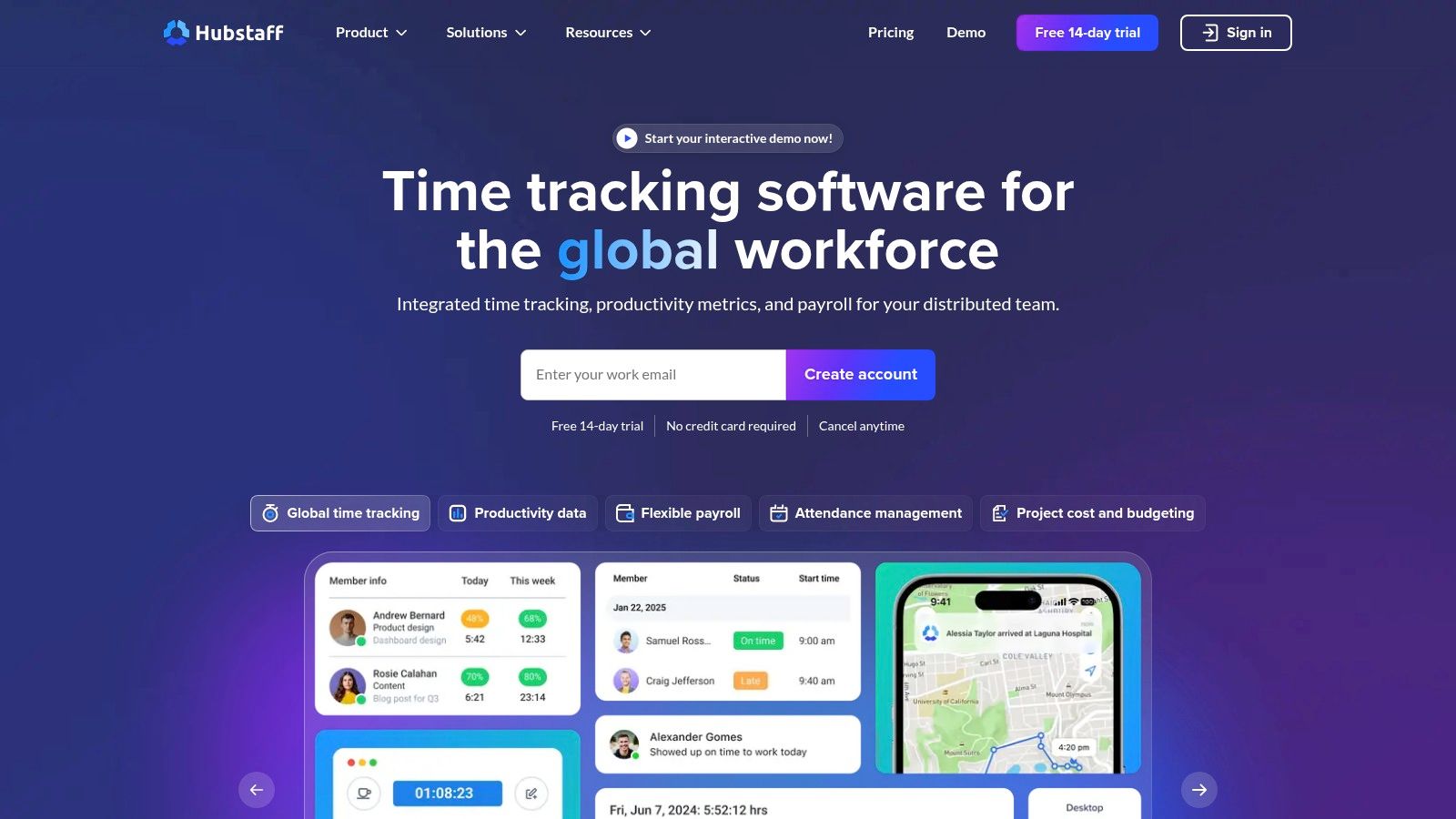
Hubstaff is a powerful workforce analytics platform that combines time tracking with robust productivity monitoring tools. It’s designed for businesses that need deeper insights into how and where work gets done, offering features like optional screenshots, app and URL usage monitoring, and GPS tracking. This makes it one of the best time tracking apps for managing remote and field teams with a focus on accountability and performance.
Key Features and Pricing
Hubstaff goes beyond simple time tracking by providing a suite of tools for workforce management. Users can automate timesheets, manage payroll, schedule shifts, and track project budgets in one place. Its productivity monitoring capabilities are highly customizable, with privacy controls like screenshot blurring to build trust with team members.
- Pricing:
- Free: For one user, includes time tracking and activity levels.
- Starter: $4.99 per user/month (billed annually), adds screenshots and basic reports.
- Grow: $7.50 per user/month (billed annually), includes integrations and scheduling.
- Team: $10 per user/month (billed annually), adds unlimited app/URL tracking and timesheet approvals.
- Enterprise: $25 per user/month (billed annually), for VIP support and higher limits.
Who is it For?
Hubstaff is best suited for growing businesses, remote-first companies, and field service organizations that require a comprehensive solution for time tracking, team management, and productivity analysis. Its detailed reporting and payroll integrations are ideal for managers looking to streamline administrative tasks and make data-driven decisions. The platform’s granular controls make it a strong choice for companies that need to balance performance oversight with employee privacy, which is a key consideration when setting up remote employee time tracking.
Website: https://hubstaff.com/
7. Timely (by Memory)
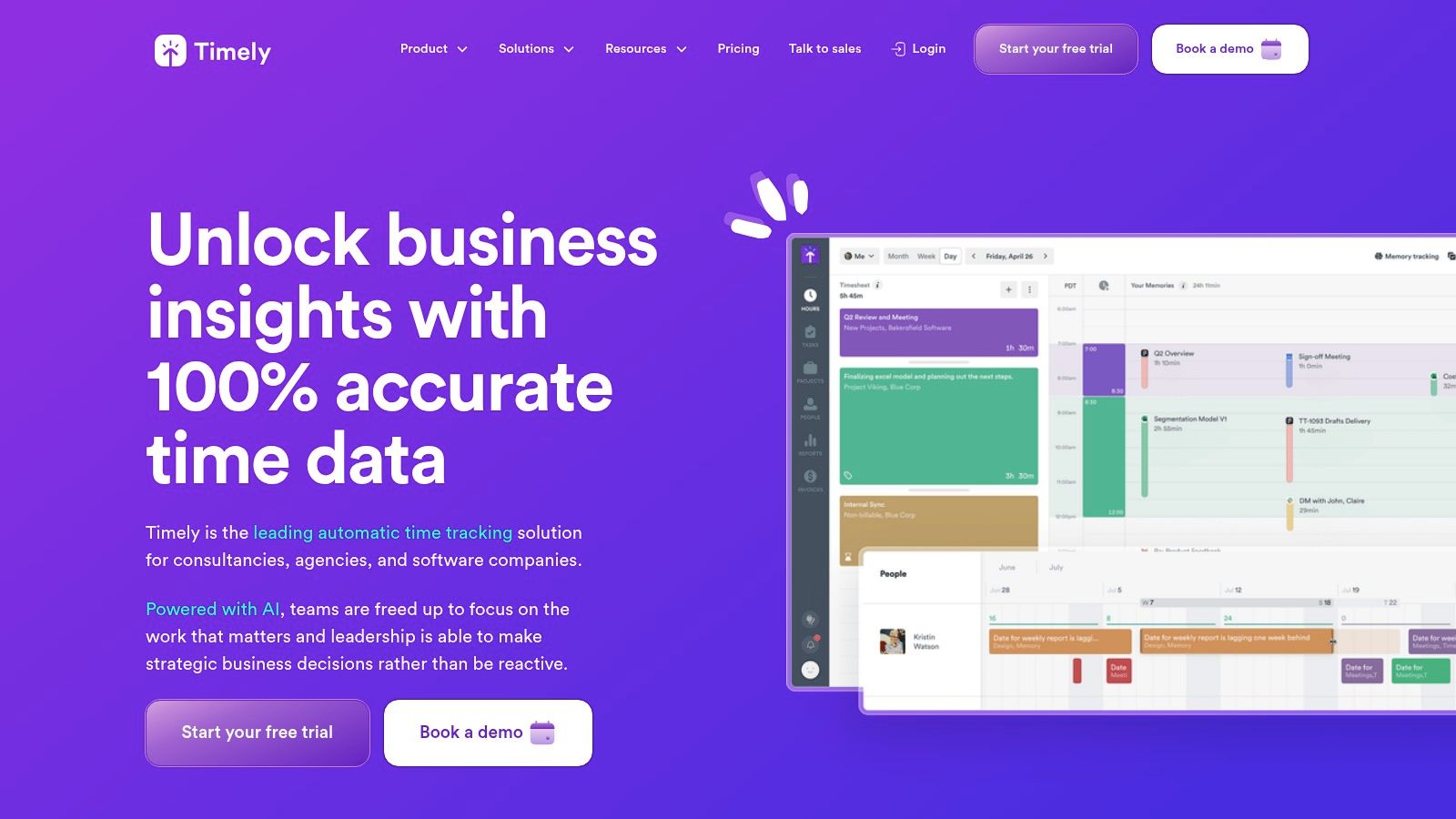
Timely introduces a novel approach to time tracking by automating the entire process through AI. Instead of relying on manual timers, it privately records all work activity across your apps and websites, creating a fully-captured memory of your day. This data is then used by its AI to draft accurate, detailed timesheets for you, drastically reducing administrative overhead and eliminating the inaccuracies of manual entry.
Key Features and Pricing
Timely’s core strength is its automatic, AI-powered tracking that ensures every billable second is accounted for. The platform provides project health dashboards, budget tracking, and capacity planning, making it a powerful tool for resource management. Integrations with popular project management and accounting software streamline workflows from tracking to invoicing.
- Pricing:
- Starter: $9 per user/month (billed annually), for up to 5 users and 20 projects.
- Premium: $16 per user/month (billed annually), adds features like team capacity and multi-currency billing.
- Unlimited: $22 per user/month (billed annually), unlocks individual capacity, advanced insights, and timesheet approvals.
- Enterprise: Custom plans for large teams needing enhanced security and support.
Who is it For?
Timely is one of the best time tracking apps for agencies, consultancies, and professional service teams that need airtight accuracy without the burden of manual tracking. Its automated system boosts team adoption and provides precise data for client billing, project profitability analysis, and capacity planning. While starter plans are limited, its higher-tier plans offer the comprehensive features needed by growing businesses managing complex projects and budgets.
Website: https://www.timely.com/
8. Time Doctor
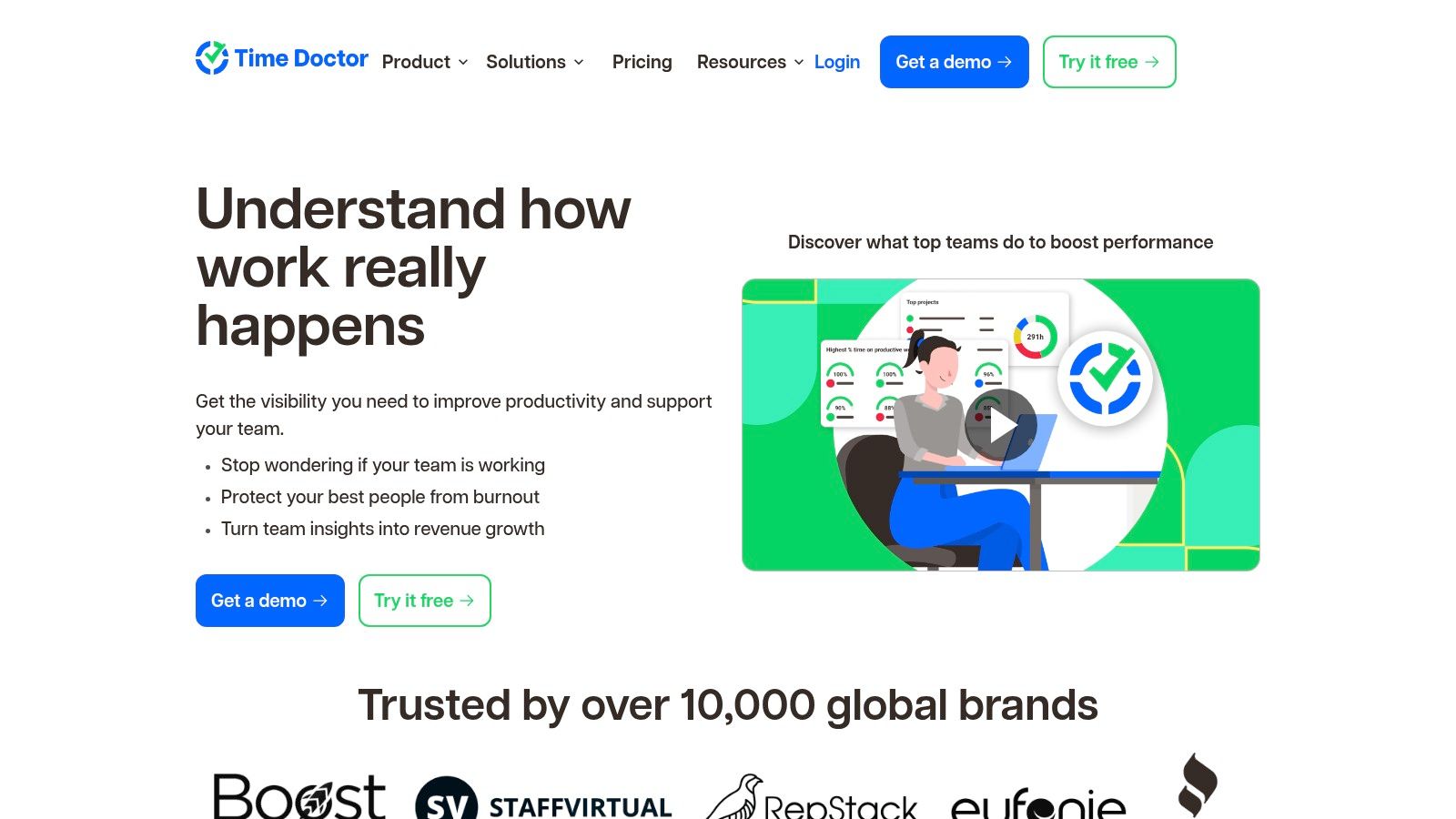
Time Doctor positions itself as one of the best time tracking apps for teams that prioritize detailed productivity insights and accountability. It goes beyond simple time tracking by incorporating employee monitoring features, such as optional screenshots, web and app usage reports, and attendance tracking. This makes it a powerful tool for managers who need to ensure remote or in-office teams are focused and on task. The platform provides a clear breakdown of how time is spent, linking every minute to specific projects and tasks.
Key Features and Pricing
Time Doctor offers a robust feature set geared towards performance management and operational efficiency. It provides detailed timelines of employee activity and integrates with over 60 tools to fit into existing workflows. For larger organizations, features like API access and single sign-on (SSO) are available, alongside advanced add-ons like AI-powered unusual activity detection.
- Pricing:
- Basic: $5.99 per user/month (billed annually), includes time tracking and activity monitoring.
- Standard: $8.49 per user/month (billed annually), adds payroll, integrations, and app/URL reporting.
- Premium: $16.70 per user/month (billed annually), unlocks client login access and video screen captures.
- Enterprise: Custom pricing for advanced security, dedicated support, and tailored solutions.
Who is it For?
Time Doctor is best suited for businesses and agencies that manage remote or hybrid teams and require a high level of transparency and accountability. Its deep monitoring capabilities are ideal for roles where on-screen work is directly tied to productivity. While the level of monitoring might be intrusive for some company cultures, it is an invaluable tool for organizations focused on optimizing workforce productivity, managing client billing accurately, and ensuring project deadlines are met.
Website: https://www.timedoctor.com/
9. Everhour
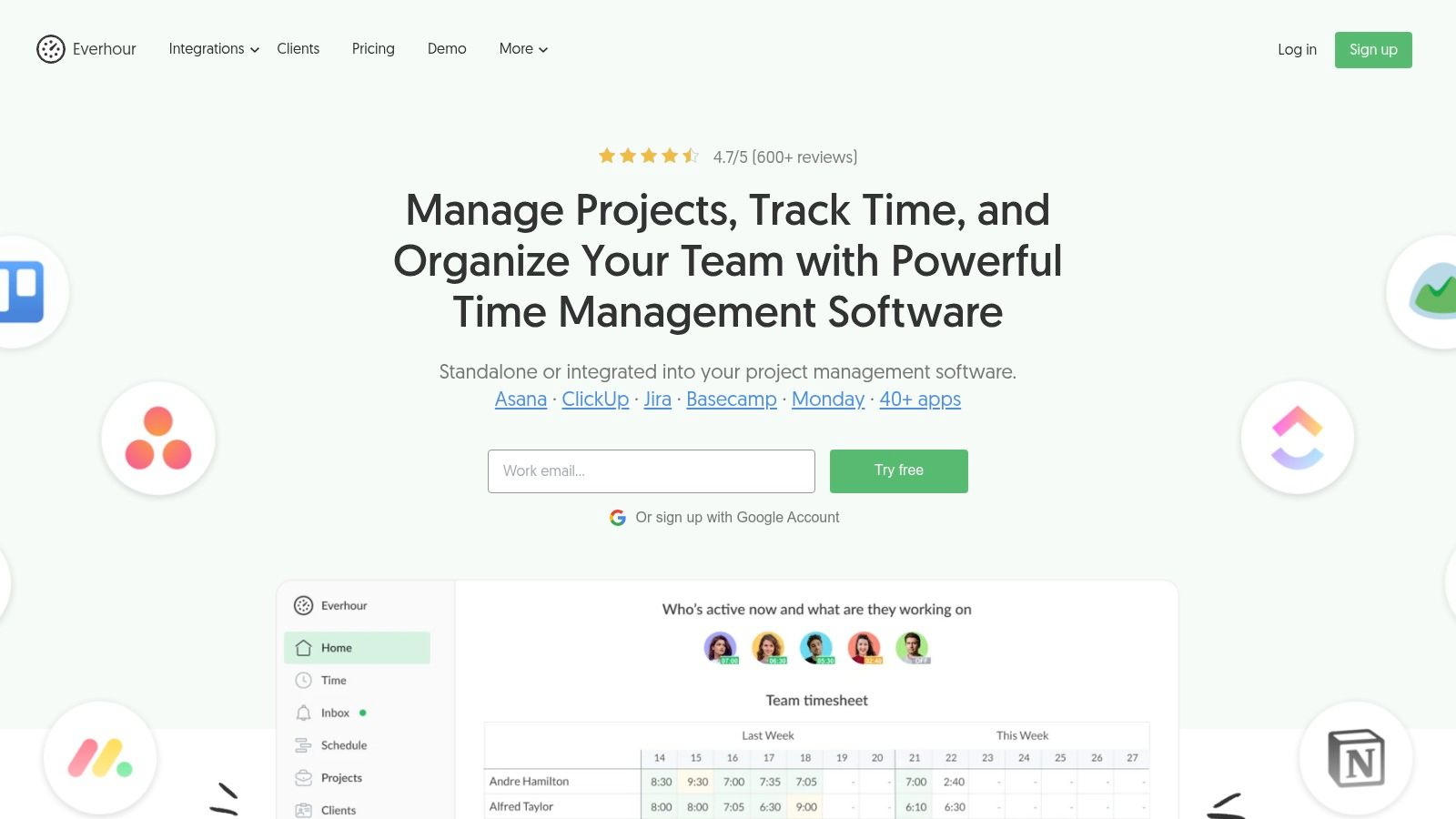
Everhour is built for teams who live inside project management tools like Asana, ClickUp, and Trello. Its unique selling point is its deep, native integrations, which embed time tracking controls directly into the interface of these platforms, eliminating the need to switch between apps. This seamless workflow makes it one of the best time tracking apps for teams that prioritize efficiency and integration. Beyond tracking, it offers robust features for budgeting, invoicing, and resource planning.
Key Features and Pricing
Everhour’s core strength is placing time estimates and logged hours right next to your tasks in the PM tool of your choice. This contextual data empowers teams to monitor budgets, manage scope, and create detailed reports without leaving their primary workspace. The platform also covers essentials like expense tracking, time-off management, and timesheet approvals.
- Pricing:
- Free: For up to 5 users, includes basic time tracking but no integrations.
- Lite: $5 per user/month (billed annually, 2-user minimum), adds integrations, budgeting, and client billing.
- Team: $8.50 per user/month (billed annually, 5-user minimum), unlocks advanced features like expenses, time-off, approvals, and resource planning.
Who is it For?
Everhour is the ideal solution for agencies, software development teams, and any business that relies heavily on project management software. Its design philosophy is perfect for users who want to add powerful time and budget tracking capabilities to their existing tools rather than adopting a separate, standalone system. While the five-seat minimum on the Team plan may be a hurdle for smaller teams, those who can leverage its full integration power will find it an invaluable asset for maintaining project profitability and team productivity.
Website: https://everhour.com/
10. RescueTime
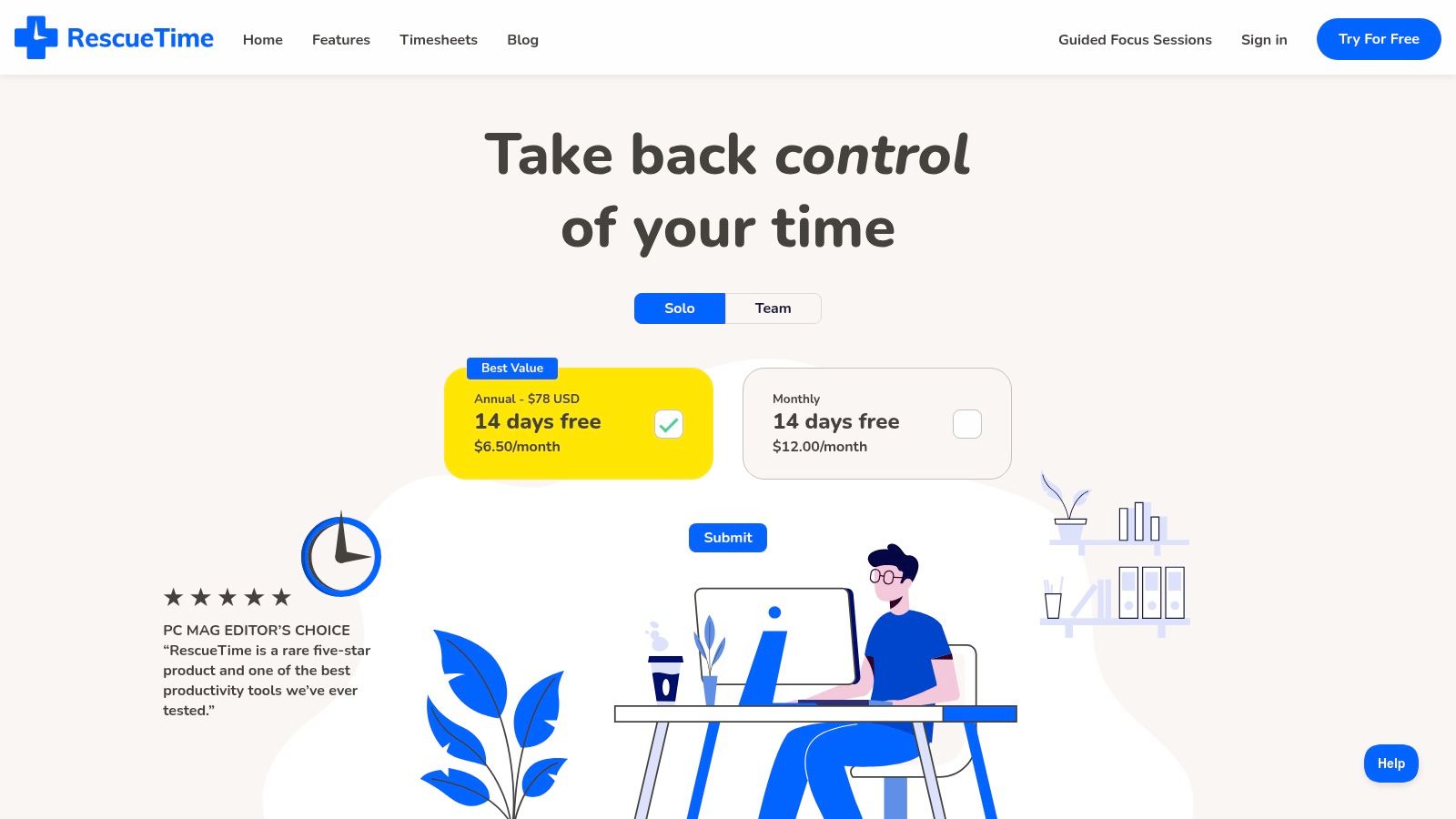
RescueTime shifts the focus from simple time tracking to active productivity improvement, making it one of the best time tracking apps for individuals and teams looking to build better work habits. It operates automatically in the background, categorizing your digital activity to provide a clear picture of where your time is spent. Its standout feature, Focus Sessions, actively blocks distracting websites and apps to help you reclaim your attention.
Key Features and Pricing
RescueTime's core strength is its automated, data-driven approach to enhancing focus. It provides detailed reports on your productivity trends, allowing you to set goals and receive alerts to stay on track. The platform is designed for minimal manual input, so you can concentrate on your work while it gathers insights.
- Pricing:
- Free: A basic plan is available for personal use, offering a limited trial of premium features.
- Premium: $12 per month or $78 per year for individuals, unlocking unlimited Focus Sessions, alerts, and historical data.
- Teams: $12 per user/month, adding team-based goals, reporting, and integrations for collaborative productivity management.
Who is it For?
RescueTime is ideal for freelancers, students, and teams who want to understand their digital habits and combat distractions. It’s less suited for complex client billing that requires detailed manual entries and more focused on personal and team productivity optimization. If your primary goal is to minimize procrastination and improve focus with minimal effort, RescueTime's automated tracking and distraction-blocking capabilities make it a superb choice.
Website: https://www.rescuetime.com/
11. Apple App Store
While not a single app, the Apple App Store is a crucial resource for anyone seeking the best time tracking apps within the Apple ecosystem. It serves as the official marketplace for downloading thousands of specialized time tracking solutions for iPhone, iPad, Mac, and Apple Watch. This platform is ideal for mobile-first professionals and teams who prioritize seamless integration with their Apple devices, including features like Apple Watch complications and synchronized billing through their Apple ID.
Key Features and Pricing
The App Store's primary strength is its vast, curated selection of applications. Users can easily browse, compare reviews, and manage subscriptions in one place, with Apple handling the billing and security. Many apps offer deep integration with macOS and iOS, providing a native and efficient user experience. When considering these solutions, it's also worth understanding the utility of an iPad for productivity, as many apps are optimized for its larger screen and multitasking capabilities.
- Pricing:
- Varies widely: Apps range from completely free to premium subscription-based models.
- Billing: Managed directly through your Apple ID, simplifying subscription management and family sharing for eligible purchases.
Who is it For?
The Apple App Store is the go-to destination for freelancers, consultants, and teams heavily invested in Apple hardware. It is perfect for users who want to find a time tracking app tailored to their specific workflow, whether they need a simple Pomodoro timer or a complex project management tool. The sheer variety can be overwhelming, but for those willing to research, it offers unparalleled choice and the convenience of a trusted, centralized marketplace.
Website: https://apps.apple.com/us/search?term=time%20tracking
12. Google Play Store
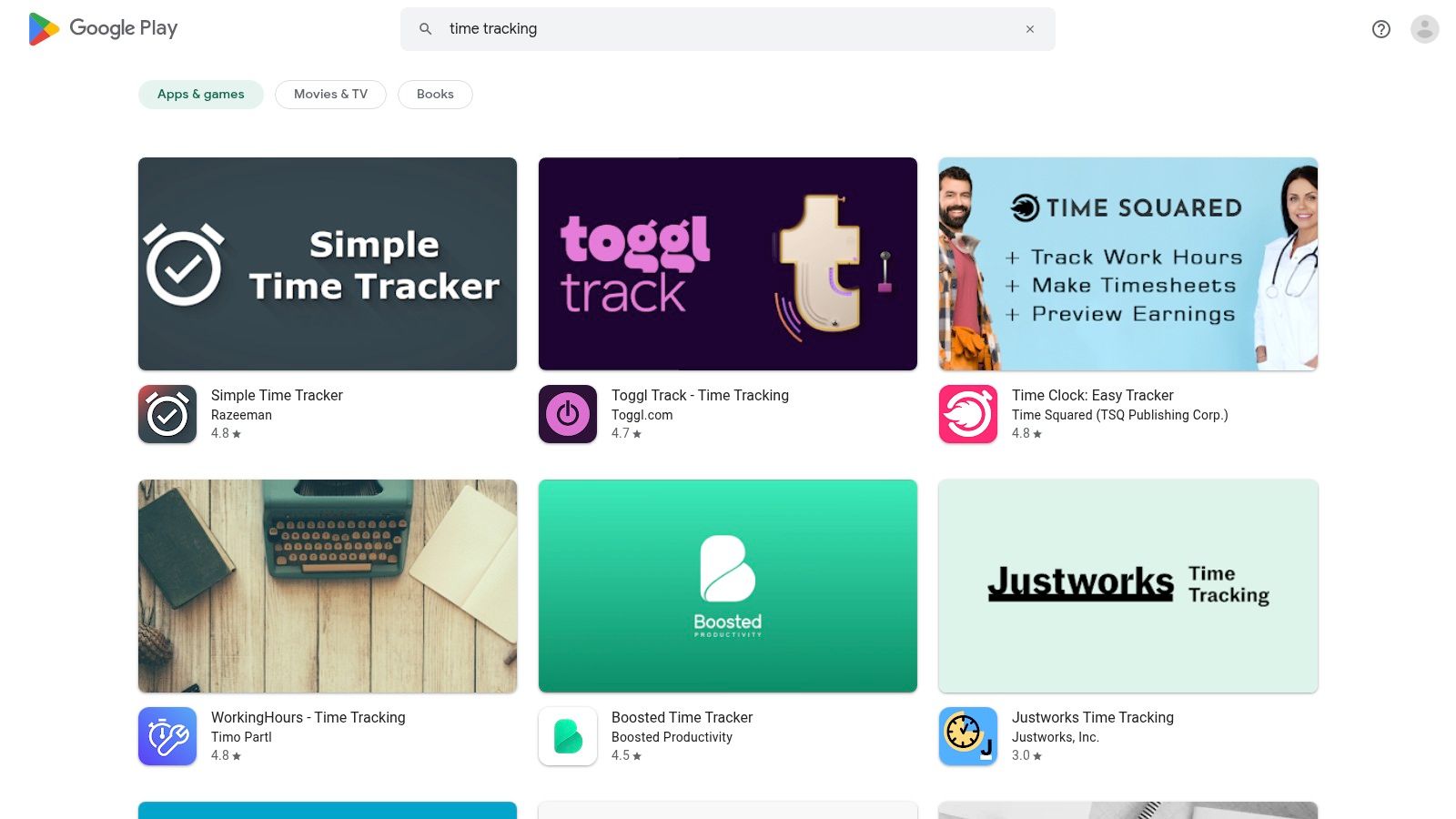
While not a single app, the Google Play Store is a vital resource for Android users seeking a diverse range of time tracking solutions. It serves as a comprehensive marketplace, hosting everything from simple, personal hour loggers to sophisticated team management platforms with advanced features. This makes it an essential starting point for finding some of the best time tracking apps tailored to specific needs, whether for a freelancer or a large field team.
Key Features and Pricing
The primary strength of the Play Store is its immense variety. Users can discover apps like Hours Tracker, WorkingHours, or timr, each offering unique capabilities such as GPS tracking, geofencing, or kiosk modes for on-site staff. App listings provide crucial decision-making info like user ratings, install counts, and clear details on in-app purchases.
- Pricing:
- Free: A massive selection of ad-supported or feature-limited free apps.
- Freemium: Apps with a basic free version and paid upgrades for advanced features.
- Paid: One-time purchases or subscription-based models, with costs varying significantly between apps.
Who is it For?
The Google Play Store is the go-to platform for any Android user, from solo entrepreneurs to large enterprises. The sheer volume of options ensures a solution exists for nearly any budget or feature requirement. However, the quality varies widely, so users must carefully vet potential apps by reading reviews and comparing features. It's ideal for those who prioritize choice and want to find a niche tool that may not be a mainstream market leader.
Website: https://play.google.com/store/search?q=time%20tracking&c=apps
Top 12 Time Tracking Apps Feature Comparison
| Product | Core Features / Monitoring ✨ | User Experience / Quality ★★★★☆ | Value & Pricing 💰 | Target Audience 👥 | Unique Selling Points 🏆 |
|---|---|---|---|---|---|
| 🏆 DeskCove | Auto time capture, screenshots, webcam, app/URL tracking | Intuitive timecards, detailed reports | Starts at $10/user/mo, 14-day free trial | Remote teams, freelancers, managers | Highly customizable monitoring per user |
| Toggl Track | One-click timers, manual entry, 100+ integrations | Clean UI, easy onboarding | Free tier (5 users), paid tiers scalable | Freelancers to enterprises | Strong project budgeting & calendar sync |
| Clockify | Unlimited users on free plan, approvals, QuickBooks integ | Unlimited free users, clear upgrades | Free unlimited users, paid add-ons | Teams of any size | Free plan unlimited users |
| Harvest | Invoicing, expense mgmt, Stripe & PayPal payments | Excellent invoicing workflow, profitability reports | Free solo plan, paid teams | Professional services teams | Strong invoicing & payment integrations |
| QuickBooks Time | GPS tracking, facial recog kiosk, scheduling | Smooth for QuickBooks users | Base fee + per-user, requires QB subscription | Field teams, QB users | Tight QuickBooks Online sync |
| Hubstaff | Auto time tracking, productivity metrics, GPS | Rich management tools, clear privacy policies | Multiple tiers, complex pricing | Workforce & remote teams | Privacy controls (no keylogging, blurring) |
| Timely (by Memory) | AI time capture, project budgets, capacity planning | Minimal manual input, scalable plans | Discounts for annual billing | Agencies, consultancies | AI-generated timesheets |
| Time Doctor | Screenshots, app usage, attendance, AI benchmarks | Deep monitoring, flexible add-ons | Annual billing discounts, varied pricing | Teams needing detailed insights | Extensive productivity monitoring |
| Everhour | PM tool integrations, billing, budgeting, SSO | Strong integrations reduce context switching | Paid plans require min 5 seats | Teams using project mgmt tools | Native deep PM integrations |
| RescueTime | Automatic tracking, Focus Sessions, alerts | Simple, affordable, helps build focus habits | Affordable individual & team plans | Individuals & teams improving focus | Distraction blocking (Focus Sessions) |
| Apple App Store | Large app catalog, Apple Watch support | Trusted ecosystem, family/device sync | Free & paid apps via Apple ID | iOS/macOS users, mobile-first | Trusted app ecosystem & easy installs |
| Google Play Store | Wide range of tracking apps, GPS, geofencing | Huge variety but varying quality | Free & paid apps, ad-supported options | Android/mobile users | Huge app choice with GPS/geofencing support |
Making Your Final Choice: A Practical Framework
Navigating the landscape of the best time tracking apps can feel overwhelming, but the journey to finding the perfect tool is far more manageable when you focus on your unique operational DNA. We've explored a range of powerful solutions, from the simplicity of Toggl Track and the generous free tier of Clockify to the invoicing prowess of Harvest and the deep analytics of Hubstaff. Each platform offers a distinct approach to a common goal: transforming time from an abstract concept into a tangible, manageable asset.
The core takeaway is that the "best" app is entirely contextual. Your ideal solution depends on a clear understanding of your primary objectives. Are you a freelancer whose main goal is to streamline client billing and ensure every minute is accounted for? Or are you a project manager in a growing agency needing to balance workloads and monitor project profitability in real-time? The answer will guide you toward very different tools.
A Three-Step Framework for Your Decision
To move from analysis to action, consider this simple framework to finalize your choice:
-
Define Your Core "Why": Before getting lost in feature lists, pinpoint your primary reason for tracking time. Is it for payroll and invoicing, project budget management, or productivity analysis? For instance, if payroll is your top priority, a tool like QuickBooks Time with deep accounting integration is a natural fit. If enhancing focus is the goal, RescueTime’s automatic, background tracking offers a less intrusive approach.
-
Evaluate the Adoption Curve: A feature-rich tool is useless if your team won't use it. Consider the technical aptitude of your users and the implementation overhead. Does the app require extensive setup, or can your team start tracking with a single click? A seamless onboarding process is critical for long-term success and accurate data collection.
-
Run a Pilot Program: Don't commit your entire organization at once. Select a small, representative group of team members to test your top two or three choices for a week. Gather their honest feedback on usability, accuracy, and how it integrates into their daily workflow. This real-world test drive is the single most effective way to validate your decision before a full rollout.
Ultimately, choosing the right time tracking app is a critical first step in a much larger strategy. It's not just about logging hours; it's about gaining the clarity needed to make smarter business decisions. This data is fundamental to understanding your operational efficiency and is a cornerstone for learning how to measure team productivity effectively. By selecting a tool that aligns with your workflow, team structure, and strategic goals, you empower your team to work smarter, not just harder, turning valuable time into measurable success.
Ready to implement a solution that combines powerful time tracking with employee monitoring and project management features? DeskCove offers a comprehensive platform designed to provide the clarity you need to boost team efficiency and profitability. Start your free trial of DeskCove today and see how actionable data can transform your workflow.