
12 Best Sprint Retrospective Template Tools for 2025

The sprint retrospective is a critical ceremony in the Agile process, offering a structured opportunity for teams to reflect, learn, and adapt. But a blank page can be intimidating, often leading to repetitive discussions or missed insights. A well-chosen sprint retrospective template provides the essential framework needed to guide conversation, uncover valuable feedback, and ensure actionable outcomes are captured effectively. The right template can transform your retros from a routine meeting into a powerful engine for continuous improvement.
This guide moves beyond generic lists to provide a curated collection of the best resources for finding your next sprint retrospective template. We will explore 12 of the most effective platforms and marketplaces, from dynamic digital whiteboards like Miro and Mural to specialized facilitation tools such as Retrium and Parabol. Whether your team is co-located, fully remote, or hybrid, the perfect tool exists to elevate your process.
Inside this resource, you will find:
- A detailed breakdown of each platform’s template offerings.
- Actionable tips for setup, customization, and facilitation.
- Guidance on selecting a template based on your team's specific goals and maturity level.
- Direct links and screenshots to help you evaluate each option quickly.
Our goal is to help you find the perfect fit to boost engagement and make every sprint better than the last. As teams increasingly adopt specialized software, staying informed about impactful solutions is key. For a broader understanding of impactful software solutions for the coming year, consider exploring the top AI tools for business in 2025. Now, let's dive into the best templates available.
1. Miro
Miro stands out as a dominant player in the visual collaboration space, making it a top-tier choice for any team seeking a dynamic and interactive sprint retrospective template. Its core strength lies in its vast and ever-growing library. You can choose from over 300 official templates or dive into the Miroverse, a community-driven platform with thousands of user-created boards, complete with ratings and usage counts that help you vet their quality before you even start.
This platform excels for distributed or hybrid teams. The real-time collaborative canvas, coupled with built-in facilitation tools like a timer, voting system, and private ideation mode, empowers Scrum Masters to run engaging and structured sessions effortlessly. The seamless integrations with key Agile tools like Jira and Azure DevOps are a significant advantage, allowing you to convert retrospective action items into trackable tickets directly from the board.
Key Features and Usage Tips
- Template Variety: Access classic formats like Start/Stop/Continue and 4Ls, or explore more creative options like the Sailboat or Starfish retrospectives from the community.
- Facilitation Tools: Use the built-in timer to keep discussions on track and the voting feature for democratic decision-making on key action items.
- Jira Integration: To streamline your workflow, connect your Miro board to Jira to convert digital sticky notes into actionable tasks with a few clicks.
Miro’s free plan offers unlimited collaborators but limits you to three editable boards, which can be restrictive. For teams needing more private boards, advanced security features, or dedicated guest access, upgrading to a paid plan is necessary.
Website: https://miro.com/templates/
2. Mural
Mural positions itself as a strong contender in the digital whiteboard arena, providing an excellent platform for teams in search of a well-structured sprint retrospective template. Its primary appeal lies in its facilitator-focused features, designed to help Scrum Masters and team leads run highly organized and productive sessions. With a library of over 250 templates, teams can easily find established formats like the classic retrospective, or more nuanced ones such as I Like/I Wish/I Wonder and the Retrospective Radar.
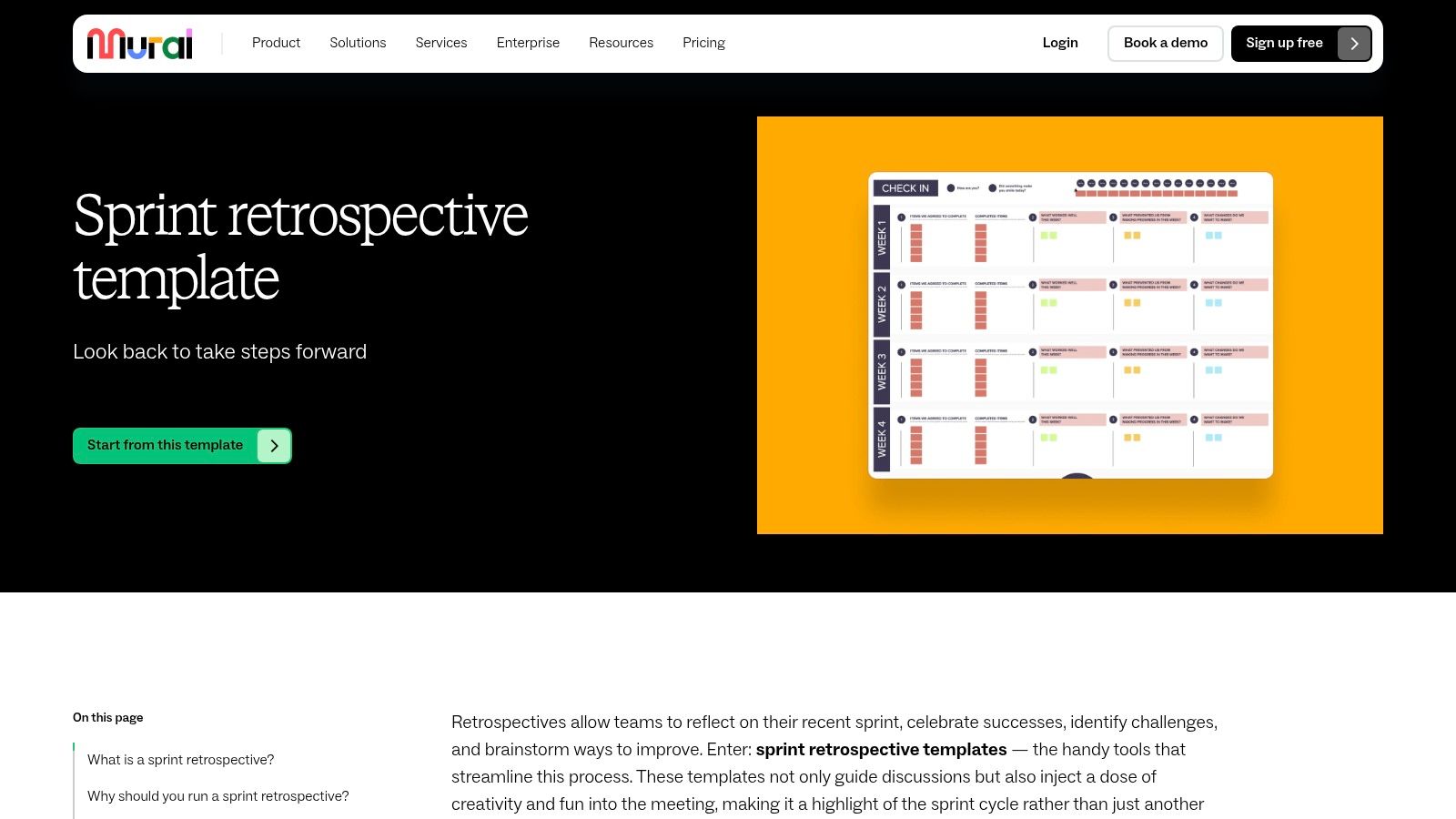
This platform shines in its ability to create a controlled yet collaborative environment. Tools like "private mode" allow participants to brainstorm ideas without being influenced by others, ensuring authentic feedback. Once ideas are shared, the built-in timer and voting systems guide the team toward consensus and clear action items. Integrations with essential tools like Jira, Zoom, and Webex make it a natural fit for teams already embedded in the agile ecosystem, simplifying the process of turning discussion into documented work.
Key Features and Usage Tips
- Facilitator Superpowers: Use features like "Summon" to bring everyone's attention to a specific area of the board and "private mode" for unbiased ideation before group discussion.
- Template Gallery: Explore diverse templates beyond the standard Start/Stop/Continue to keep your retrospectives fresh and engaging, preventing team fatigue.
- Meeting Tool Integrations: For remote or hybrid teams, leverage the Zoom and Webex integrations to embed a Mural board directly into your video call for a more unified experience.
Mural’s free plan is a great starting point but limits you to three murals. For growing teams that need unlimited boards and want to take advantage of unlimited guest collaborators, an upgrade to a paid business plan is essential. Advanced features like SSO are reserved for higher-tier enterprise plans.
Website: https://www.mural.co/templates/sprint-retrospective
3. Lucidspark
Lucidspark carves out its niche as a highly intuitive and structured virtual whiteboard, making it an excellent source for a clean and effective sprint retrospective template. It's particularly well-suited for teams that appreciate guided facilitation directly within the template itself. Each template page clearly outlines the purpose and steps for running the ritual, which is a great help for new Scrum Masters or teams just adopting Agile practices. The platform strikes a balance between simplicity for quick setup and powerful features for deeper, more mature retrospectives.
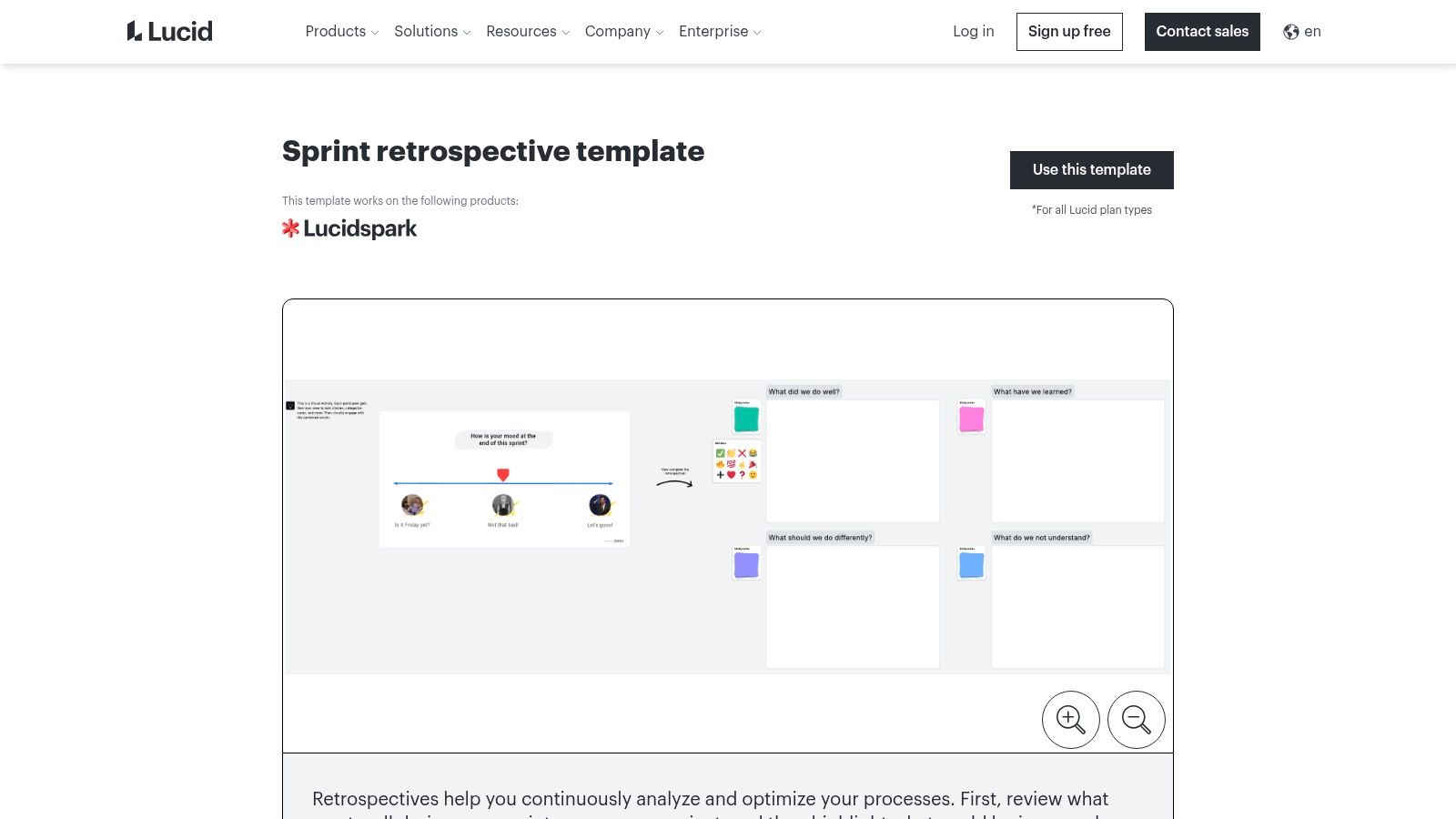
Where Lucidspark shines is in its facilitation toolkit, designed to help teams move from ideas to insights efficiently. Features like assisted grouping use AI to automatically cluster similar sticky notes, saving significant time during the affinity mapping phase of a retrospective. This, combined with voting tools and seamless integrations with Jira, Confluence, and its sister product Lucidchart, positions it as a strong contender for teams embedded in the Atlassian or Lucid ecosystems. It empowers facilitators to run sessions that are both engaging and highly productive.
Key Features and Usage Tips
- Assisted Grouping: After a brainstorming session, use the "Gather" and "Sort" features to let Lucidspark’s AI suggest groupings based on keywords and sentiment, speeding up theme identification.
- Facilitator Tools: Keep the session focused with the built-in timer, guide participants with the "Take the Lead" feature, and use the voting mode to democratically prioritize action items.
- Jira Integration: Connect Lucidspark to Jira to convert ideas into issues or tasks directly, ensuring that insights from your retrospective are captured and acted upon.
Lucidspark offers a free plan with limitations on board size and access to advanced features. For unlimited boards and the full suite of facilitation tools, including the AI-powered features, teams will need to upgrade to a paid subscription.
Website: https://lucid.co/templates/sprint-retrospective-lucidspark
4. Atlassian Confluence
For teams deeply embedded in the Atlassian ecosystem, Confluence presents a seamless and logical choice for housing your sprint retrospective template. Instead of adding another tool to your stack, you can leverage Confluence’s built-in blueprints to generate retrospective pages directly within your existing project spaces. This keeps your team’s reflections, decisions, and action items stored alongside your project documentation, specs, and meeting notes, creating a single source of truth.
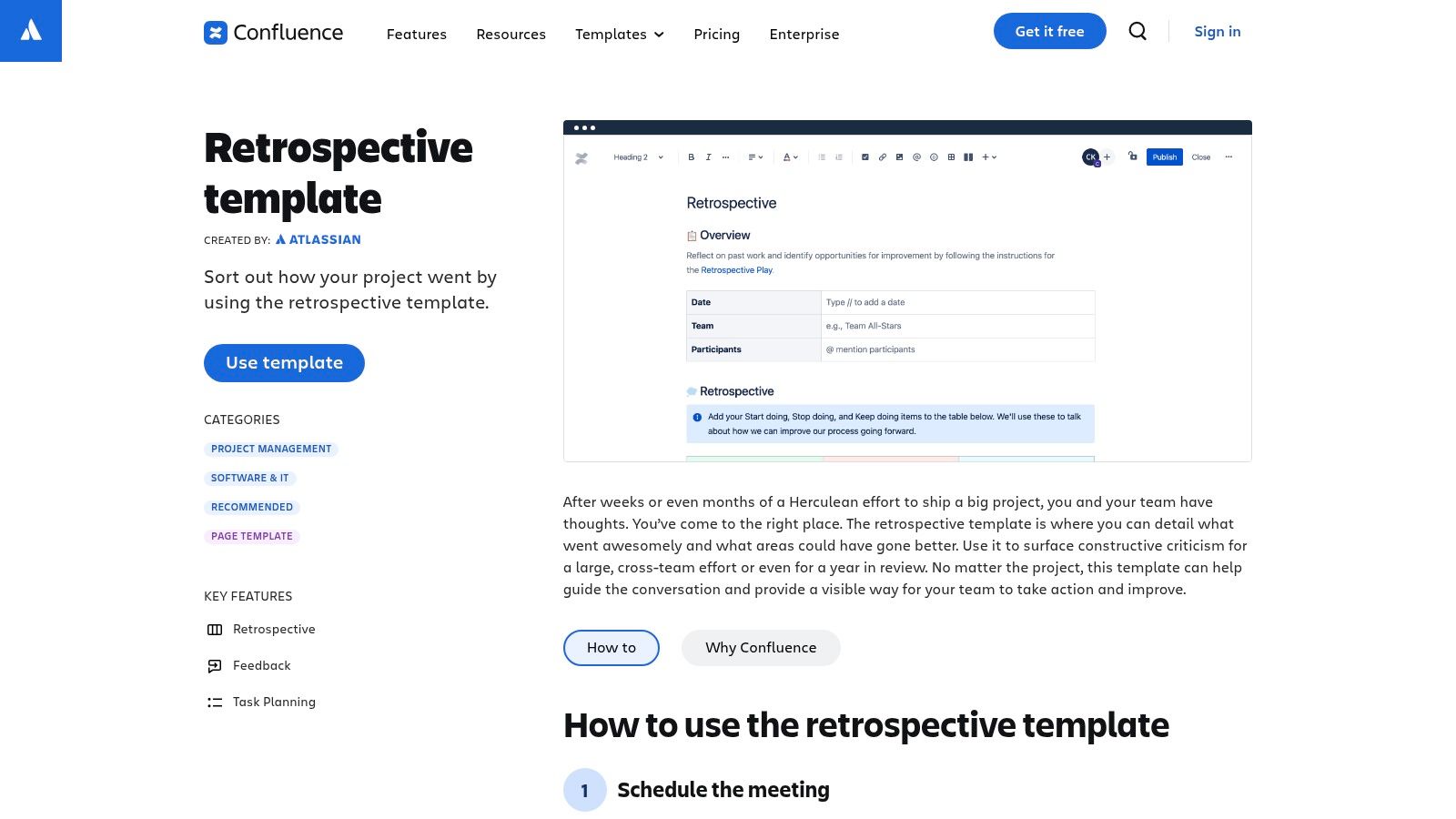
The platform’s key advantage is its native integration with Jira. Action items identified during a retrospective can be highlighted and converted into Jira issues with a few clicks, ensuring they are tracked and prioritized in your backlog. While Confluence lacks the dynamic, real-time whiteboarding features of specialized tools, its structured, document-based approach is perfect for teams that value thorough documentation and a clear, auditable trail of their continuous improvement efforts. Crafting effective meeting agendas in this structured environment is key.
Key Features and Usage Tips
- Retrospective Blueprints: Use the one-click templates for formats like the 4Ls (Liked, Learned, Lacked, Longed For), Sailboat, or a simple retro to get started quickly.
- Jira Integration: Link directly to Jira epics and stories within your retro notes for context, and create new issues from action items without leaving the Confluence page.
- Page Properties: Utilize the Page Properties macro to create a summary table of all your retrospectives, allowing you to easily track recurring themes and action items over time.
Confluence offers a free plan for up to 10 users. However, its true value is unlocked when used with Jira as part of a paid plan, where the deep integration provides the most benefit. The facilitation tools are minimal, so teams looking for timers or voting may need to use external aids.
Website: https://www.atlassian.com/software/confluence/templates/retrospective
5. Trello
Trello is a highly accessible, Kanban-style tool that offers a straightforward approach to finding a sprint retrospective template. Its strength lies in its simplicity and familiarity. For teams already using Trello for project management, leveraging it for retrospectives is a natural extension, requiring almost no learning curve. The platform's template gallery contains a solid collection of user-generated boards that can be copied and customized in seconds.
This platform is ideal for teams seeking a no-frills, lightweight solution. While it lacks the dedicated facilitation features of more specialized tools, its card-based system is perfect for organizing feedback into columns like "What Went Well," "What to Improve," and "Action Items." Power-Ups for voting or integrations with other Atlassian products like Jira and Confluence can enhance its functionality, allowing for a more connected workflow without adding complexity.
Key Features and Usage Tips
- Template Gallery: Quickly find and clone a community-created retrospective board. You can search for specific formats or browse popular options to get started instantly.
- Power-Ups: Enhance your board with add-ons. Use the Voting Power-Up for democratic decision-making or integrate with Slack to send action items directly to a team channel.
- Atlassian Integration: If your team uses Jira, you can easily link Trello cards to Jira issues, creating a seamless bridge between retrospective outcomes and your development backlog.
Trello’s free plan is very generous and suitable for most small teams. However, features like advanced checklists, custom fields, and more than 10 boards per workspace require a paid plan. It's important to note that Trello isn't purpose-built for retrospectives, so functions like timers or anonymous feedback need creative workarounds.
Website: https://trello.com/templates
6. ClickUp
ClickUp positions itself as an all-in-one productivity platform, making it an excellent choice for teams that want their sprint retrospective template fully integrated with their project management ecosystem. Its strength is in centralizing workflows, allowing you to run a retrospective in a ClickUp Doc or Whiteboard and immediately link action items to specific tasks, goals, and team members without ever leaving the platform. This tight integration ensures that valuable insights don't get lost after the meeting ends.
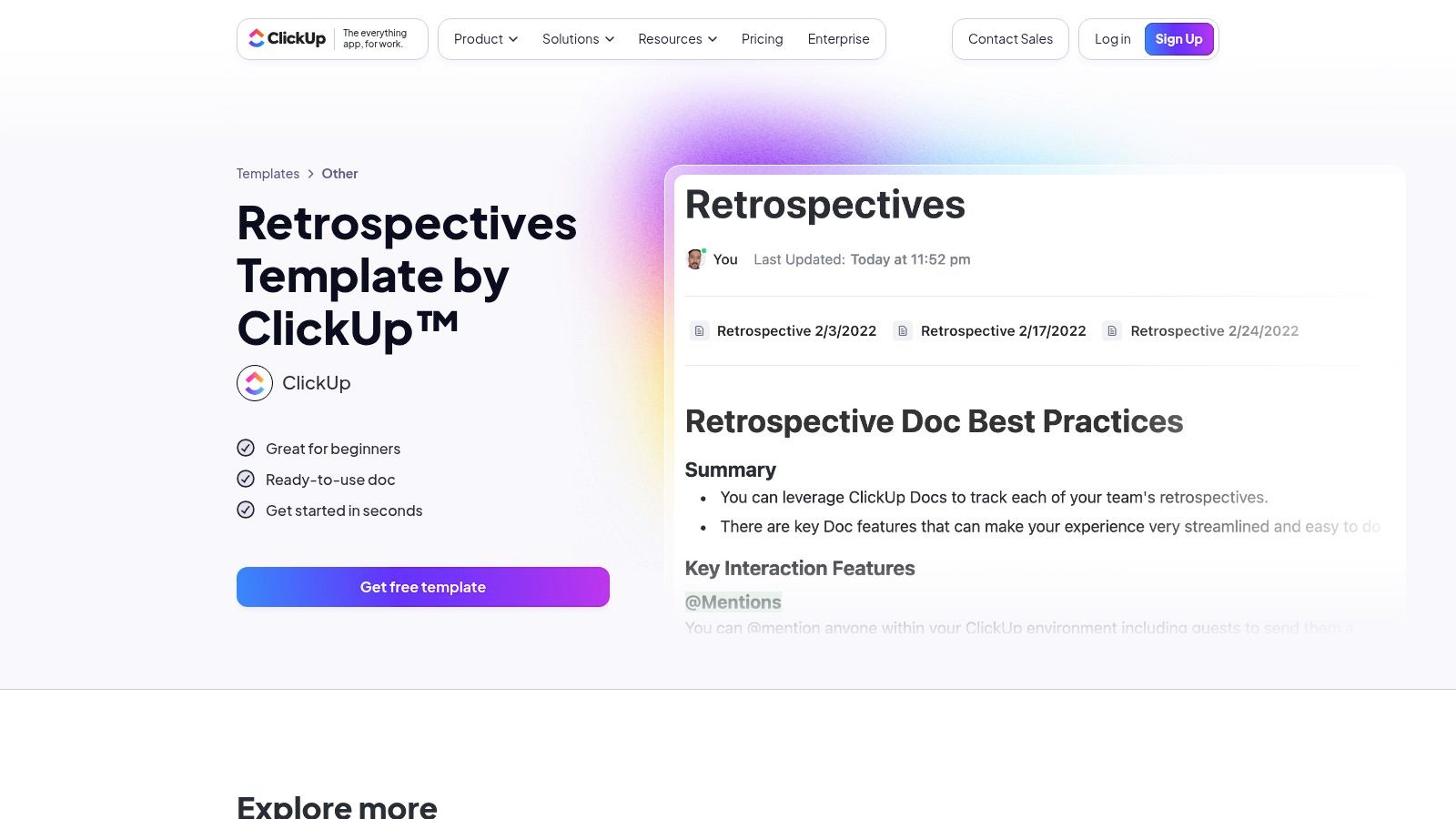
The platform is particularly useful for teams looking to maintain a single source of truth for all project-related activities. ClickUp's ready-to-use templates provide a solid starting point, while its AI features can help generate summaries and reports from your retro notes, saving valuable time. This direct link between reflection and execution is what sets ClickUp apart, ensuring that retrospective outcomes are visible and tracked alongside everyday sprint work in dashboards and reports.
Key Features and Usage Tips
- Integrated Documentation: Use ClickUp Docs to run and record your retrospectives. You can then link directly to tasks or create new ones from within the document, ensuring every action item has an owner.
- AI for Summaries: Leverage ClickUp AI to analyze your retrospective notes and generate concise reports or identify key themes, helping you quickly distill insights for stakeholders.
- Whiteboard Collaboration: For a more visual and freeform session, use ClickUp Whiteboards, which allow real-time collaboration with sticky notes, shapes, and connectors similar to dedicated visual tools.
ClickUp’s "Free Forever" plan is quite generous for small teams, offering a great way to get started. However, teams should be aware that feature availability across paid tiers can change, so it's wise to verify that the specific tools you need are included in your chosen plan.
Website: https://clickup.com/templates/retrospectives-kkmvq-15021
7. Retrium
Retrium is a purpose-built platform designed exclusively for facilitating sprint retrospectives, setting it apart from more general-purpose collaboration tools. Its laser focus on the retro process means every feature is optimized to guide teams through a structured, effective, and psychologically safe meeting. The platform offers a curated selection of proven retrospective formats, from classics like Mad Sad Glad to more advanced techniques like Lean Coffee and Team Radar, saving Scrum Masters significant preparation time.
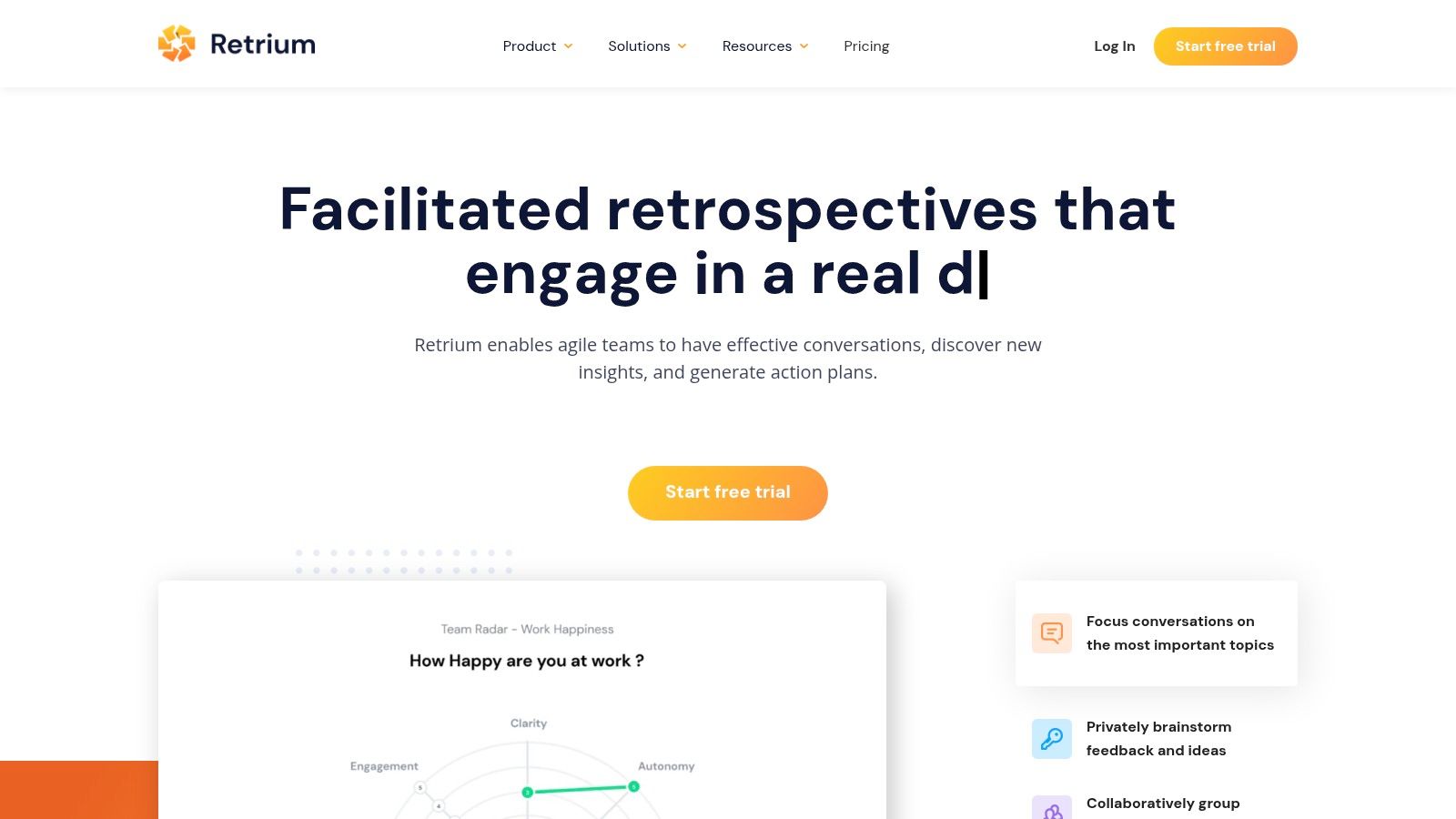
The platform's strength lies in its guided, step-by-step facilitation process. Features like anonymous brainstorming encourage candid feedback from all team members, while the integrated grouping, dot voting, and action item tracking ensure discussions lead to concrete outcomes. This structured approach makes it an excellent sprint retrospective template solution for teams that need to improve the quality and consistency of their retrospectives without building a board from scratch.
Key Features and Usage Tips
- Guided Facilitation: Choose a technique and let the platform walk your team through each phase, from private ideation to discussion and action planning.
- Anonymity and Safety: Use the anonymous feedback feature to encourage honest input on sensitive topics, fostering a higher degree of psychological safety.
- Action Plan Tracking: At the end of each retro, create an action plan directly within Retrium. The platform helps track these items over time to ensure follow-through.
Retrium offers a 30-day free trial that includes most features. The paid model is based on a fixed price per "team room," which includes unlimited users, making it cost-effective for stable teams. However, for organizations with many small or fluctuating teams, the cost can accumulate as each requires its own paid room.
Website: https://www.retrium.com/
8. Parabol
Parabol distinguishes itself as a specialized meeting tool built specifically for Agile ceremonies, making it a powerful option for teams seeking a dedicated sprint retrospective template. Unlike general-purpose whiteboards, Parabol is purpose-built to facilitate retrospectives, sprint planning, and daily stand-ups, reducing the need for multiple subscriptions. It offers over 35 curated templates, ensuring you have a proven format for any situation, from celebrating wins to dissecting complex challenges.
The platform’s structured, multi-phase process guides teams through icebreakers, reflection, grouping, voting, and discussion, promoting psychological safety with anonymity-by-default during the reflection phase. This encourages honest feedback that might otherwise be withheld. Integrations with Jira, GitHub, and Slack allow teams to push action items directly into their existing workflows, ensuring accountability. The automatic meeting summary captures key takeaways and decisions, simplifying post-meeting documentation.
Key Features and Usage Tips
- All-in-One Agile Tool: Use Parabol not just for retrospectives but also for sprint poker estimation and asynchronous stand-ups to consolidate your team's tools.
- Guided Facilitation: Leverage the built-in timer and structured phases to keep meetings focused and productive, even without a seasoned Scrum Master.
- Actionable Integrations: Connect Parabol to Jira or GitHub to instantly create trackable issues from your retrospective action items, closing the feedback loop. The platform's focus on structured meetings complements key Agile processes, which you can explore further in these sprint planning best practices.
Parabol's free starter plan is generous, offering unlimited users for up to two teams, making it ideal for startups. However, it limits the number of meetings per month and lacks some advanced features, requiring an upgrade for larger organizations or more frequent use.
Website: https://www.parabol.co/templates/sprint-retrospectives/
9. EasyRetro
EasyRetro positions itself as a streamlined and accessible tool for teams who need to run a sprint retrospective template with minimal friction. Its primary appeal is speed and simplicity; you can create a board from a library of over 200 templates and invite participants via a simple link, all without requiring them to create an account. This makes it an excellent choice for one-off sessions or retrospectives involving external stakeholders or guests.
The platform is purpose-built for retrospectives, offering essential features like anonymous feedback, a voting system to prioritize discussion points, and AI-powered summaries to quickly capture key takeaways. Its focused approach avoids the complexity of larger visual collaboration tools, ensuring facilitators can get a session up and running in seconds. Integrations with Jira, Trello, and Confluence also allow for seamless export of action items into existing workflows.
Key Features and Usage Tips
- Rapid Setup: Use the shareable link feature to invite team members instantly. This is perfect for cross-organizational retros where participants might not have accounts on your primary tools.
- Anonymity for Honesty: Encourage candid feedback by enabling the anonymous card feature, which helps team members feel more comfortable sharing sensitive observations.
- Export Actions: After identifying key improvements, use the export function to send action items directly to Jira or Trello, ensuring they are not lost after the meeting.
While EasyRetro offers a fast and focused experience, its free plan is quite restrictive, limiting users to one public board per month. For private boards, more advanced features, and unlimited history, teams will need to subscribe to a paid plan.
Website: https://easyretro.io/
10. TeamRetro
TeamRetro is a dedicated retrospective and team health platform built for organizations that prioritize security, compliance, and structured facilitation. It's an ideal choice for enterprises seeking a standardized sprint retrospective template and process across multiple teams. The platform's strength lies in its enterprise-grade features, such as SAML SSO, SOC 2 Type II compliance, and detailed cross-team analytics that provide valuable insights into organizational health.
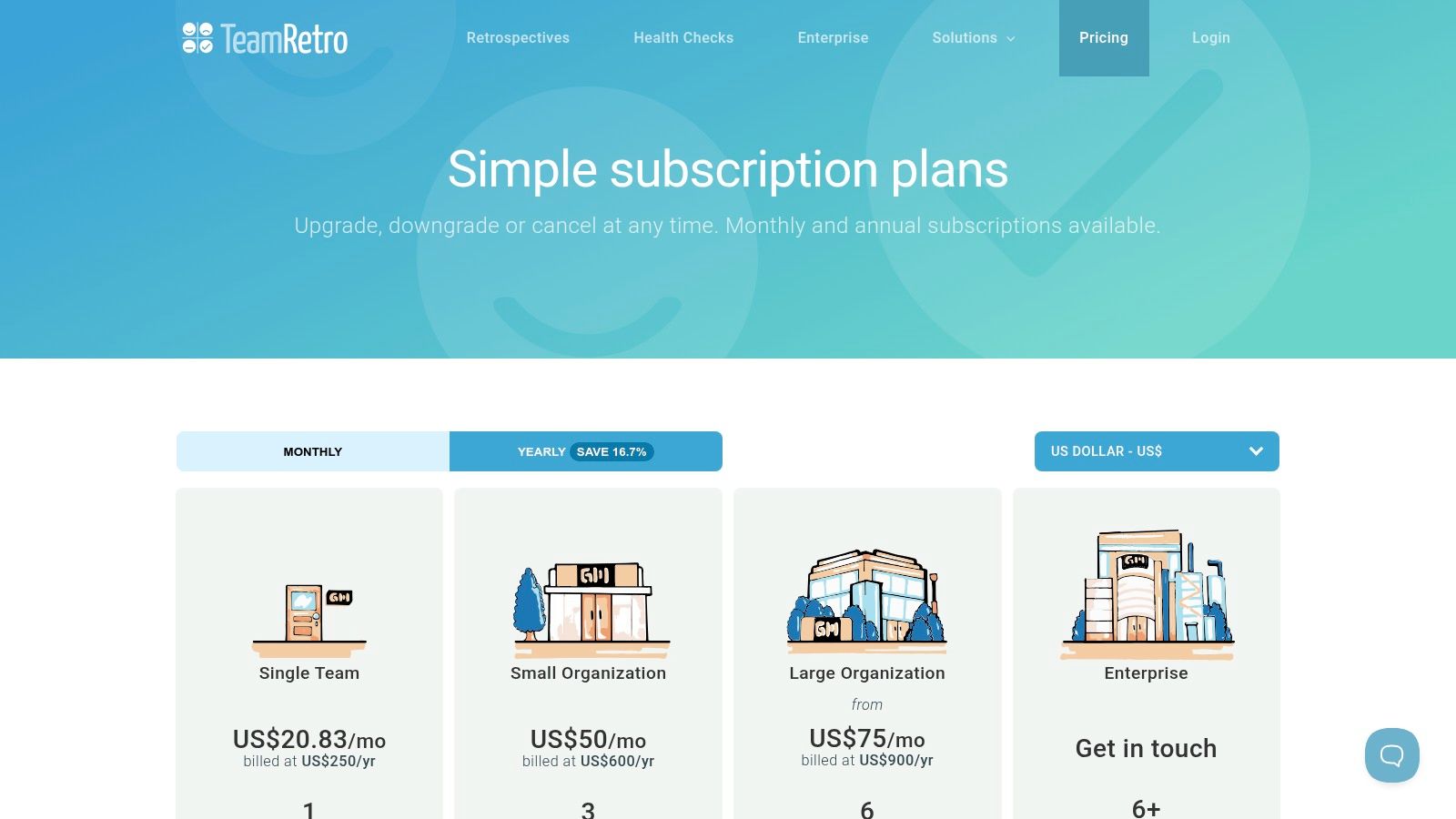
This tool is particularly effective for large or distributed organizations that need to maintain consistency and governance. TeamRetro guides facilitators and participants through a structured meeting flow, from brainstorming and grouping ideas to voting and creating action items. Its guided process ensures that even inexperienced Scrum Masters can run productive and psychologically safe retrospectives, while features like observer roles and guest access links make it easy to include stakeholders without requiring them to have an account.
Key Features and Usage Tips
- Guided Facilitation: The platform walks you through each stage of the retrospective, ensuring meetings are focused, efficient, and conclusive.
- Enterprise-Ready Security: With SOC 2 compliance and SSO, it meets the stringent security requirements of larger companies, making it a safe choice for handling sensitive team discussions.
- Cross-Team Insights: Use the Enterprise plan's analytics to identify recurring themes, impediments, and trends across different teams to address systemic issues.
TeamRetro offers a 30-day free trial. Its pricing is team-based, which is clear and predictable, but the feature depth might be excessive for small teams with casual needs. For organizations looking to scale their Agile practices with a focus on compliance and consistency, its structured approach is a significant advantage.
Website: https://www.teamretro.com/plans
11. Metro Retro
Metro Retro is designed from the ground up for facilitators, offering a suite of professional tools that turn a standard retrospective into a highly controlled and insightful workshop. While many platforms offer collaboration, Metro Retro provides unique features that give Scrum Masters enhanced command over the session's flow. Its standout "time machine" feature, which replays the board's entire history, is invaluable for coaching, training, and analyzing how a team's ideation process unfolded.
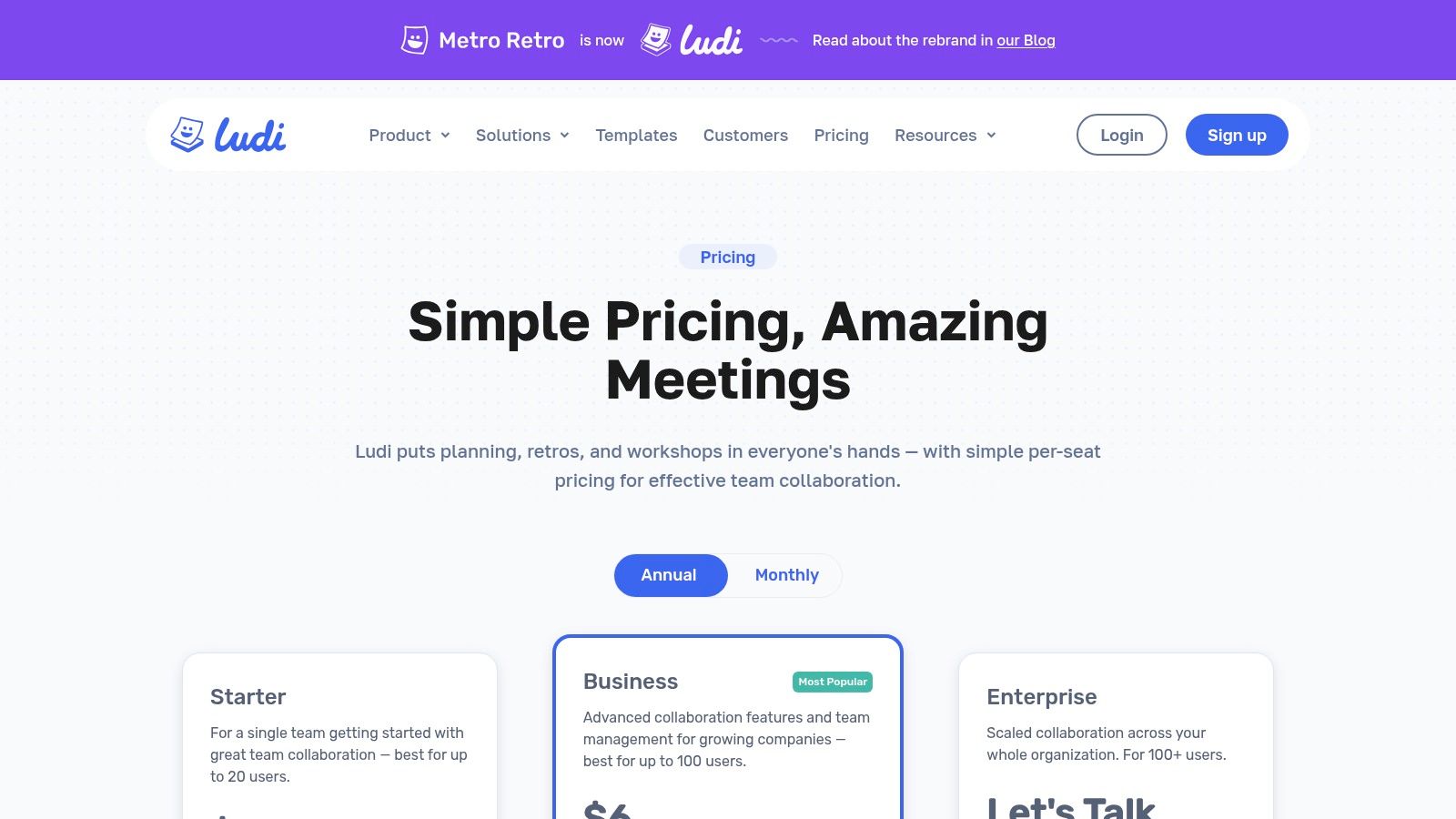
The platform is built around powerful facilitation controls. Private writing mode ensures unbiased brainstorming before ideas are shared, and the integrated voting system helps teams converge on key discussion points. For teams that value structured, data-driven improvement, Metro Retro offers a robust environment. It also supports Jira integration and allows for CSV or PDF exports, ensuring that the insights gained are easily transferable into your existing agile workflows. The tool's engaging interface can also support creative icebreakers, an important part of virtual team-building activities.
Key Features and Usage Tips
- Time Machine Replay: Use this feature to review the session's progression with your team or for one-on-one coaching to identify patterns in collaboration and ideation.
- Facilitator-Led Controls: Leverage private writing to prevent groupthink, then reveal all ideas simultaneously to foster an open and equitable discussion.
- Custom Templates: While professional templates are available, you can build and save your own sprint retrospective template to match your team’s specific rituals and needs.
Metro Retro offers a 30-day free trial to explore all its features. Afterward, continued use requires a paid plan, which is priced on a simple per-member basis. Be mindful that lower-tier plans have limits on the number of guest collaborators you can invite.
Website: https://metroretro.io/pricing
12. Etsy
Etsy might seem like an unconventional choice, but it's a hidden gem for teams seeking a low-cost, no-fuss sprint retrospective template. Instead of a SaaS platform, Etsy offers a marketplace of instant digital downloads created by independent designers and experienced Agile practitioners. You can find professionally designed templates in familiar formats like Google Docs, Microsoft Word, and printable PDFs, making it ideal for teams who prefer document-based retrospectives over digital whiteboards.
The primary appeal is simplicity and cost-effectiveness. For a small one-time fee, you can acquire a reusable template without committing to a monthly subscription. This approach works well for small teams, workshops, or managers who need a quick, structured agenda they can print or share as a document. While you lose the real-time collaboration features of dedicated software, you gain a tangible, editable asset that requires no technical onboarding.
Key Features and Usage Tips
- Format Variety: Search for templates in the format your team already uses, whether it's Google Docs for shared editing, Word for offline use, or high-resolution PDFs for printing.
- Seller Ratings and Reviews: Before purchasing, carefully read the reviews and check seller ratings to gauge the quality and usefulness of the template. Many listings include detailed previews.
- Customization Options: Some sellers offer to customize templates with your company’s branding for an additional fee, providing a professional touch for client-facing meetings or internal documentation.
Etsy’s model means quality can vary significantly between listings, so due diligence is essential. However, for a straightforward, affordable, and subscription-free solution, its marketplace of creative and practical templates is well worth exploring.
Website: https://www.etsy.com/
Top 12 Sprint Retrospective Template Comparison
| Tool | Core features | UX / Quality ★ | Price & Value 💰 | Target audience 👥 | Unique / Best for ✨🏆 |
|---|---|---|---|---|---|
| Miro | 300+ templates, voting, timer, integrations, unlimited collaborators | ★★★★☆ | 💰 Free (3 editable boards); paid for privacy/SSO | 👥 Remote/hybrid teams, enterprises | ✨ Huge template library & integrations 🏆 |
| Mural | 250+ templates, voting, timer, private mode, Zoom/Jira integrations | ★★★★☆ | 💰 Free limited; Business for guests/SSO | 👥 Facilitators & structured teams | ✨ Facilitator-focused toolset |
| Lucidspark | Retro templates, voting, assisted grouping, Lucid integrations | ★★★★ | 💰 Free/paid tiers; pricing varies | 👥 Teams wanting simple→advanced facilitation | ✨ Assisted grouping & clear run guides |
| Atlassian Confluence | One-click retro blueprints, page macros, Jira-native tracking | ★★★☆ | 💰 Included in Atlassian stack; best value if on Jira | 👥 Jira/Confluence users, docs-first teams | ✨ Store retros alongside docs |
| Trello | Kanban boards, community templates, Power-Ups for voting/automations | ★★★☆ | 💰 Free basic; paid for advanced views & admin | 👥 Lightweight teams, DIY retros | ✨ Minimal setup; card-based simplicity |
| ClickUp | Retros templates, Docs/Whiteboards, AI prompts, dashboards | ★★★★ | 💰 Generous Free tier; paid for advanced features | 👥 Teams tying retros to tasks & owners | ✨ Centralizes retro → actions & owners |
| Retrium | Purpose-built retros, anonymity, grouping, dot-voting, Jira | ★★★★☆ | 💰 Per-team-room pricing; 30-day trial | 👥 Teams wanting a dedicated retro platform | ✨ Purpose-built facilitation experience 🏆 |
| Parabol | 35+ templates, anonymity-by-default, timers, summaries, integrations | ★★★★ | 💰 Free for up to 2 teams; paid for scale | 👥 Startups & small squads | ✨ Multi-ceremony (retro/standup/poker) |
| EasyRetro | 200+ templates, anonymity, voting, AI summaries, exports | ★★★☆ | 💰 Fast setup; free limited plan, paid for private boards | 👥 Occasional retros, cross-org guests | ✨ Quick link join + AI summaries |
| TeamRetro | Unlimited retros/health checks, SSO, SOC2, cross-team insights | ★★★★ | 💰 Team-based / enterprise pricing; trial | 👥 Large orgs needing compliance & consistency | ✨ Compliance & cross-team insights 🏆 |
| Metro Retro | Professional templates, private writing, voting, time-machine replay | ★★★★ | 💰 Starter/Business/Enterprise; 30-day trial | 👥 Facilitators, coaches, training teams | ✨ Board "time machine" replay for coaching |
| Etsy | Downloadable retro templates (Docs/Word/printables), seller customizations | ★★★ | 💰 One-time low cost; no subscription | 👥 Individuals or teams preferring static docs | ✨ No-subscription editable templates |
From Template to Transformation: Making Retrospectives Stick
We've explored a comprehensive landscape of tools, from versatile digital whiteboards like Miro and Mural to specialized retrospective platforms such as Retrium and TeamRetro. Each offers a unique approach to structuring one of Agile's most critical ceremonies. You've seen how a simple Trello board can be just as effective as a feature-rich ClickUp document, and how even unconventional sources like Etsy can provide a creative spark. The core message is clear: the perfect sprint retrospective template isn't a one-size-fits-all solution, but a flexible framework that adapts to your team's evolving needs.
The true challenge, however, isn't finding a template. The real work begins after the virtual sticky notes are organized and the meeting concludes. A retrospective’s success is measured not by the quality of the discussion, but by the tangible improvements seen in the next sprint. The goal is to transform conversations into concrete actions that foster a culture of continuous improvement.
Your Next Steps: From Selection to Action
To bridge the gap between insight and implementation, you need a clear path forward. The most beautifully facilitated retrospective is meaningless if its outputs are forgotten by the next day's stand-up meeting.
Here’s a simple, actionable plan to make your retrospectives stick:
- Select with Purpose: Don't choose a template randomly. Revisit your team's current challenges. Is engagement low? Try a creative format like the Starfish or Mad Sad Glad template in Lucidspark. Are you struggling with recurring technical debt? A more structured format like the 4Ls (Liked, Learned, Lacked, Longed For) in Confluence might be better. Match the template to the problem you're trying to solve.
- Commit to Action Items: Every retrospective must end with a short, prioritized list of action items. Each item needs a clear owner and, if possible, a due date. These aren't vague suggestions; they are concrete tasks, like "Dimitri will research a new linting tool by Wednesday" or "Sarah will update the sprint planning checklist in Notion."
- Integrate and Track: Action items must live where your team works. Immediately transfer them from your retrospective board into your primary project management tool, whether it's Jira, Trello, or ClickUp. Create actual tickets or tasks for them. This visibility ensures they are not forgotten and can be reviewed at the start of the next sprint planning session.
- Share and Archive: Transparency is key. Make the outcomes of the retrospective easily accessible to the entire team and relevant stakeholders. After the session, neatly organize the board or document. For sharing and record-keeping, knowing how to print a web page to PDF is an invaluable skill. This allows you to create a clean, static record of the discussion and action items that can be attached to a Confluence page or stored in a shared drive, ensuring the knowledge is preserved.
- Iterate on the Process: Just as you iterate on your product, you must iterate on your retrospective process. If you've used the same template for three consecutive sprints, ask the team if they want to try something new. This keeps the ceremony fresh, prevents "retro fatigue," and encourages different types of feedback.
The Power of a Consistent Cadence
Choosing a sprint retrospective template is the easy part. The transformative power lies in the discipline of consistent execution and follow-through. By embedding the outputs of your retrospectives directly into your workflow, you create a powerful feedback loop. You're not just talking about getting better; you're building the mechanisms to ensure it happens.
This commitment to reflection and action is what separates high-performing teams from the rest. It builds psychological safety, empowers team members to voice concerns, and ultimately leads to a more efficient, collaborative, and enjoyable work environment. So, pick a template from this list, run your next retrospective, and most importantly, turn that valuable feedback into your team's next great improvement.
Ready to enhance team accountability and see where your time is really going? DeskCove provides powerful, yet simple, time tracking and productivity insights that complement your Agile workflow. By understanding your team's work patterns, you can bring data-driven insights into your next retrospective and make more informed decisions for future sprints. Try DeskCove today and connect your actions to real results.
