12 Best Free Time Tracking Software Options for 2025
In today's work environment, accurately tracking time is essential for profitability, productivity, and project management. Whether you're a freelancer juggling multiple clients, a startup founder bootstrapping your way to success, or a manager leading a remote team, understanding where every minute goes is the key to unlocking efficiency. But powerful tools don't have to come with a hefty price tag. We've sifted through countless options to bring you a definitive list of the best free time tracking software available.
This guide goes beyond surface-level features, offering a deep dive into each tool's practical applications, hidden limitations, and ideal use cases. Implementing free time tracking software is a cornerstone of developing effective time management strategies, helping you monitor and optimize how your hours are spent. Forget generic marketing copy and vague descriptions; we provide a hands-on analysis to help you make an informed decision without spending a dime.
Inside this comprehensive resource, you will find:
- Detailed breakdowns of the top 12 free time trackers, including Clockify, Toggl Track, and DeskCove.
- Honest pros and cons based on real-world usage.
- Specific use-case scenarios to identify which tool is right for freelancers, small businesses, or large remote teams.
- Screenshots and direct links to get you started immediately.
Our goal is straightforward: to help you find the perfect free solution that aligns with your workflow, enhances transparency, and helps you reclaim control over your most valuable asset: your time. Let’s dive in and find the right tool for you.
1. DeskCove
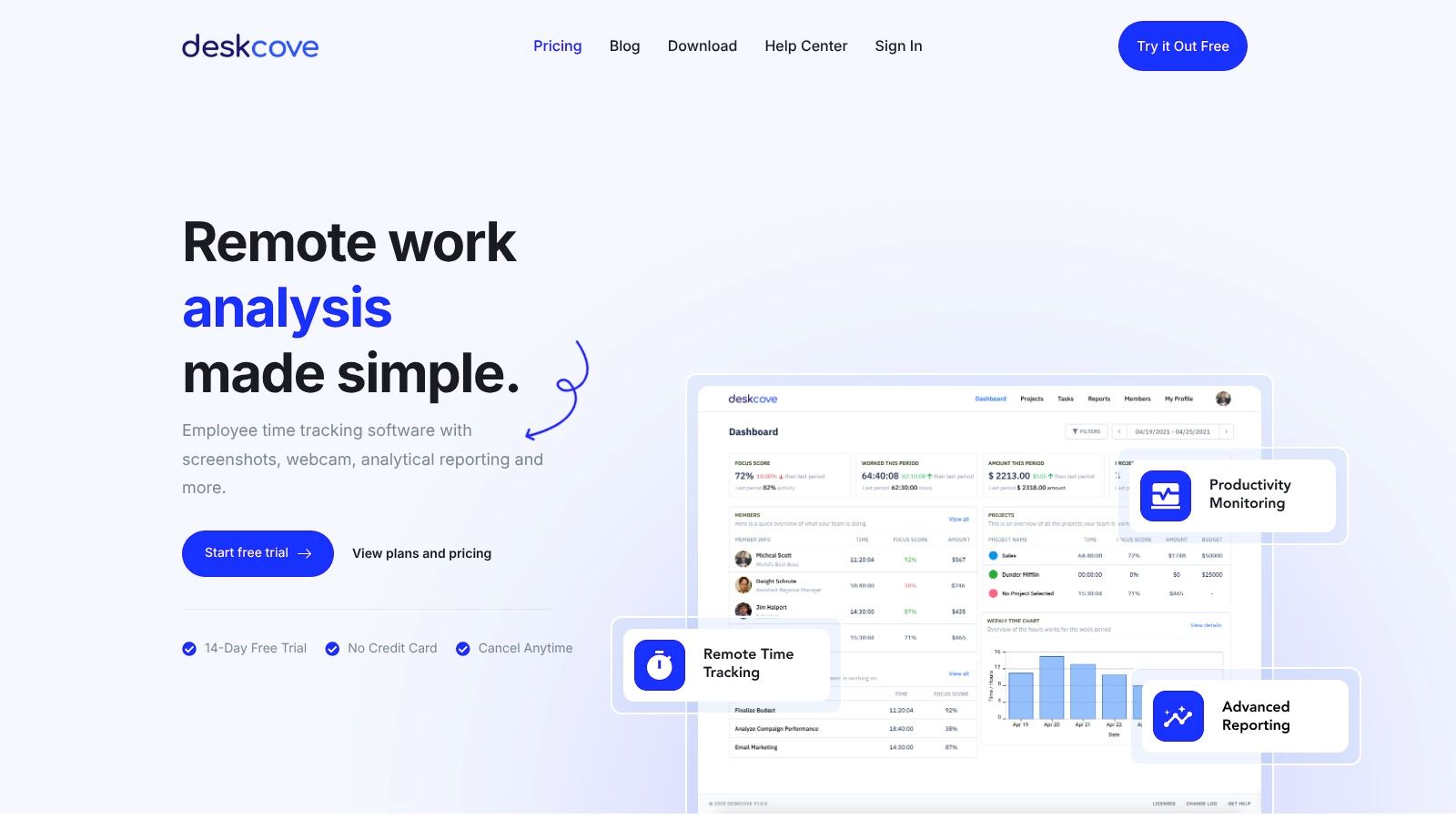
DeskCove stands out as a premier choice in our roundup of the best free time tracking software, particularly for remote teams, freelancers, and SMEs who prioritize accountability and deep productivity insights. It excels by combining automatic time tracking with robust monitoring features, providing a transparent and data-driven approach to remote work management. This platform is more than just a timer; it’s an analytical tool designed to enhance team efficiency and streamline project workflows.
Why DeskCove is Our Top Pick
DeskCove earns its top spot by offering a powerful suite of features that address the core challenges of remote team management. Unlike simpler timers, it captures work hours automatically and supplements this data with optional screenshots, webcam captures, and URL/application usage reports. This granular level of detail allows project managers to verify work, identify productivity patterns, and address bottlenecks before they impact deadlines.
The platform's high degree of customization is a significant advantage. Managers can configure monitoring settings on a per-employee basis, allowing for a flexible approach that respects individual roles and privacy preferences. This adaptability makes it suitable for diverse team structures, from creative agencies to software development teams.
Standout Features & Analysis
- Comprehensive Monitoring Suite: DeskCove provides automatic time capture, screenshots, and webcam snapshots. This multi-faceted approach offers undeniable proof of work and helps keep distributed teams aligned and focused.
- Detailed Activity Reports: The software tracks application and URL usage, giving managers clear insights into how time is spent. These reports are invaluable for optimizing task allocation and ensuring resources are focused on high-priority activities.
- Customizable Employee Settings: Not every role requires the same level of monitoring. DeskCove allows administrators to tailor tracking settings for each team member, striking a balance between accountability and autonomy.
- Real-Time Timecards: Timecards are updated every 10 minutes, providing a near-instantaneous overview of team activity and project progress.
Practical Use Cases
DeskCove is ideal for managers overseeing remote or hybrid teams who need to ensure accountability and maintain productivity levels comparable to an in-office environment. It's also an excellent tool for freelancers looking to provide clients with transparent, detailed reports of their billable hours, thereby building trust and justifying invoices. Agencies can leverage its analytical reporting to fine-tune project estimates and improve overall profitability.
Pricing and Access
While DeskCove is a premium tool, it offers a fully-featured 14-day free trial with no credit card required, allowing you to thoroughly test its capabilities. This trial period gives you access to the complete feature set, making it a strong contender for those evaluating the best free time tracking software options before committing. Paid plans are affordably priced, starting at $10 per user per month.
- Pros:
- Extensive automatic tracking with screenshots and app usage monitoring.
- Highly customizable settings for tailored management.
- Actionable insights from detailed, real-time reports.
- Risk-free trial to explore all features.
- Cons:
- Monitoring features like webcam captures may be intrusive for some company cultures.
- Primarily designed for remote-first teams; may require adjustments for co-located environments.
Website: DeskCove
2. Toggl Track
Toggl Track has long been a dominant player in the time tracking space, and for good reason. Its reputation is built on a clean, intuitive interface that makes it incredibly easy for individuals and small teams to start tracking time with minimal setup. This focus on user experience is its primary differentiator; there's virtually no learning curve, which significantly boosts team adoption.
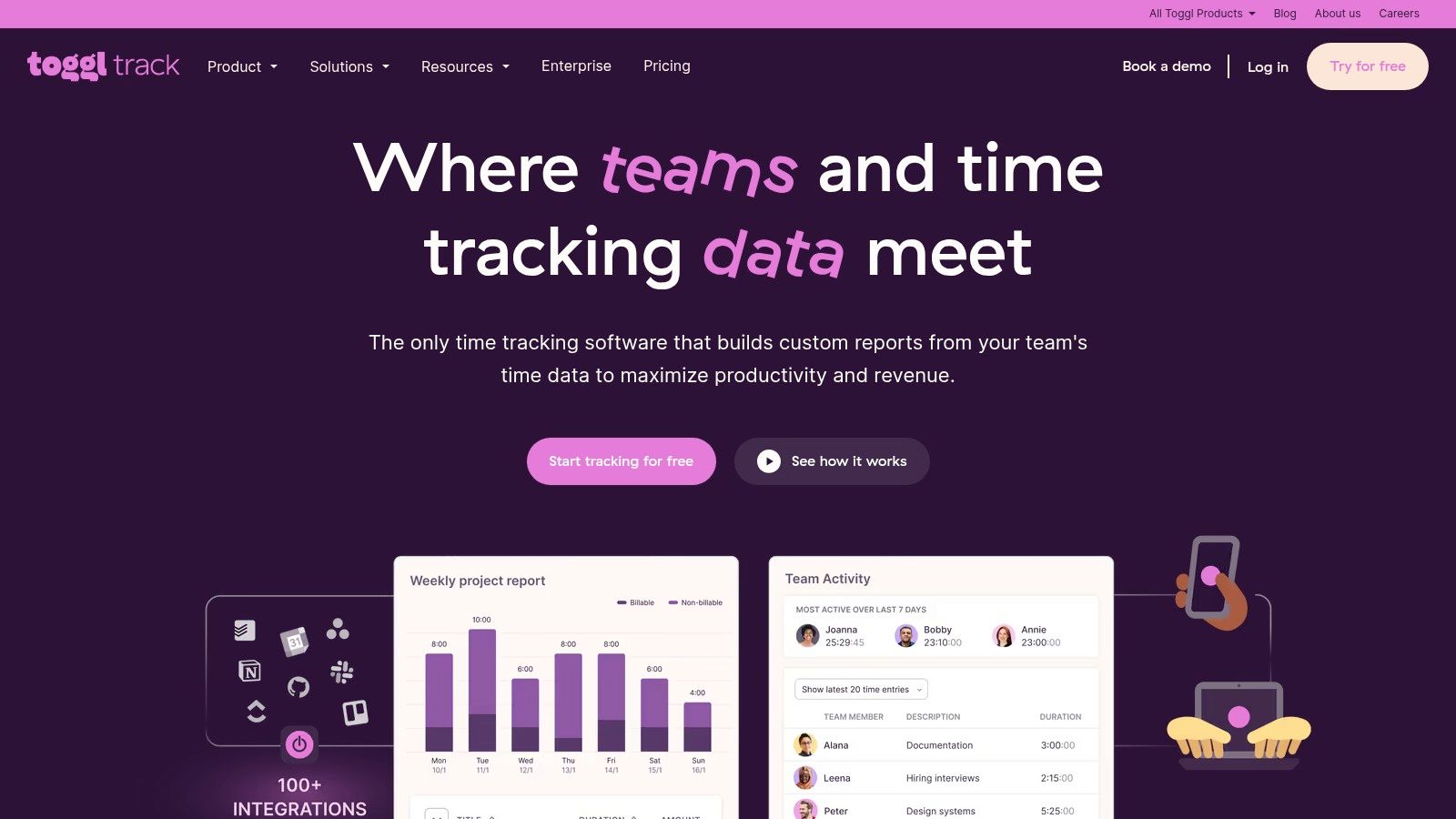
The platform’s "forever-free" plan is one of the most generous available, making it an excellent choice for freelancers or teams of up to five people. It provides unlimited time tracking, projects, and clients, along with access to its highly-rated desktop and mobile apps.
Key Features & Use Case
Toggl Track excels at straightforward time logging and basic reporting. Its browser extensions integrate with over 100 popular tools like Asana, Trello, and Jira, allowing you to start a timer directly from the app you're already working in. The calendar integration is also a standout feature on the free plan, letting you turn appointments into time entries with a single click.
This platform is a top contender for the best free time tracking software for service-based freelancers and small agencies that need reliable, cross-device time logging without the complexity of advanced project management features.
- Best For: Freelancers and small teams (up to 5 users) needing a simple, reliable time tracker.
- Website: Toggl Track
- Pricing: Free plan available for up to 5 users. Paid plans start at $9 per user/month.
Practical Tip: Use the browser extension's Pomodoro Timer feature to enhance focus. It will remind you to take breaks at set intervals, which is a great productivity boost built right into your time tracking workflow.
3. Clockify
Clockify has carved out a significant niche by offering what is arguably the most generous free plan on the market. Its core promise is simple yet powerful: free time tracking for unlimited users and unlimited projects. This makes it an immediate standout for startups, non-profits, or any growing team that needs to track time without the per-user cost barrier imposed by most competitors.
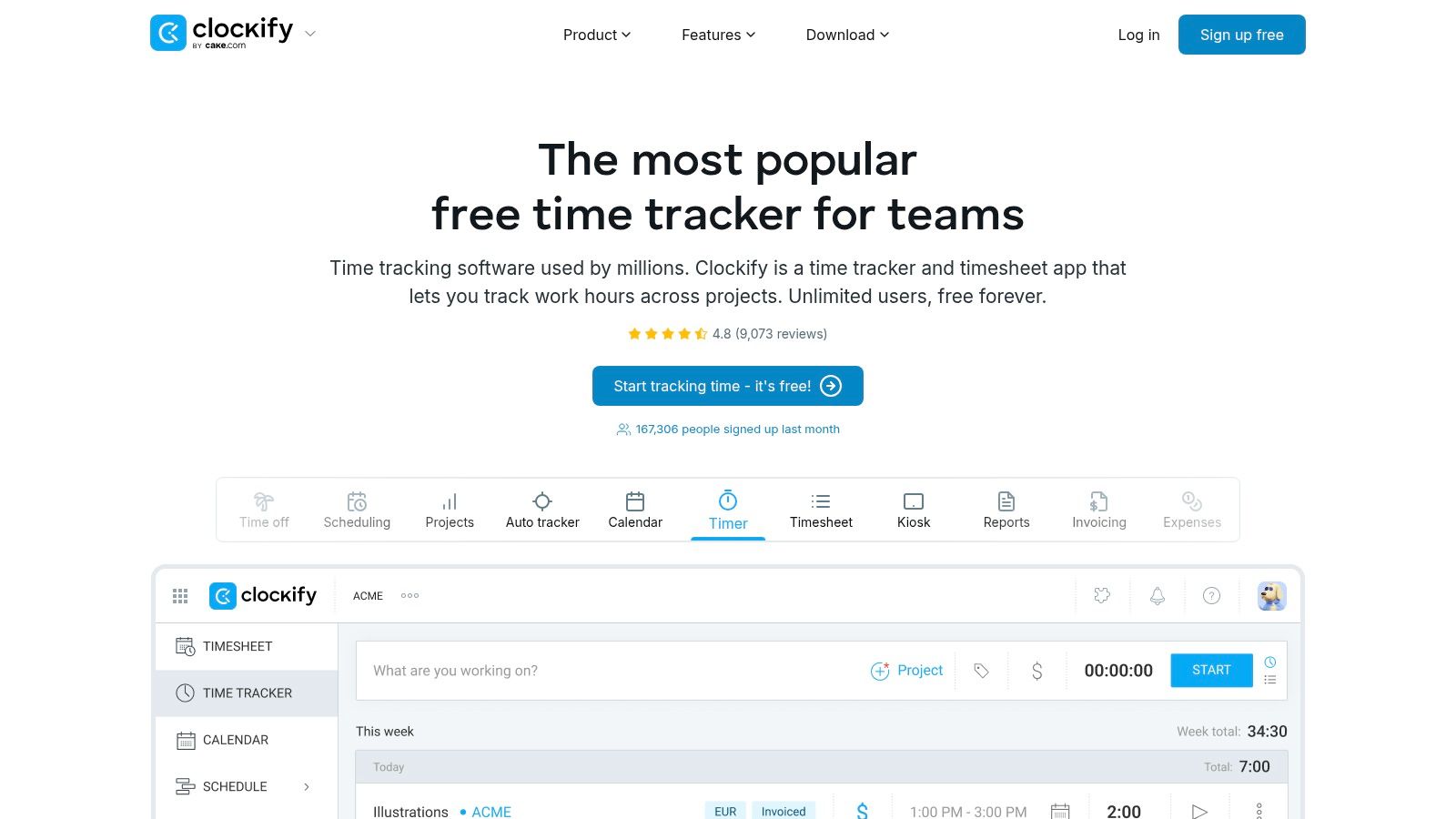
The platform is more than just a timer; its free tier includes robust reporting, project tracking, and access to its API. It supports teams of any size without forcing an upgrade, which is a rare and highly valuable proposition in this software category. While the interface can feel a bit crowded as you add more projects, its functionality is undeniably extensive for a free tool.
Key Features & Use Case
Clockify's strength lies in providing a comprehensive time management ecosystem at no cost. The free plan includes a timer, manual time entry, a timesheet view, and detailed reports that can be exported. It also offers a unique kiosk feature for on-site employees to clock in and out from a shared device. While it has many features, if you find it isn't the right fit, you can explore some great Clockify alternatives.
This platform is the best free time tracking software for teams of any size, particularly those on a tight budget that require core time tracking and reporting for an unlimited number of users.
- Best For: Growing teams, large organizations, and startups needing a full-featured, no-cost solution without user limits.
- Website: Clockify
- Pricing: Free plan available for unlimited users. Paid plans start at $3.99 per user/month.
Practical Tip: Use the "Projects" section to set up specific tasks and assign them to team members. You can then filter reports by task to get granular insights into where your team's time is really going, all within the free plan.
4. TimeCamp
TimeCamp positions itself as a powerful yet accessible time tracking solution, offering a robust free-forever plan that serves as a fantastic entry point for individuals and teams. It strikes a balance between simplicity and functionality, providing core time tracking features without overwhelming new users. The platform's main appeal is its scalability; you can start for free and seamlessly upgrade to inexpensive paid tiers as your needs for analytics, invoicing, and integrations grow.
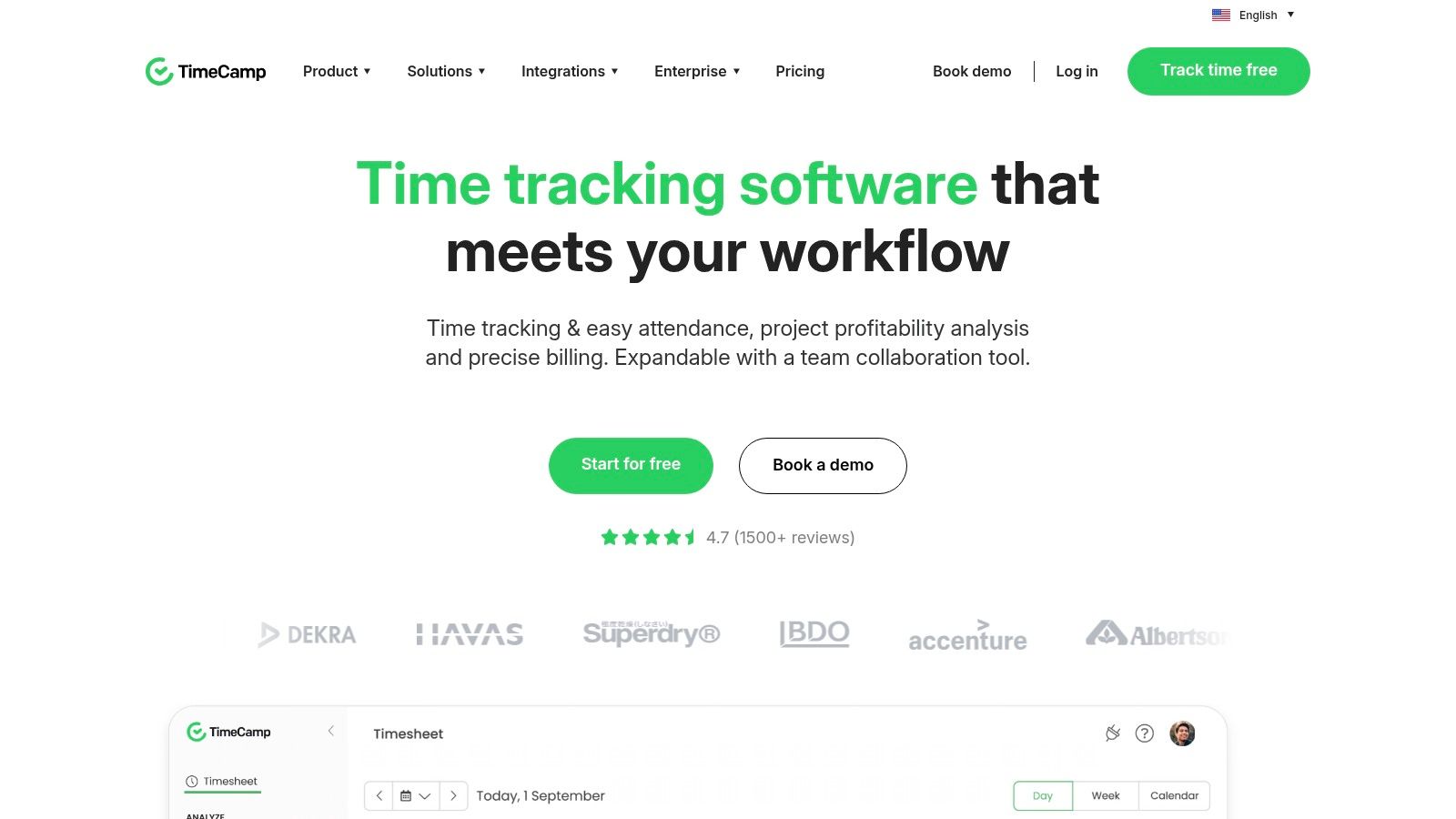
The free plan is generous, including unlimited users, unlimited projects, and unlimited tasks, which is a significant advantage over competitors that cap user counts. This makes it an excellent choice for growing teams or organizations that need to track time for a large number of members without an immediate budget commitment.
Key Features & Use Case
TimeCamp's free version provides essential tools like automatic time tracking via desktop and mobile apps, manual timesheets, and basic reporting. These features allow you to capture work hours accurately across different devices and generate fundamental insights into how time is spent on various projects.
As one of the contenders for the best free time tracking software, it's ideal for freelancers and small businesses that need a comprehensive, no-cost solution with a clear upgrade path. It supports those who anticipate needing more advanced features like billing rates, invoicing, or attendance tracking in the future.
- Best For: Individuals and teams of any size needing a free, scalable platform with unlimited projects.
- Website: TimeCamp
- Pricing: Free plan available for unlimited users. Paid plans start at $2.99 per user/month.
Practical Tip: When setting up projects, use TimeCamp’s tagging system from the start, even on the free plan. This allows you to categorize time entries with more detail, making your reports much more granular and useful for analysis later on.
5. Jibble
Jibble distinguishes itself with an exceptionally generous free plan that supports unlimited users, making it a powerful choice for teams of any size. It moves beyond simple time tracking by incorporating attendance, GPS location tracking, and even biometric verification, which is ideal for businesses with mobile or field-based employees. This unique combination of features on a free tier is what sets it apart from many competitors.
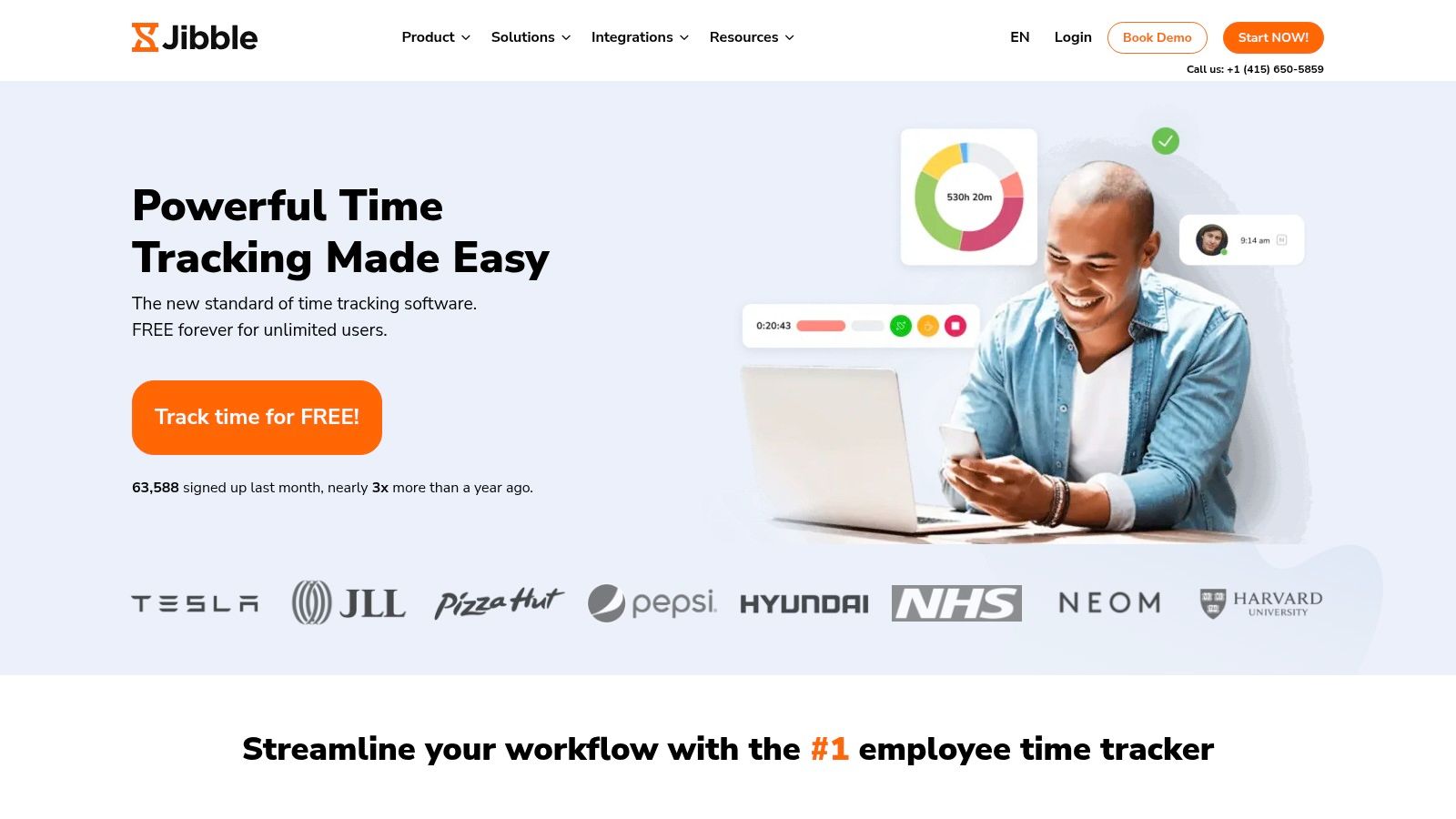
The platform is designed to be a comprehensive workforce management tool from the get-go. Its free version provides automated timesheets, detailed reports, and integrations with popular tools like Slack and Microsoft Teams, offering a robust solution without any initial investment.
Key Features & Use Case
Jibble is built for organizations that need more than just a timer; they need accountability. The free plan's GPS tracking confirms employee locations upon clock-in, and the optional facial recognition adds a layer of security to prevent buddy punching. These features are incredibly valuable for construction, retail, or event management teams.
This platform is a contender for the best free time tracking software for businesses managing distributed teams that require proof of presence and automated attendance records. For those interested, you can boost productivity with employee time tracking by implementing such tools effectively.
- Best For: Teams of any size needing attendance, GPS, and accountability features.
- Website: Jibble
- Pricing: Free plan available for unlimited users. Paid plans start at $2.49 per user/month.
Practical Tip: Use Jibble’s kiosk mode on a shared tablet for on-site teams. Employees can quickly clock in and out using a PIN or facial recognition, streamlining attendance for a physical workplace.
6. TMetric
TMetric offers a well-balanced and user-friendly approach to time tracking, particularly for those who need a clean interface without an overwhelming number of features. Its design prioritizes a straightforward workflow, allowing users to quickly start a timer, assign it to a project, and get back to work with minimal distraction. The platform is known for its stability and lightweight feel across its various applications.
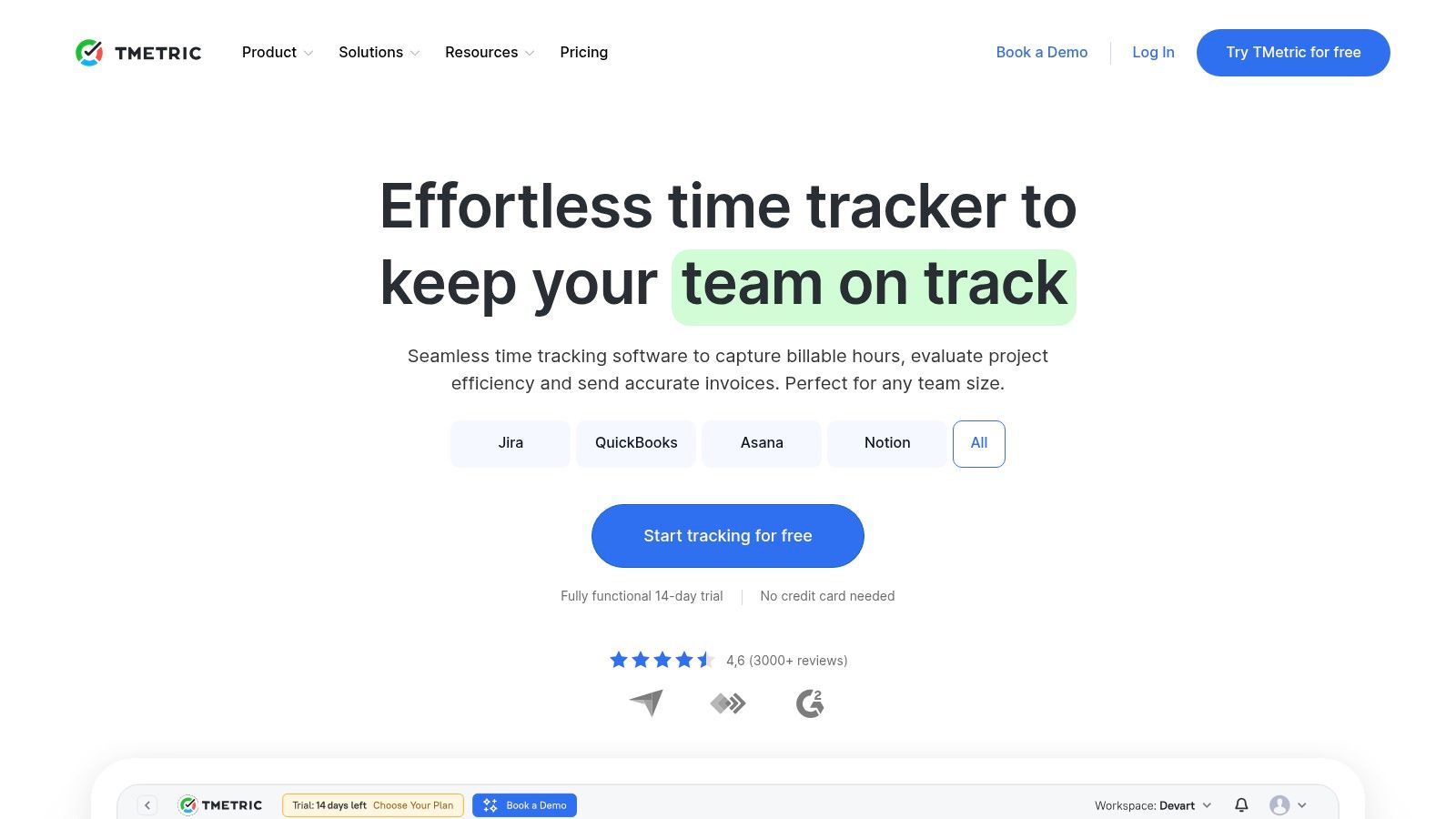
The free plan is designed for individuals or very small teams, offering unlimited projects, clients, and time tracking for up to five users. This makes it a strong choice for freelancers or small startups who need core time logging functionality and simple reporting to get started. Its cross-platform availability ensures that you can track time seamlessly whether you're at your desk or on the go.
Key Features & Use Case
TMetric shines with its robust integrations and developer-friendly options. The free plan provides access to browser extensions for Chrome, Firefox, and Edge, which integrate with popular tools like Trello, Jira, and Asana. A significant differentiator is the inclusion of API access even on the free tier, allowing for custom integrations and workflows that many competitors charge for.
As a contender for the best free time tracking software, TMetric is ideal for solo developers, freelancers, and small teams that value simplicity but also want the option to build custom connections. While features like billable rates and invoicing are reserved for paid plans, the core tracking experience is solid and highly functional.
- Best For: Individuals and small teams (up to 5 users) who need a simple tracker with powerful integration capabilities.
- Website: TMetric
- Pricing: Free plan available for up to 5 users. Paid plans start at $5 per user/month.
Practical Tip: Leverage the free API access to connect TMetric with your internal dashboards or custom scripts. You can automatically pull time reports into a Google Sheet or build a custom notification system without upgrading to a paid plan.
7. My Hours
My Hours has been a reliable presence in the time tracking industry since 2002, building its platform on a foundation of simplicity and trust. It stands out by explicitly committing to no invasive employee monitoring, focusing instead on straightforward time logging for freelancers and teams who value privacy. The user experience is clean and direct, designed to get you tracking time without unnecessary complexity.
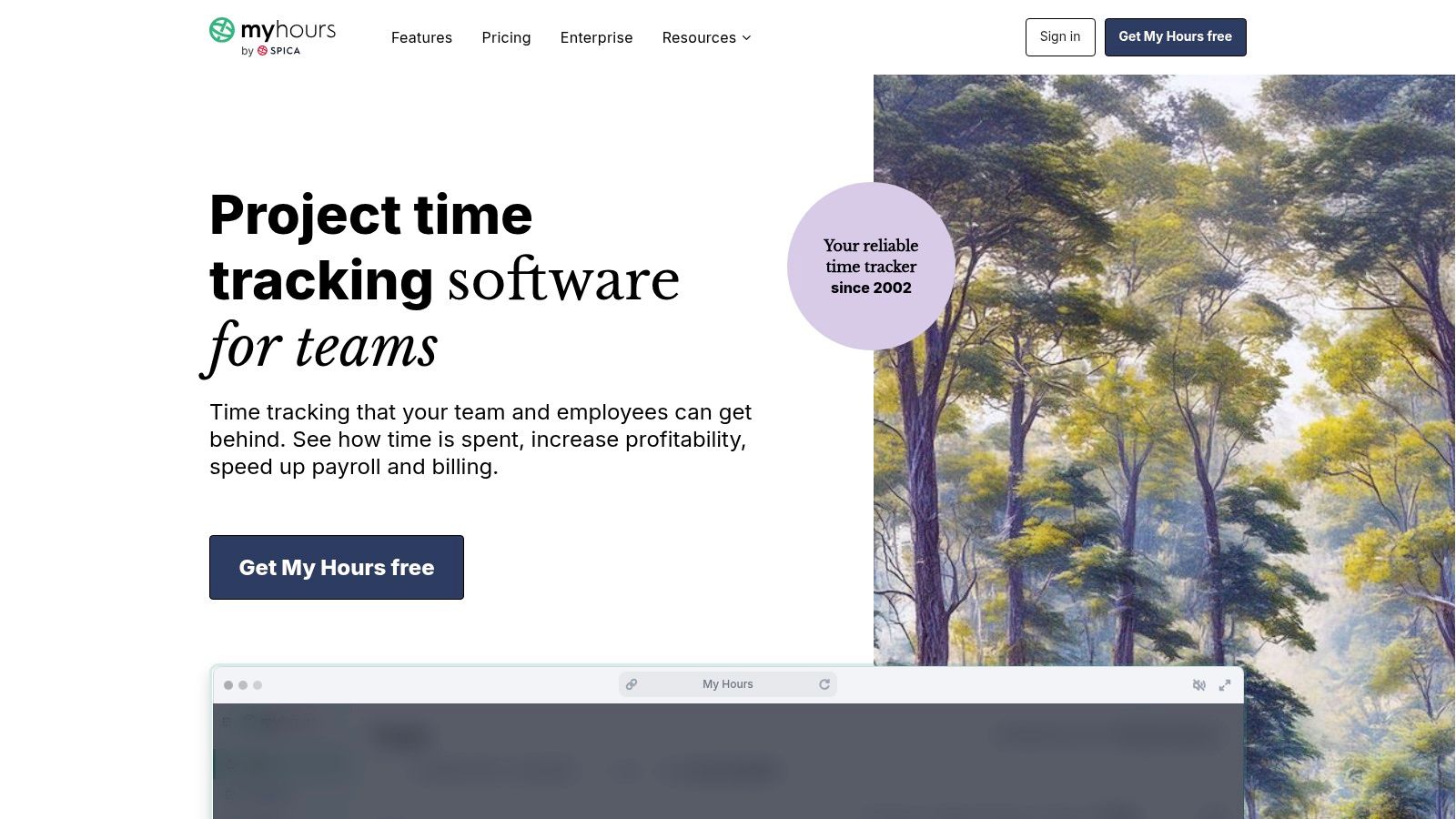
The free plan is particularly generous, offering unlimited projects, tasks, and clients for individuals or teams. This makes it a sustainable choice for users who need core time tracking functionality without worrying about hitting restrictive limits on project volume. The platform also offers a smooth onboarding process and is known for its responsive customer support.
Key Features & Use Case
My Hours provides essential time tracking via web and mobile apps (iOS/Android), allowing users to log hours and manage timesheets from anywhere. While advanced features like invoicing and detailed budget management are reserved for the Pro plan, the free version delivers robust reporting capabilities that are often sufficient for basic project analysis and client updates. This clear distinction keeps the free tool uncluttered and easy to use.
The platform is an excellent candidate for the best free time tracking software for freelancers and small teams who need a no-frills, dependable system with a strong ethical stance on privacy. By focusing on core features, it ensures compliance with labor laws without overstepping.
- Best For: Individuals and teams seeking a simple, privacy-focused time tracker with generous project limits.
- Website: My Hours
- Pricing: Free plan available with unlimited projects. The Pro plan starts at $8 per user/month.
Practical Tip: While the free plan is robust, some information on the site regarding free team size limits can vary. It's wise to verify the current user limit on their pricing page before inviting your entire team.
8. Harvest
Harvest is a long-standing and respected name in the time tracking and invoicing industry, particularly popular among established freelancers and agencies. Its strength lies in connecting tracked time directly to billing and project profitability. While its team features are paid, its free plan offers a professional-grade experience for solo users just starting out.
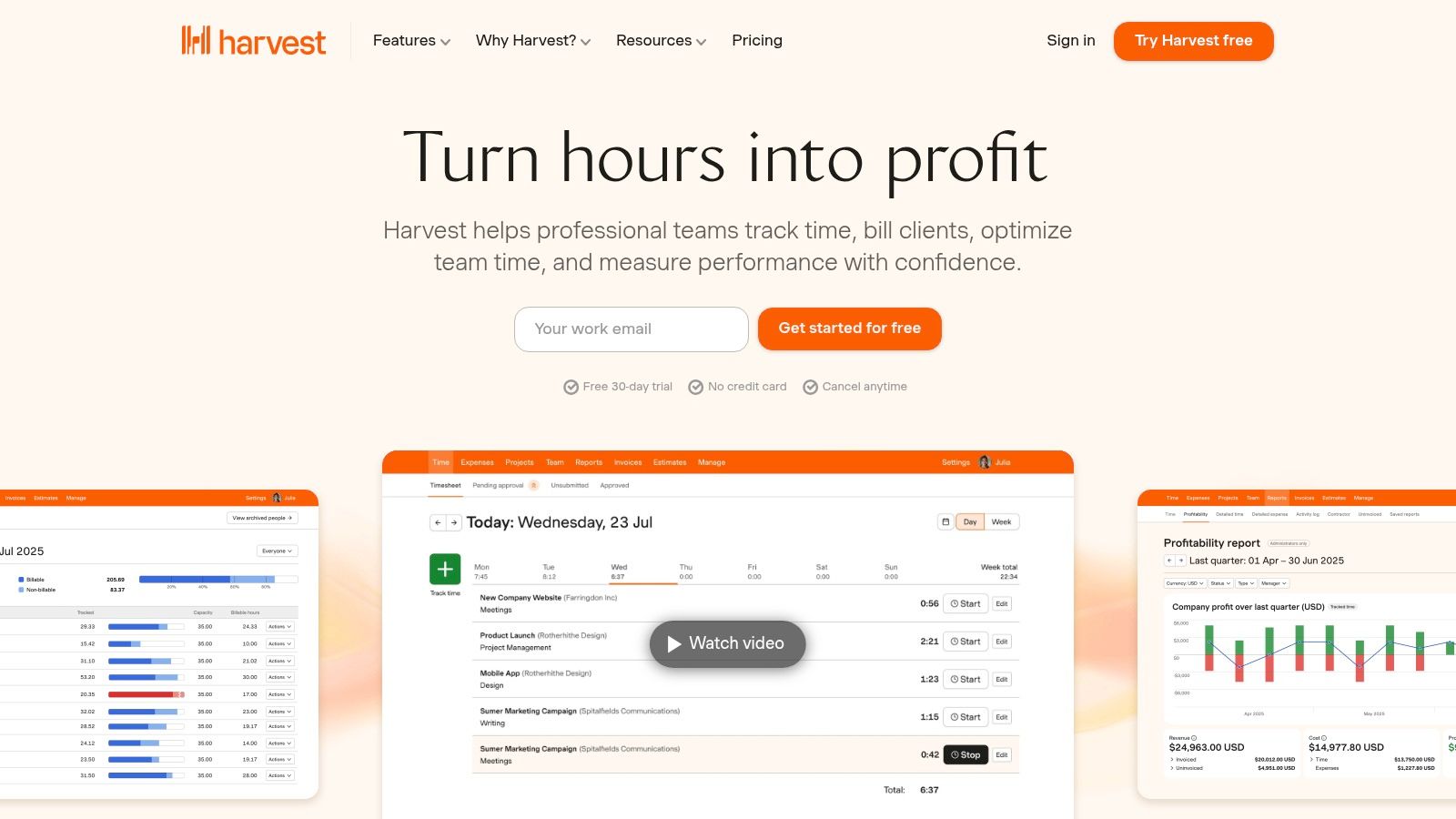
The free plan is designed for individuals, offering one seat and a limit of two active projects. This is more restrictive than some competitors, but it includes the core, polished time tracking functionality via web, desktop, and mobile apps that Harvest is known for, making it a powerful entry point into a professional ecosystem.
Key Features & Use Case
Harvest excels at turning hours into invoices. For freelancers, the ability to track time and then generate a professional invoice from those hours is a seamless, crucial workflow. While the free plan doesn't include direct payment integrations like Stripe, it establishes a solid foundation for managing client work and billing from day one.
This platform is a contender for the best free time tracking software for individual freelancers who anticipate needing robust invoicing and project budgeting features as they grow. The clear upgrade path to its Pro plan is a significant advantage for those scaling their business.
- Best For: Solo freelancers needing a professional system for tracking time on a limited number of projects with an eye toward future growth.
- Website: Harvest
- Pricing: Free plan available for 1 user and 2 projects. The paid Pro plan starts at $10.80 per user/month.
Practical Tip: Even with the two-project limit, you can archive old projects to free up a slot. This allows you to manage more than two clients over time, as long as you only need to actively track time for two at once.
9. RescueTime
RescueTime takes a fundamentally different approach to time tracking, focusing on automatic data capture rather than manual timers. It runs silently in the background of your computer, categorizing the time you spend on different applications and websites to provide a clear, unbiased picture of your digital habits. This "set it and forget it" method removes the burden of remembering to start and stop timers, making it ideal for individuals seeking to understand and improve their personal productivity.
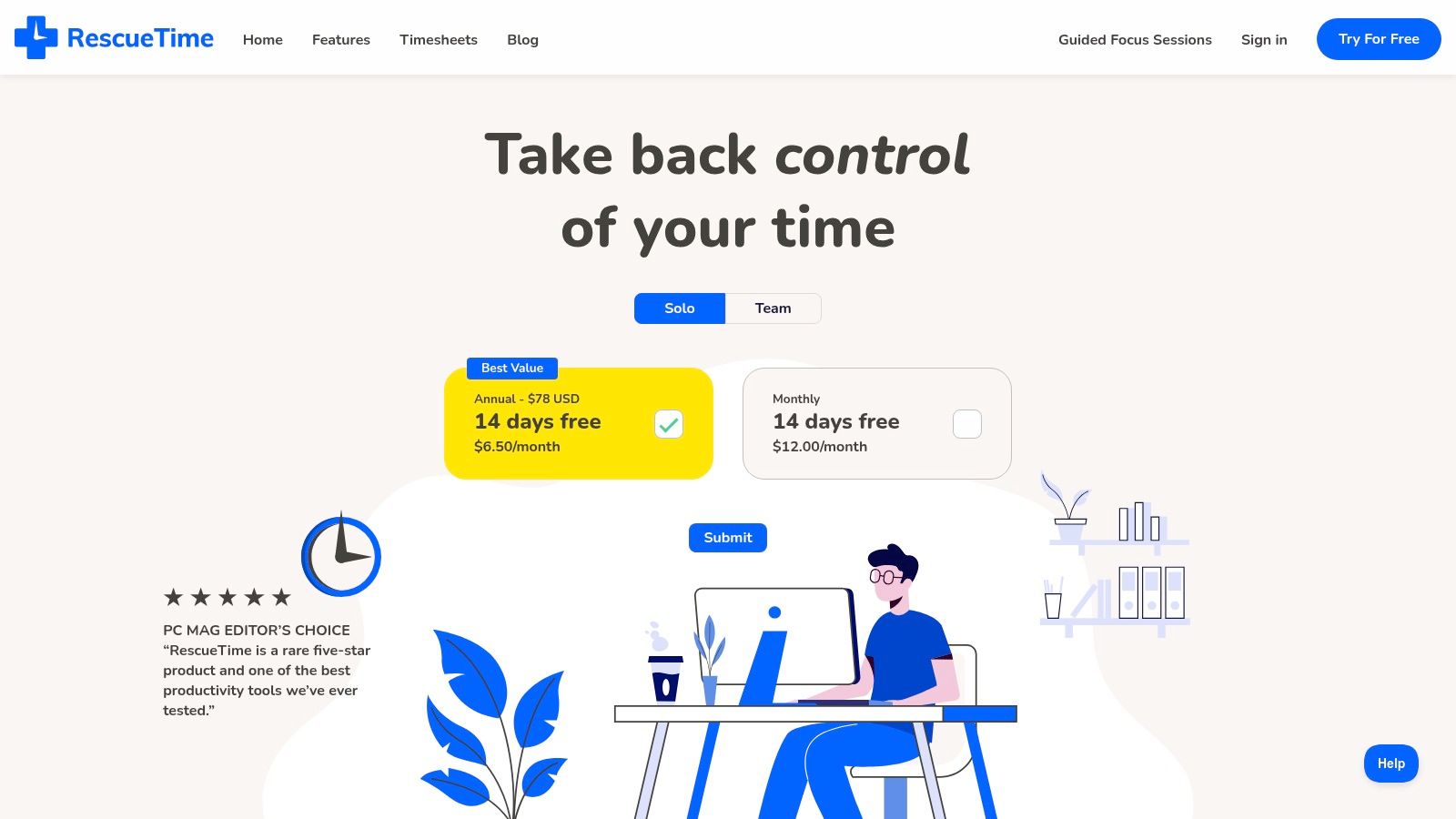
The platform's free "Lite" plan is designed for individual users and provides automatic time tracking with 12 months of historical data. While it lacks the manual project assignment features of its competitors, its strength lies in surfacing insights about your focus, distractions, and work patterns over time.
Key Features & Use Case
RescueTime shines for its ability to provide high-level productivity analytics with zero manual effort. It automatically tracks your activity and generates reports that help you identify time-wasting habits and set goals for more focused work. The free plan offers a great entry point into understanding where your time truly goes throughout the workday.
This platform is a contender for the best free time tracking software for individuals who want to improve personal focus and productivity habits, rather than track time for client billing. It’s a powerful self-analysis tool.
- Best For: Individuals and professionals aiming to build better work habits and boost personal productivity.
- Website: RescueTime
- Pricing: Free Lite plan available for individuals. Premium plans start at $6.50 per month.
Practical Tip: Review your weekly RescueTime summary email. It provides a concise, automated report of your productivity trends, helping you stay accountable to your focus goals without needing to log in to the dashboard daily.
10. Kimai
Kimai offers a unique proposition in the time tracking market: it’s an open-source platform that you can host on your own servers for free. This approach provides ultimate control over your data and is a powerful choice for businesses with strict privacy requirements or those that need an on-premises solution. It’s a system built for flexibility and developer-friendliness, standing apart from typical SaaS vendors.
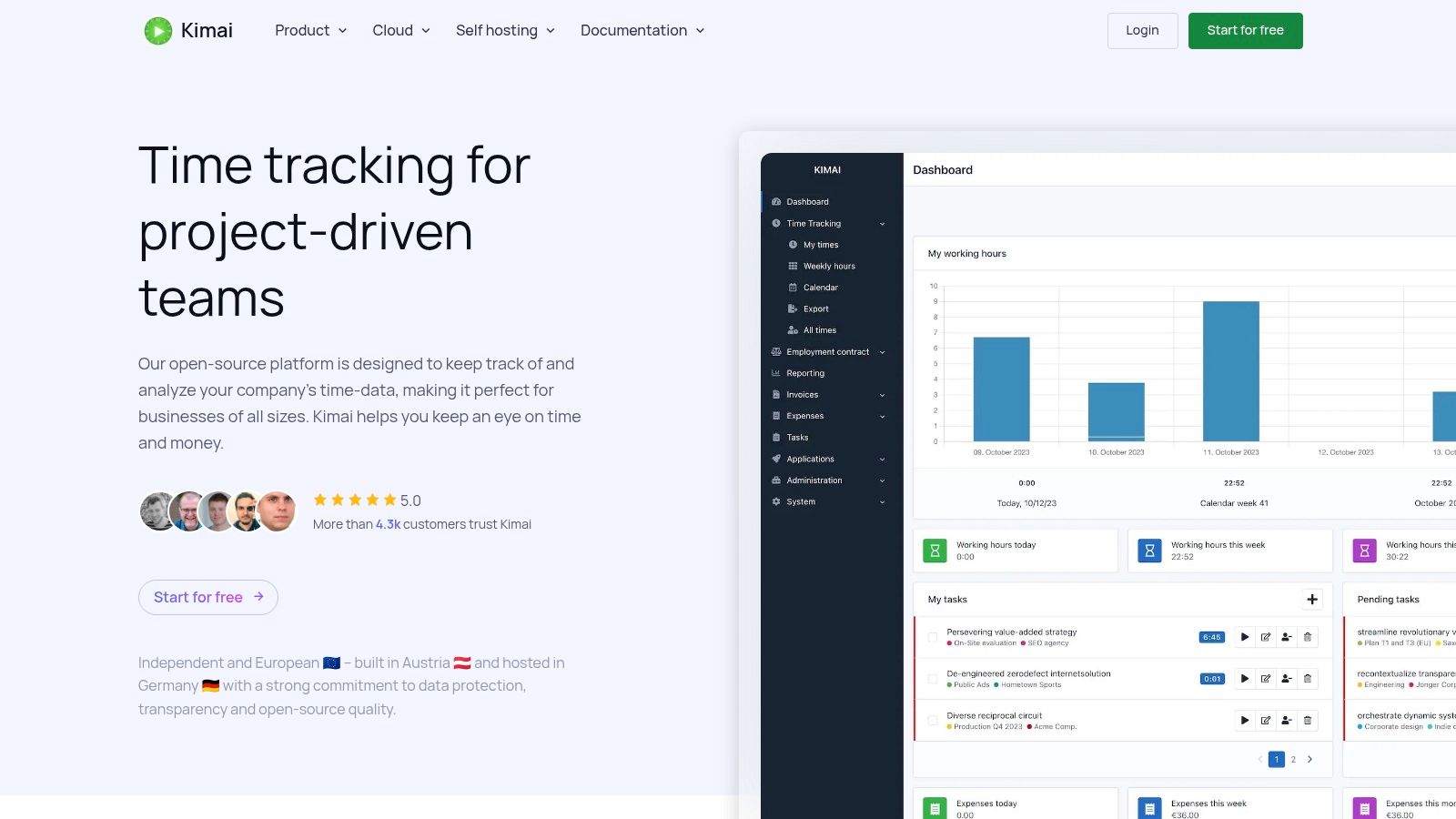
The self-hosted version is completely free for unlimited users, projects, and clients, making it incredibly cost-effective for large teams if you have the technical resources to manage it. For those who prefer a hands-off approach, a hosted Kimai Cloud option is also available, providing the same core software without the maintenance overhead.
Key Features & Use Case
Kimai excels at providing a robust, customizable time tracking core. Its plugin architecture allows you to extend its functionality to include features like invoicing, expense tracking, and advanced reporting. The platform emphasizes data ownership, with easy export options and no vendor lock-in, which is a significant advantage for long-term use. Its API and support for integrations like LDAP and SAML make it adaptable to existing corporate environments.
This platform is the best free time tracking software for technically-inclined teams, organizations with specific data security needs, or anyone seeking a powerful, endlessly customizable solution without user-based subscription fees.
- Best For: Companies needing a self-hosted, open-source solution with full data control.
- Website: Kimai
- Pricing: Free when self-hosted. Kimai Cloud (hosted) plans start at €2.41 per user/month.
Practical Tip: Before committing to the self-hosted version, explore the official demo on their website. This gives you a complete feel for the user interface and core features without needing to set up a server environment first.
11. ActivityWatch
For those who prioritize privacy above all else, ActivityWatch presents a compelling alternative to cloud-based services. It’s an open-source, cross-platform application that functions like a personal productivity analytics tool, automatically logging how you spend time on your devices without sending any data to an external server. Everything is stored locally on your machine, giving you full control over your information.
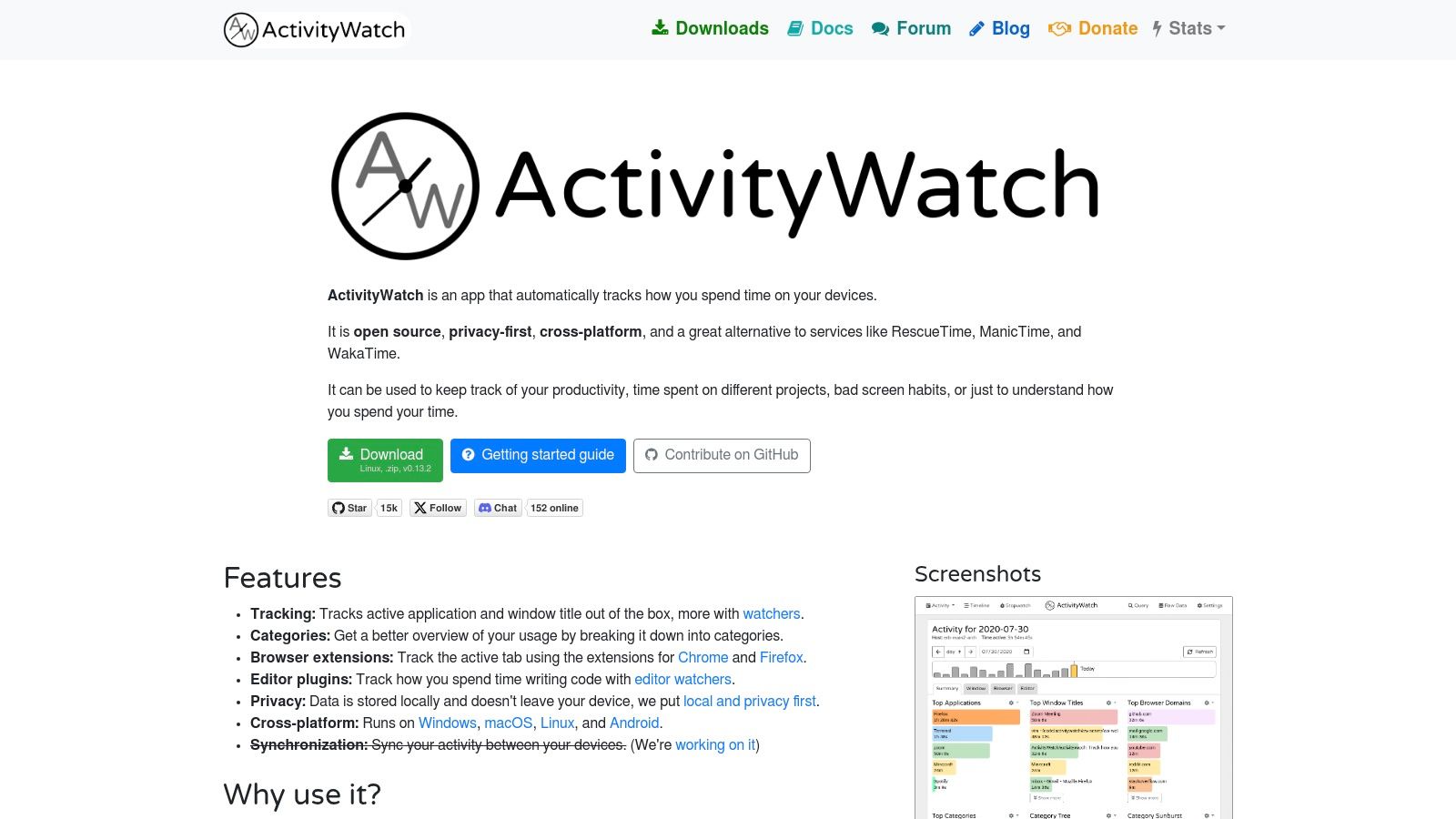
This privacy-first approach is its key differentiator. Unlike most commercial tools, ActivityWatch is 100% free forever, with no user limits or feature gates. It tracks active applications, browser tabs, and AFK (away-from-keyboard) time, providing you with detailed dashboards to analyze your habits and identify distractions.
Key Features & Use Case
ActivityWatch shines as an automated, personal time tracker. Its strength lies in its "set it and forget it" nature, collecting data in the background for later review. Browser extensions for Chrome and Firefox enhance its tracking capabilities by logging the active tab, giving you a more granular view of your web usage.
Because it doesn't support manual entries, projects, or billing, it's not a client-facing tool. Instead, ActivityWatch is the best free time tracking software for developers, researchers, students, and any individual who wants deep, private insights into their digital behavior to improve focus and productivity without commercial ties.
- Best For: Privacy-conscious individuals seeking automatic time logging for personal productivity analysis.
- Website: ActivityWatch
- Pricing: Completely free and open source.
Practical Tip: Regularly categorize your activities within the ActivityWatch dashboard. By creating rules (e.g., grouping all coding-related apps as "Development"), you can transform raw data into meaningful reports on how your time is allocated across different work areas.
12. Homebase
Homebase is specifically designed for brick-and-mortar businesses with hourly employees, such as restaurants, retail stores, and service shops. It goes beyond simple time tracking to offer an integrated suite for scheduling, timesheets, and team communication. Its unique value lies in combining these operational necessities into a single platform built for managing on-site teams.
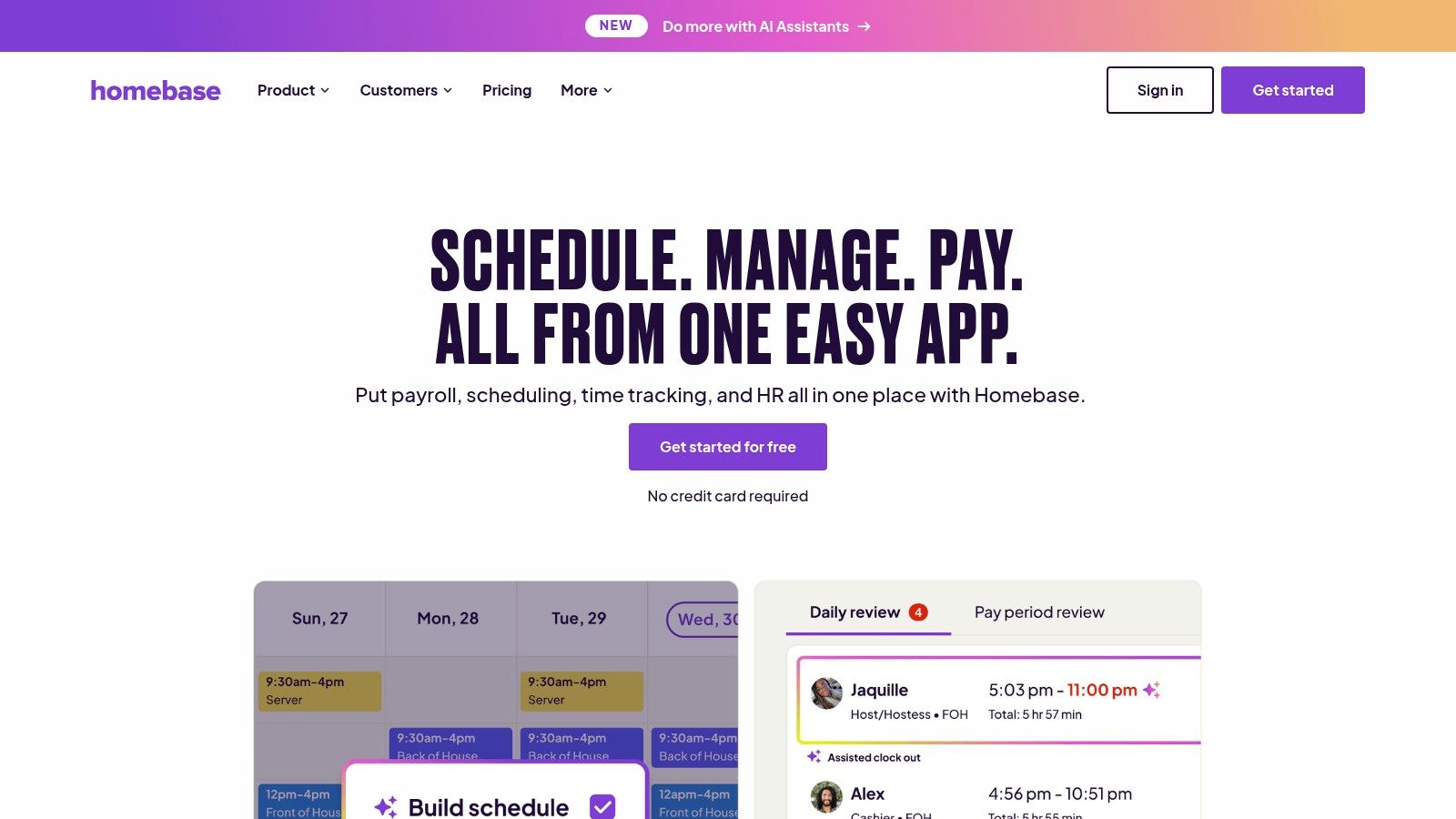
The free "Basic" plan is robust for a single business location, providing time clocks that can turn any device into a punch-in station, automated timesheets, and basic scheduling. This makes it an exceptional choice for small businesses looking to formalize their operations without incurring software costs.
Key Features & Use Case
Homebase excels at managing the logistics of an hourly workforce. The free plan includes automated alerts for late clock-ins and tracks breaks to help with labor law compliance, a feature often reserved for paid tiers in other software. Its time clock app prevents early clock-ins and automatically calculates overtime, simplifying payroll preparation.
For businesses like cafes, boutiques, or local service providers, Homebase is arguably the best free time tracking software because it addresses their core operational needs in one package. It replaces manual timesheets and disconnected scheduling apps with a unified system.
- Best For: Single-location businesses (restaurants, retail) with hourly employees needing an all-in-one scheduling and time clock solution.
- Website: Homebase
- Pricing: Free "Basic" plan for one location with unlimited employees. Paid plans start at $20 per month/location.
Practical Tip: Use the free team messaging feature within the Homebase app to quickly communicate schedule changes or daily announcements, keeping everyone in the loop without resorting to group texts.
Feature Comparison of 12 Free Time Trackers
| Product | Core Features / Monitoring ✨ | User Experience ★ | Value & Pricing 💰 | Target Audience 👥 | Unique Selling Points 🏆 |
|---|---|---|---|---|---|
| DeskCove 🏆 | Auto time, screenshots, webcam, URL/app tracking | ★★★★☆ Intuitive & customizable | From $10/user/month, 14-day free trial | Teams, managers, freelancers, SMEs | Highly customizable, unlimited captures, VIP support |
| Toggl Track | Unlimited time tracking, 100+ integrations | ★★★★☆ Simple, reliable | Free up to 5 users; paid advanced features | Freelancers, small teams | Clean UI, cross-device sync |
| Clockify | Unlimited users/projects/time, kiosk mode | ★★★★☆ Feature-rich | Truly free unlimited users/projects | Startups, growing teams | Most generous free tier |
| TimeCamp | Multi-platform apps, timesheets, projects | ★★★☆☆ Budget friendly | Free + inexpensive upgrades | Freelancers, SMBs | Good value, analytics & invoicing options |
| Jibble | GPS, biometric verification, screenshots | ★★★★☆ Strong onboarding | Free unlimited users; nonprofit discounts | Distributed/mobile teams | Attendance + biometric features |
| TMetric | Unlimited tracking, API access | ★★★☆☆ Lightweight UI | Free up to 2 users; paid for invoicing | Solo users, small teams | API on free plan, invoicing on paid plan |
| My Hours | Time tracking without monitoring | ★★★★☆ Simple & supportive | Free for freelancers/small teams | Freelancers, small teams | No invasive monitoring stance |
| Harvest | Time & invoicing, payments integrations | ★★★★☆ Clean invoicing | Free 1 user & 2 projects; paid plans | Freelancers | Pro-grade invoices, multi-integrations |
| RescueTime | Automatic app/site tracking | ★★★☆☆ Minimal manual work | Free Lite plan; paid premium tiers | Individuals focused on productivity | Focus sessions, website blocking |
| Kimai | Open-source, self-hosted or cloud | ★★★☆☆ Flexible but techy | Free self-hosted; paid plugins/cloud | Teams needing control/privacy | No vendor lock-in, strong plugin support |
| ActivityWatch | Local data, automatic app/window tracking | ★★★☆☆ Privacy-first | Completely free | Privacy-conscious individuals | 100% open source, local data storage |
| Homebase | Scheduling, time clocks, POS integration | ★★★☆☆ US hourly teams | Free basic plan per location | Retail, restaurants, hourly workers | Compliance focus, multi-location support |
Making Your Final Choice: Which Free Tool Will You Master?
Navigating the landscape of the best free time tracking software can feel overwhelming, but it's a journey that culminates in a powerful reward: unparalleled insight into your most valuable resource. We've explored a dozen exceptional tools, each with a unique philosophy and feature set designed to serve specific needs. From the comprehensive, team-oriented platforms of Clockify and TimeCamp to the minimalist efficiency of Toggl Track, the right solution for you exists within this list.
The key takeaway is that the "best" tool is not a one-size-fits-all answer. It is a deeply personal or team-specific choice contingent on your workflow, goals, and technical comfort level. What works for a solo freelancer managing multiple clients will differ significantly from what a growing agency needs to monitor project profitability and team productivity.
Recapping Key Strengths for Different Needs
To help you narrow down your options, let's revisit the core strengths of the top contenders based on common use cases:
- For Freelancers & Solopreneurs: Simplicity and powerful integrations are paramount. Toggl Track and Harvest shine here, offering intuitive interfaces that get out of your way and connect seamlessly with the invoicing and project management tools you already use.
- For Growing Teams & SMBs: If your primary need is accommodating a growing team without an immediate budget, Clockify and Jibble are clear frontrunners. Their generous free plans offer unlimited users and essential features, providing a scalable foundation for your business.
- For Data Privacy & Self-Hosters: For those who prioritize data ownership and customization above all else, open-source solutions are the only answer. Kimai and ActivityWatch put you in complete control, allowing you to host the software on your own servers and modify it to your exact specifications.
- For Automatic Tracking & Productivity Insights: If your goal is less about billable hours and more about understanding personal or team focus, RescueTime offers a unique, automated approach. It runs in the background, categorizes your digital activity, and provides powerful insights into where your time truly goes.
Actionable Steps to Your Perfect Match
Choosing the right software is more than just reading reviews; it's about practical application. The final step is to move from analysis to action. Don't let decision paralysis set in. Instead, follow this simple process to make a confident choice.
- Define Your Core Need: Before you test anything, write down the single most important problem you need to solve. Is it inaccurate invoicing? Poor project budget tracking? A lack of insight into team workload? This primary goal will be your north star.
- Shortlist Two to Three Tools: Based on our detailed breakdowns and your core need, select a maximum of three applications to test. Trying to evaluate more will lead to confusion. For example, if you're a team lead, you might pit Clockify against TimeCamp and DeskCove.
- Run a One-Week Pilot: Implement your shortlisted tools with yourself or a small, dedicated part of your team for one full workweek. This is the most critical step. A tool can look great on paper, but you'll only discover its true fit and potential friction points through daily use.
- Evaluate and Commit: At the end of the week, gather feedback. Which tool felt the most intuitive? Which provided the most valuable data? Which caused the least disruption to your workflow? Make your selection and commit to fully integrating it into your process.
Remember, the goal of adopting any of the best free time tracking software is to empower, not to micromanage. It's about building a system of transparency and data-driven decision-making that helps everyone work smarter. The perfect tool will feel less like an obligation and more like a trusted partner in your journey toward peak productivity and profitability.
While exploring these fantastic free options, consider how a tool like DeskCove can provide a more comprehensive view of productivity for growing teams. As one of the best free time tracking software solutions, it combines time tracking with insightful productivity analytics, helping you understand not just how long your team works, but how effectively they work. See how DeskCove can elevate your team's performance with a balanced approach to time and productivity management.