12 Best Time Tracking for Freelancers Tools in 2025
As a freelancer, your most valuable asset isn't your portfolio or your client list, it's your time. Every unbilled minute and every underestimated project eats directly into your profits. The key to unlocking higher earnings and better work-life balance lies in precise time management, but manually logging hours on a spreadsheet is tedious and prone to error. This is where dedicated time tracking software becomes a game-changer. It's not just about logging hours; it's about understanding your workflow, quoting projects accurately, and ensuring every second of your effort is accounted for.
This guide dives deep into the 12 best time tracking for freelancers tools available today. We'll move beyond the marketing hype to give you a real-world look at what works, what doesn't, and which platform is the perfect fit for your unique freelance business. From solo operators needing simple start-stop timers to agency owners managing multiple contractors, there is a solution tailored for your specific needs. Accurate records also form the backbone of your financial administration. A robust time tracking system provides the detailed financial records essential for implementing effective strategies to pay less tax as a contractor, ensuring compliance while maximizing your take-home pay.
We’ve analyzed the top platforms, including DeskCove, Toggl Track, Harvest, and Clockify, focusing on the features that matter most to independent professionals. Each review includes a detailed breakdown of pros, cons, pricing, and specific use-case scenarios to help you make an informed decision quickly. You will find screenshots for a visual reference and direct links to get started immediately. Our goal is to help you stop guessing how long tasks take and start building a more profitable, efficient, and sustainable freelance career.
1. DeskCove
DeskCove positions itself as a powerhouse solution, offering one of the best time tracking for freelancers who require robust productivity monitoring and detailed reporting. It moves beyond simple start/stop timers, providing an automated and comprehensive system for tracking billable hours with unparalleled accuracy. This platform is particularly suited for freelancers who manage sub-contractors or those who need to provide clients with granular proof of work, ensuring complete transparency and building trust.
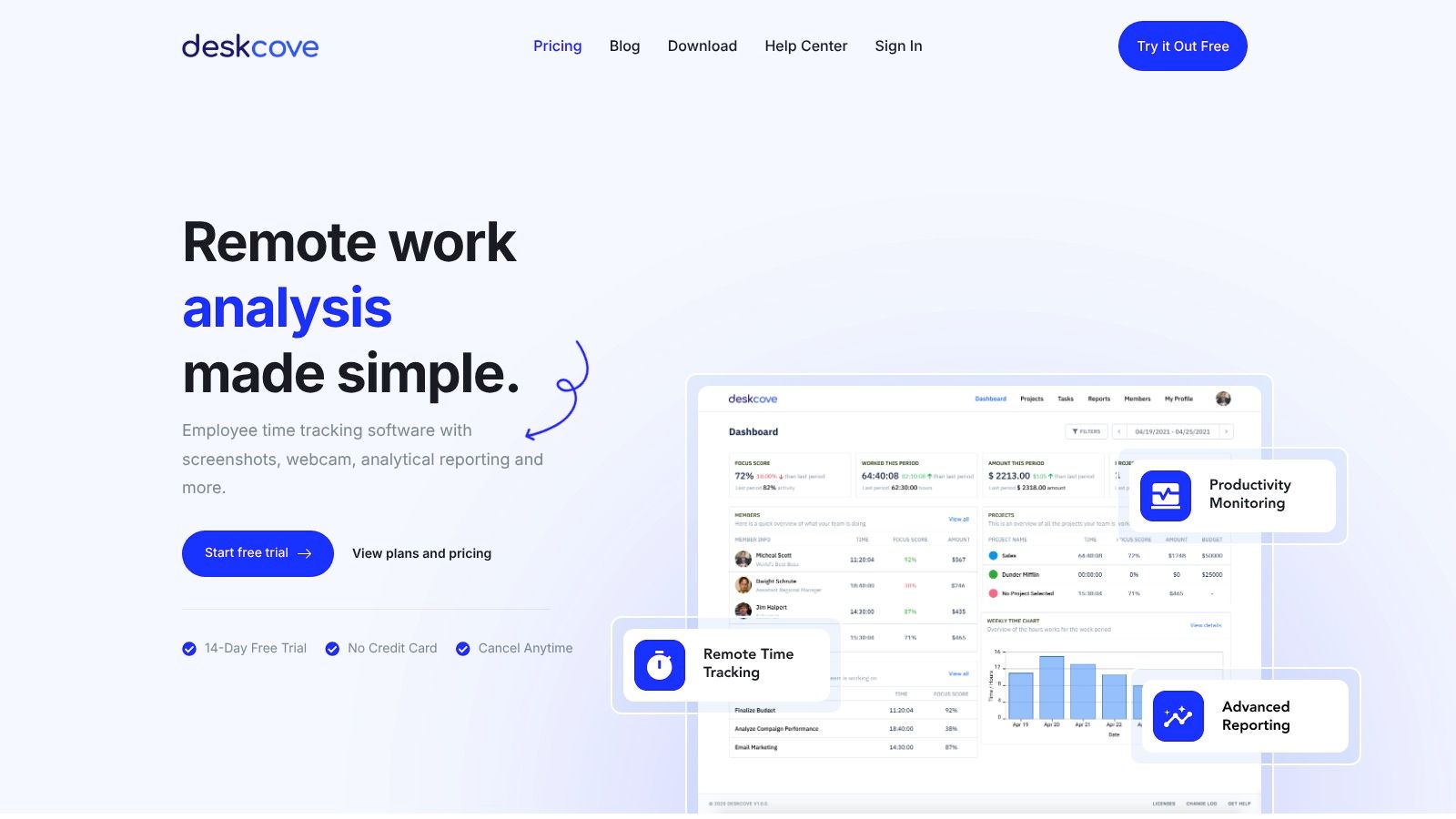
What truly sets DeskCove apart is its suite of productivity analysis tools. The platform automatically captures time, takes random screenshots, and monitors application and URL usage. This data is then compiled into intuitive reports, allowing you to conduct a deep analysis of your own work patterns. For a freelancer, this means identifying personal time sinks, optimizing workflows for maximum efficiency, and accurately quoting future projects based on real data, not just estimates.
Standout Features
- Automatic Time Capture: Eliminates the need for manual timers, ensuring every second of work is logged accurately.
- Productivity Monitoring: Optional features like screenshots, webcam captures, and URL tracking provide a detailed breakdown of how time is spent. These settings are highly customizable, allowing you to tailor the level of monitoring to specific client agreements.
- In-Depth Reporting: The analytics dashboard provides a clear overview of productivity, helping you identify bottlenecks and demonstrate value to clients with concrete evidence.
Practical Application
Imagine you're juggling three client projects simultaneously. DeskCove allows you to create separate projects and automatically tracks your activity for each one. When it's time to invoice, you can generate a detailed report, complete with activity logs and optional screenshots, justifying every billable minute and preventing billing disputes before they start.
Pricing and Access
- Free Trial: A 14-day free trial is available without requiring a credit card.
- Pricing: Starts at a competitive $10 per user per month.
- Availability: Access the platform and its features at DeskCove.com.
| Pros | Cons |
|---|---|
| Detailed, automatic time tracking enhances billing accuracy. | Monitoring features may feel intrusive for some users or client relationships. |
| Customizable settings allow for tailored productivity insights per project. | Some advanced features are tied to higher-tier plans, which could be a consideration. |
| Comprehensive reports are excellent for workflow optimization and client transparency. | Primarily focused on desktop monitoring, which may not suit freelancers who work on mobile. |
| Affordable entry-level pricing makes it accessible for solo freelancers. |
2. Toggl Track
Toggl Track is a household name in time tracking, renowned for its simplicity and a generous free tier that makes it one of the best time tracking solutions for freelancers just starting out. Its core philosophy is frictionless tracking; the one-click timer is available everywhere via web, desktop, and mobile apps. This ease of use encourages consistent logging, preventing lost billable hours.
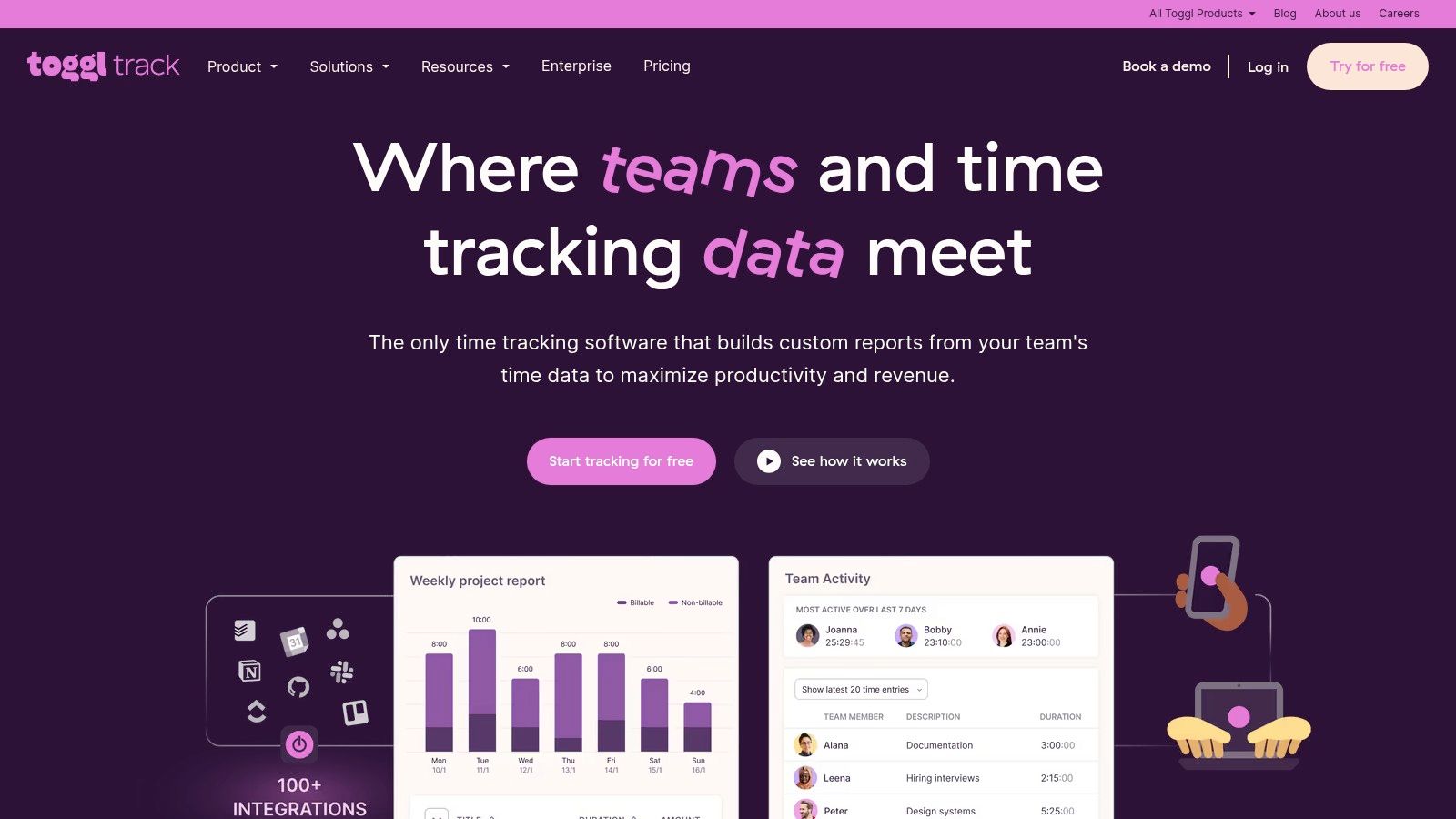
The platform stands out with its powerful browser extension, which integrates a Toggl timer directly into over 100 popular project management and productivity tools like Asana, Trello, and Jira. This allows you to start tracking time from within the apps you already use, eliminating the need to switch contexts. For solo freelancers, the free plan is remarkably robust, offering unlimited projects, clients, and tags for up to five users.
Key Features & Pricing
The paid plans unlock more advanced capabilities essential for growing freelance businesses. The Starter plan ($9/user/month) introduces billable rates, time estimates with alerts, and the ability to create saved reports. For deeper financial insights, the Premium plan ($18/user/month) adds features like project profitability charts and team time tracking reminders. While Toggl Track doesn't have native invoicing, it excels at generating detailed, exportable reports that can be easily used with any invoicing software.
- Pros: The free plan is incredibly powerful for solo use. Its user interface is clean and intuitive, making it fast to adopt.
- Cons: It lacks built-in invoicing, requiring an extra step in your workflow. Advanced profitability analysis is locked behind the most expensive tier.
Website: https://toggl.com/track
3. Harvest
Harvest positions itself as more than just a time tracker; it's a comprehensive business insights tool designed for freelancers who want to manage their entire billing cycle in one place. Its standout feature is the seamless integration between time tracking, expense logging, and invoicing. This all-in-one approach streamlines the process of tracking hours to getting paid, making it one of the best time tracking solutions for freelancers focused on operational efficiency.
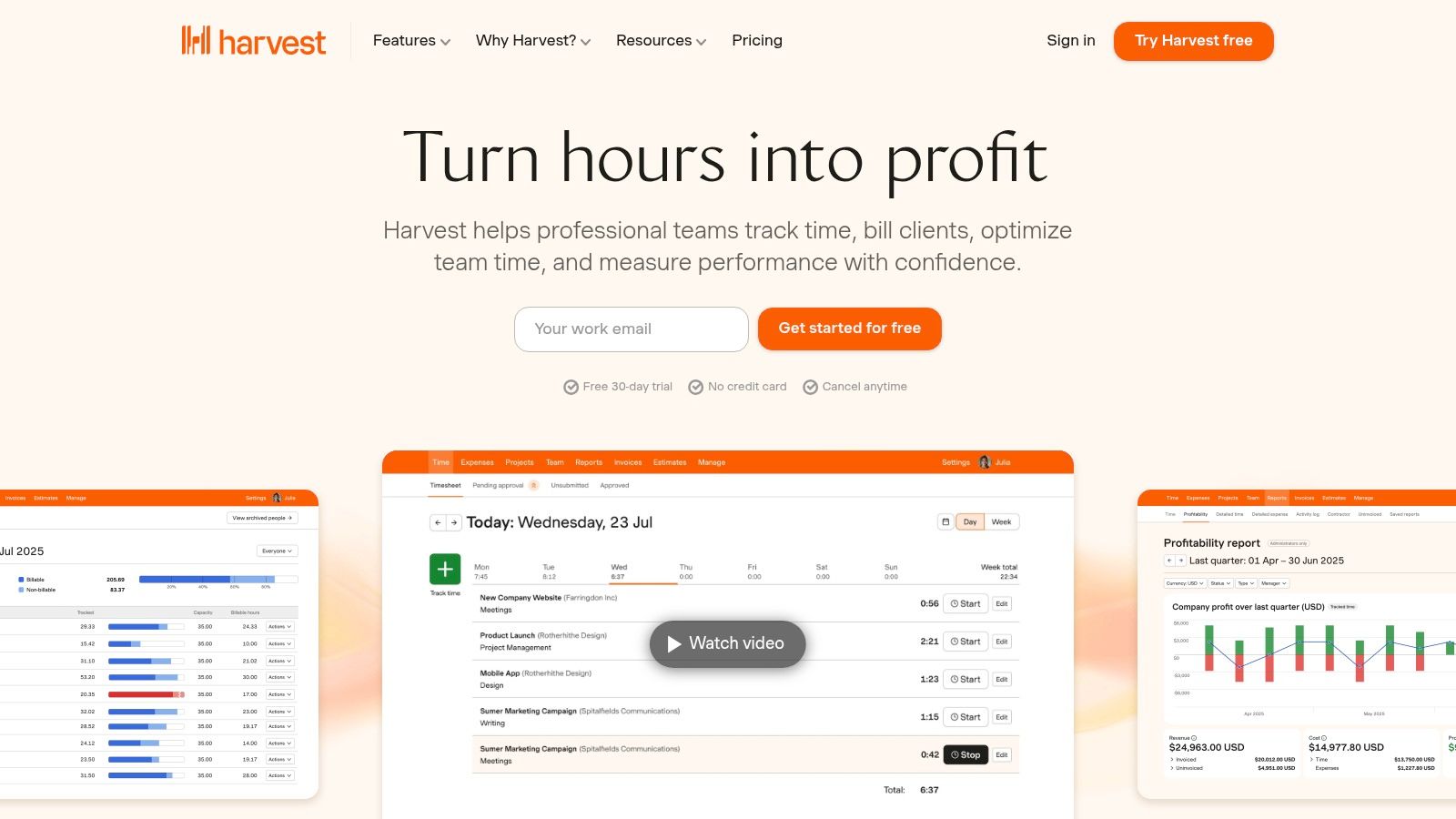
The platform enables you to create professional invoices directly from your tracked time and expenses with just a few clicks. You can then send them to clients and accept online payments via built-in Stripe and PayPal integrations. This tight coupling of features eliminates the need for separate invoicing software, reducing administrative overhead and simplifying your tech stack. Its reporting features also provide valuable data on project budgets, team capacity, and profitability, helping you make more informed business decisions.
Key Features & Pricing
Harvest offers a very limited free plan, suitable for freelancers with a small client base (1 seat, 2 projects). To unlock its full potential, you'll need the Pro plan ($12/seat/month), which offers unlimited seats and projects. This plan provides access to the full suite of features, including integrations with tools like Asana, Trello, and QuickBooks, making it a powerful hub for managing your freelance operations from start to finish.
- Pros: The built-in invoicing and payment collection features are a huge time-saver. Its clean interface makes project and client setup straightforward.
- Cons: The free plan is highly restrictive, essentially serving only as a trial. The per-seat pricing can become costly if you bring on collaborators.
Website: https://www.getharvest.com
4. Clockify
Clockify has carved out a unique space in the market by offering a genuinely free-forever plan that is remarkably powerful. For freelancers and small teams, it provides unlimited time tracking, unlimited users, and unlimited projects without any cost, making it an exceptional starting point. This commitment to a feature-rich free tier makes it one of the best time tracking options for freelancers who need a robust system without an initial investment.
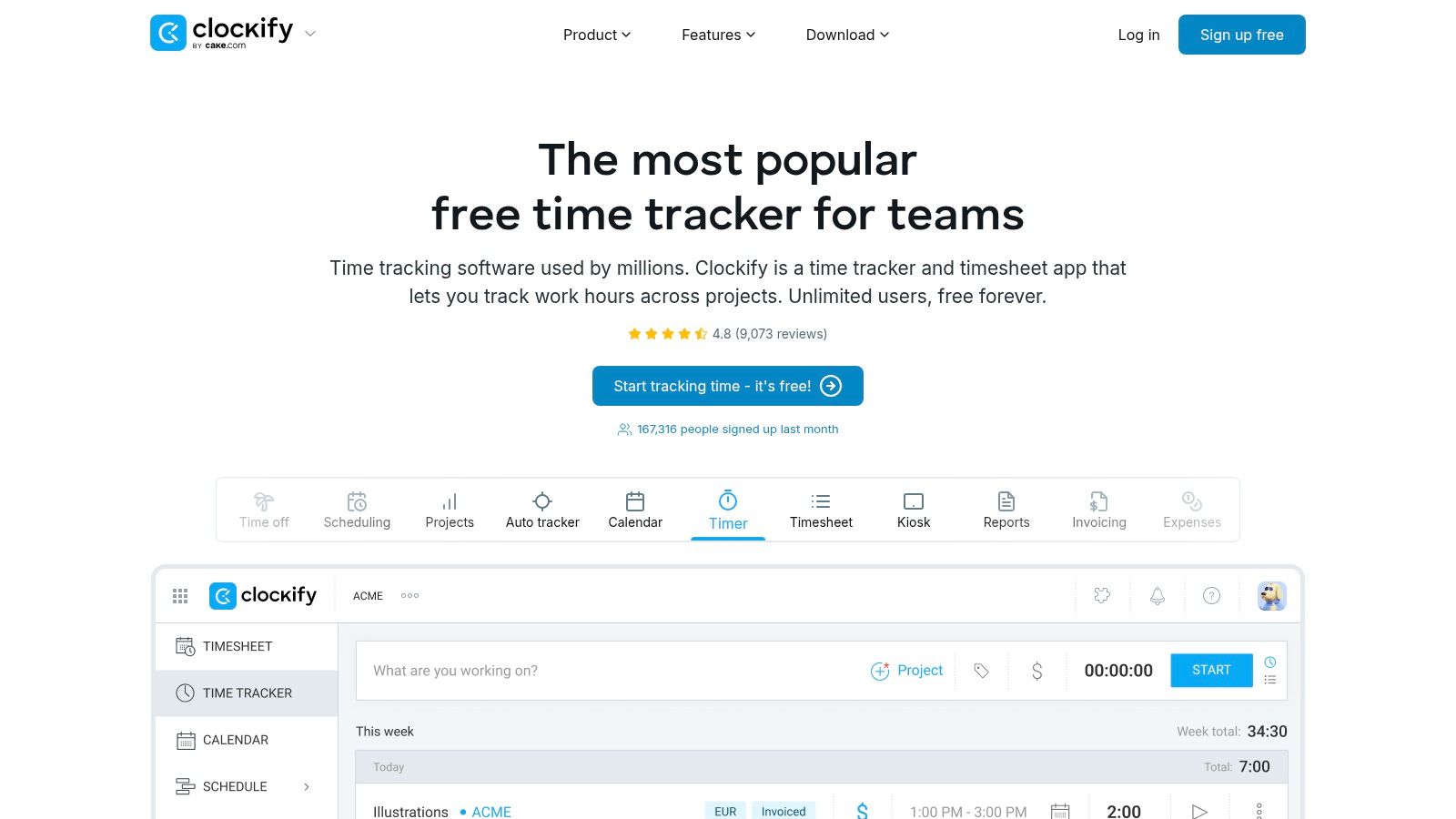
The platform functions as a comprehensive timesheet and time tracker app, allowing you to log hours worked manually or via a timer. Where Clockify truly differentiates itself is in the breadth of features available at very competitive price points as you scale. While many see it as one of the best free time tracking software, its paid upgrades introduce advanced functionalities like invoicing, timesheet approvals, and project cost management, transforming it from a simple timer into a complete freelance business management tool.
Key Features & Pricing
The paid plans are designed to grow with your business needs. The Basic plan ($3.99/user/month) adds crucial administrative features like invoicing and required fields. Moving up, the Standard plan ($5.49/user/month) introduces timesheet approvals and QuickBooks integration. For more control, the Pro plan ($7.99/user/month) provides profitability tracking, expense management, and GPS tracking. This tiered structure ensures you only pay for the features you actively need.
- Pros: The free tier is arguably the most capable on the market. It scales affordably as your freelance business grows, offering a wide feature set at a lower cost than many competitors.
- Cons: Its interface is more functional and utilitarian compared to the more polished design of some premium tools. Some advanced features can feel fragmented across different paid tiers.
Website: https://clockify.me
5. Timely by Memory
For freelancers who frequently forget to start and stop timers, Timely by Memory offers a revolutionary approach: automatic time tracking. Instead of relying on manual input, Timely runs in the background, privately recording your activity across apps, documents, websites, and meetings. It then uses AI to group these activities into draft time entries, creating an accurate timesheet for you to review and approve. This "set it and forget it" method is a game-changer for capturing every billable minute without interrupting your workflow.
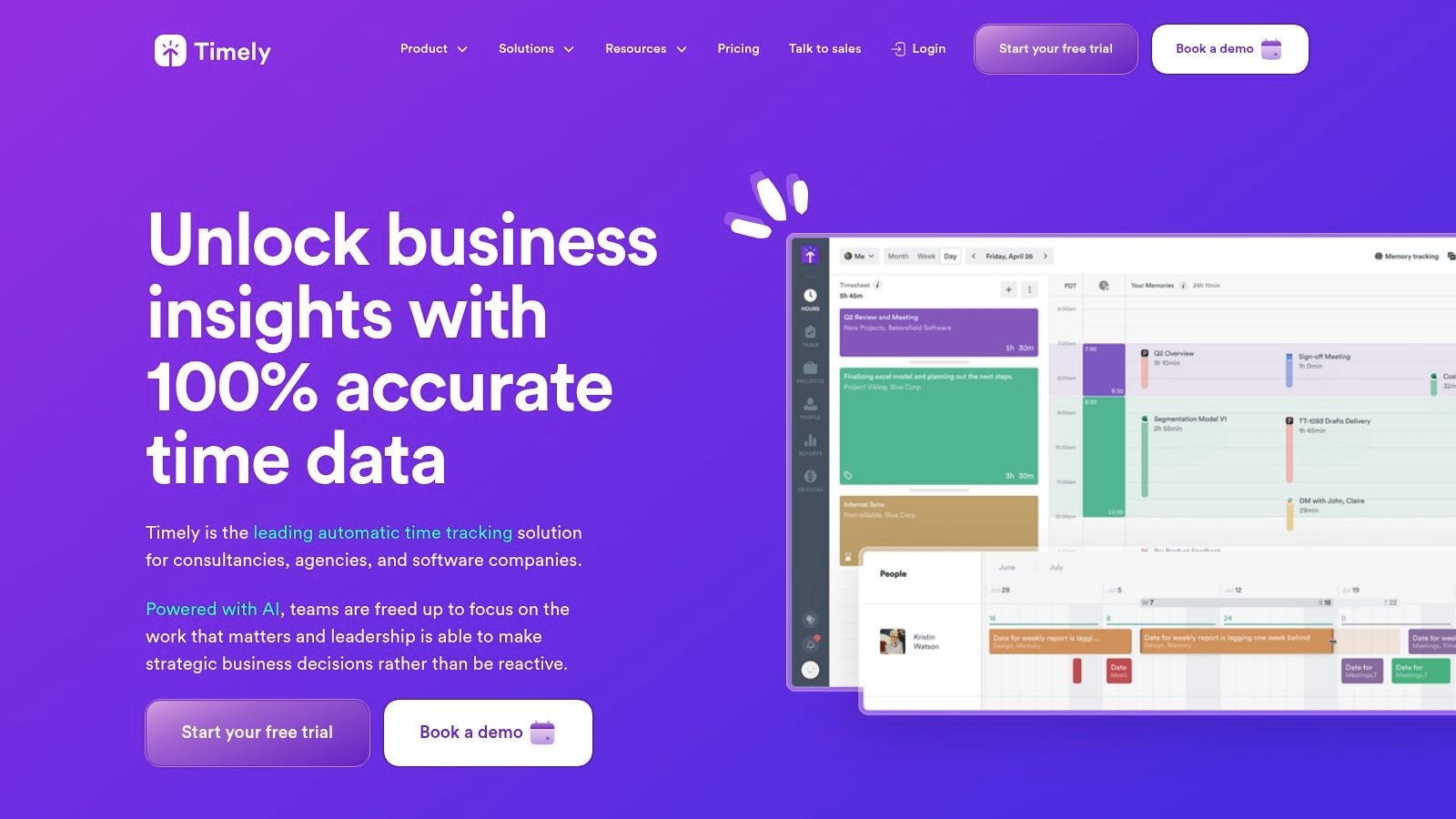
The platform excels at providing a detailed, verifiable record of your work, which is invaluable for building client trust and justifying invoices. The AI gets smarter over time, learning how you categorize tasks and projects, which reduces the amount of manual adjustment needed. This makes it one of the best time tracking solutions for freelancers juggling multiple projects, as it ensures precise data capture with minimal effort.
Key Features & Pricing
Timely does not offer a free plan, positioning itself as a premium, automated solution. The Starter plan ($9/user/month) provides access to the core automatic tracking and unlimited projects. To unlock project budgeting and billable rate tracking, you'll need the Premium plan ($16/user/month). For advanced features like team capacity planning and integrations with tools like QuickBooks, the Unlimited plan ($22/user/month) is required. The initial setup involves letting the app learn your habits, but the long-term payoff is a significant reduction in administrative tasks.
- Pros: It virtually eliminates missed billable hours through its automated tracking. The project health dashboards offer clear financial visibility.
- Cons: It's pricier than manual-only trackers and lacks a free tier. The AI requires a short learning period and occasional cleanup of entries.
Website: https://www.timely.com
6. Paymo
Paymo positions itself as an all-in-one work management solution, combining time tracking with robust project management and invoicing features. This makes it one of the best time tracking for freelancers who want to manage their entire workflow, from task creation to getting paid, within a single platform. Its strength lies in connecting the dots between time spent, tasks completed, and invoices sent, providing a clear overview of project health and profitability.
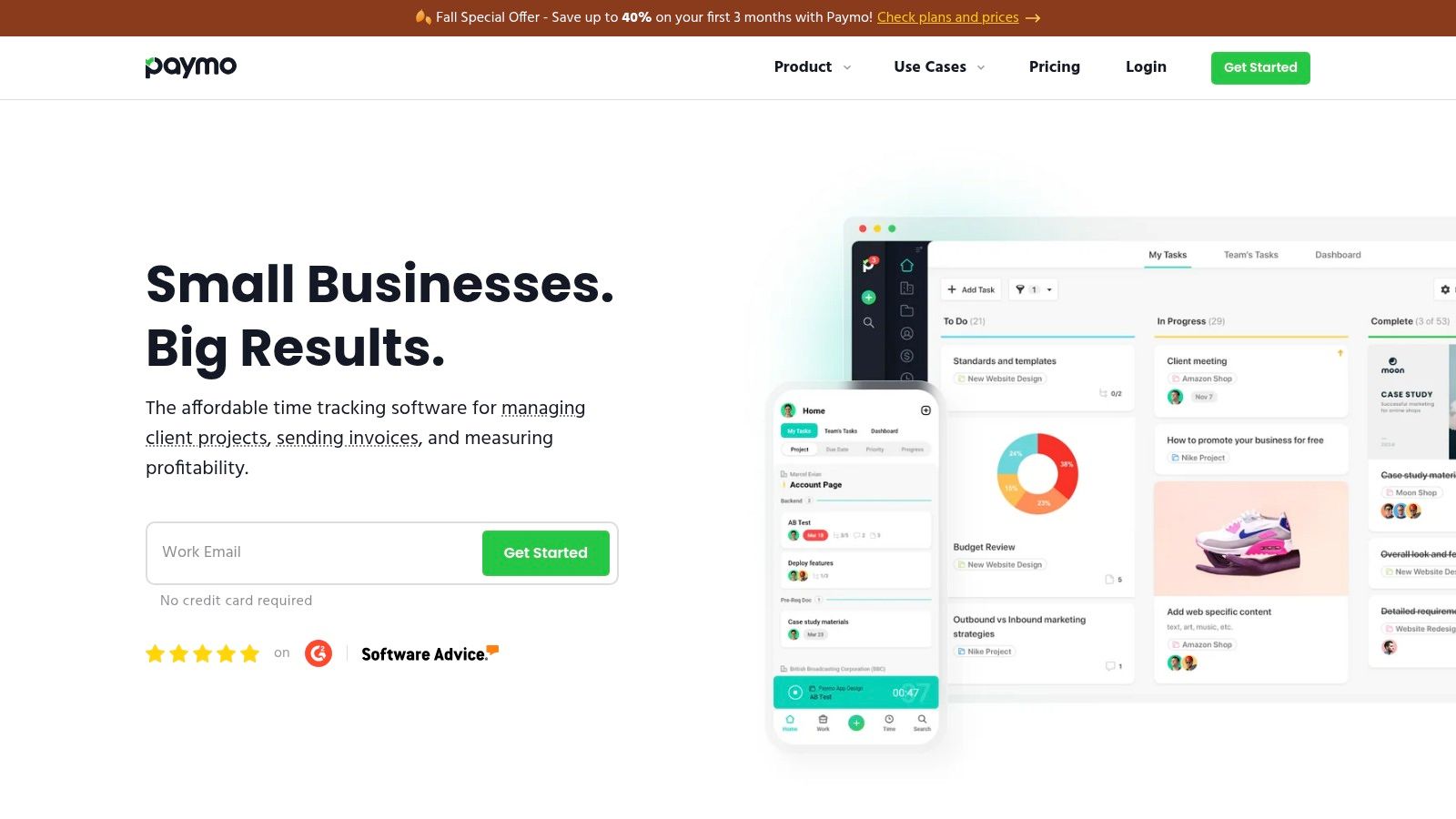
The platform offers multiple ways to track time, including a web timer, a desktop widget that can capture activity automatically, and mobile apps for on-the-go logging. What sets Paymo apart is how seamlessly this time data flows into its other modules. You can instantly convert timesheets into detailed invoices, manage project tasks using various views like Kanban boards, and track project expenses, all without needing to switch applications. This integrated approach is ideal for freelancers looking to streamline their administrative overhead.
Key Features & Pricing
Paymo’s plans are designed to scale with a freelancer's needs. The Free plan is surprisingly generous, now offering unlimited time tracking and invoices for a single user (with limits of three clients and one project). For more power, the Starter plan ($5.90/user/month) adds unlimited clients, project templates, and integrations. The Small Office plan ($10.90/user/month) unlocks advanced features like Gantt charts, online payments, and detailed profitability reports, making it a comprehensive business hub.
- Pros: The free plan now includes unlimited time tracking and invoices. Its project management features are strong relative to its affordable price point.
- Cons: Some advanced project views like Gantt charts require higher-tier plans. The interface has a lot of depth, which may present a short learning curve for new users.
Website: https://www.paymoapp.com
7. QuickBooks Time (formerly TSheets)
QuickBooks Time is the native time tracking solution for the vast Intuit ecosystem, making it a powerful choice for freelancers who already use QuickBooks for accounting. Formerly known as TSheets, this platform excels at creating a seamless workflow from tracking hours directly through to invoicing and payroll within QuickBooks Online. This integration eliminates the need for manual data entry and potential errors, streamlining financial management.
Where QuickBooks Time truly stands out is in its robust features tailored for mobile workforces, which can be invaluable for freelancers who work on-site. Its mobile app includes GPS time tracking and geofencing capabilities, automatically reminding you to clock in or out when you arrive at or leave a client's location. While many of its team-focused features like scheduling and kiosk mode may be overkill for a solo professional, its core function as an integrated time tracker is hard to beat for existing QuickBooks users.
Key Features & Pricing
The platform's pricing structure is geared more towards teams, which can be a drawback for individuals. The Premium plan ($20 base fee/month + $8/user/month) offers the core time tracking, QuickBooks integration, and reporting. To access features like project and mileage tracking or geofencing, you need the Elite plan ($40 base fee/month + $10/user/month). This model makes it one of the pricier options for a single freelancer but provides a level of depth that others lack.
- Pros: The seamless integration with QuickBooks Online for invoicing and payroll is a major time-saver. Its mobile GPS and mileage tracking features are excellent for freelancers who travel to client sites.
- Cons: The base fee plus per-user cost makes it expensive for solo use. Many of its best features are designed for managing teams, not individuals.
Website: https://quickbooks.intuit.com/time-tracking
8. FreshBooks (Time Tracking + Invoicing)
FreshBooks is more than just a time tracker; it's a full-fledged accounting solution designed for freelancers and small business owners. Its main advantage lies in seamlessly integrating time tracking with invoicing and expense management, which streamlines the entire financial workflow from logging hours to getting paid. This makes it one of the best time tracking tools for freelancers who want an all-in-one platform to manage their business finances.
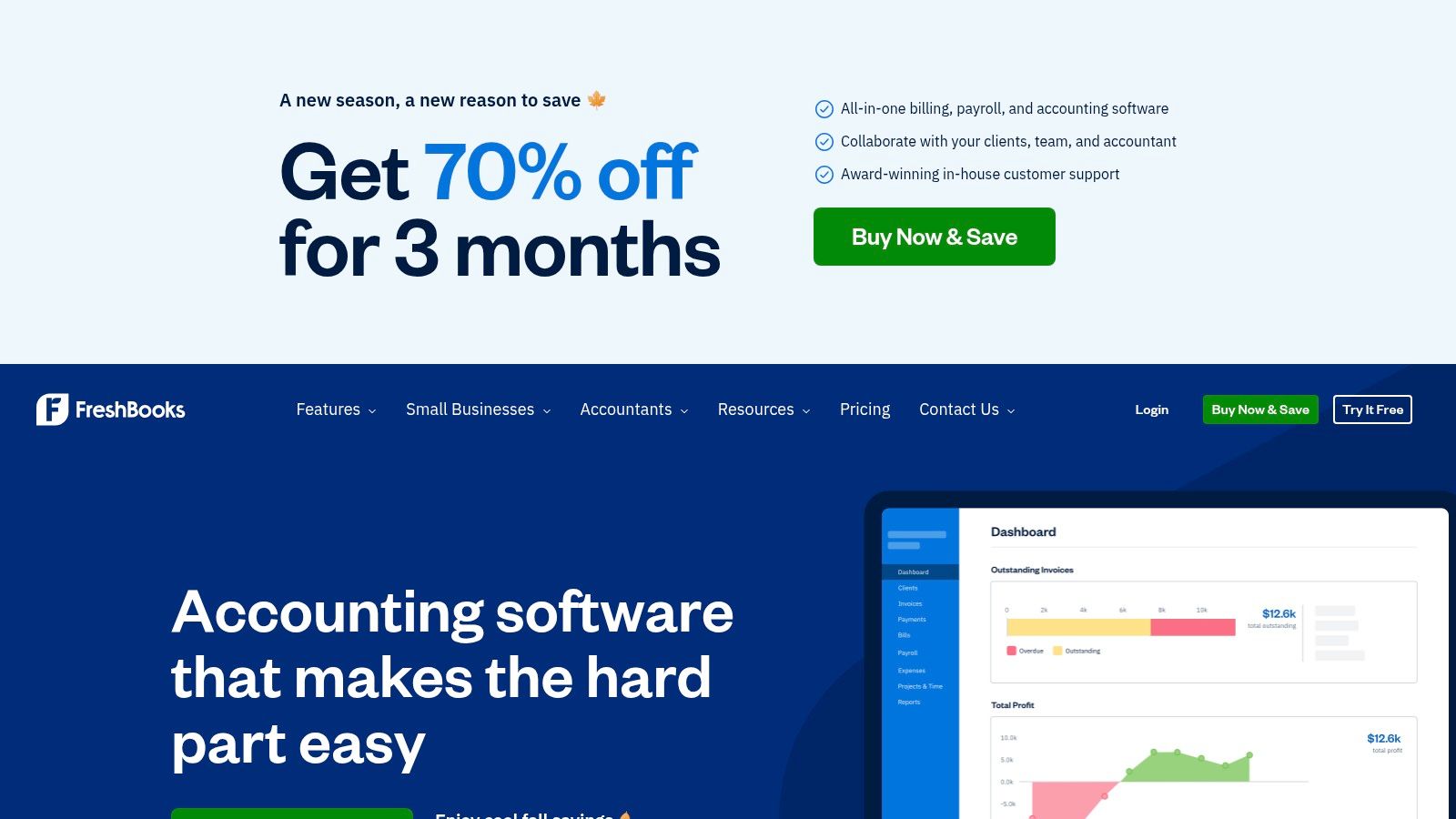
The platform allows you to log time against specific clients and projects using a simple timer or manual entry, and you can easily mark hours as billable. The true power of FreshBooks is its ability to pull all tracked billable hours directly into a professional invoice with just a few clicks. This automation saves significant administrative time and reduces the risk of billing errors.
Key Features & Pricing
Beyond time tracking, FreshBooks includes features for proposals, expense tracking, and robust financial reporting. The Lite plan (starting around $19/month) is suitable for freelancers with up to five billable clients. The Plus plan (around $33/month) is the most popular, offering unlimited proposals and clients. When you handle client payments, it's also helpful to think through choosing a payment gateway for your small business to ensure a smooth transaction process.
- Pros: All-in-one accounting and time tracking simplifies billing and tax preparation. The automated "log time to invoice" feature is a major time-saver.
- Cons: It's more of an accounting tool than a dedicated project management platform. The pricing can be higher than standalone time trackers, and plans limit the number of billable clients.
Website: https://www.freshbooks.com
9. Bonsai (Freelance Suite with Time Tracking)
Bonsai is more than just a time tracker; it's an all-in-one business management suite designed specifically for freelancers. While its time tracking is robust, its real power comes from how seamlessly it integrates with the entire freelance workflow, from proposals and contracts to invoicing and tax preparation. This makes it one of the best time tracking solutions for freelancers who want to consolidate their administrative tools and streamline their operations.
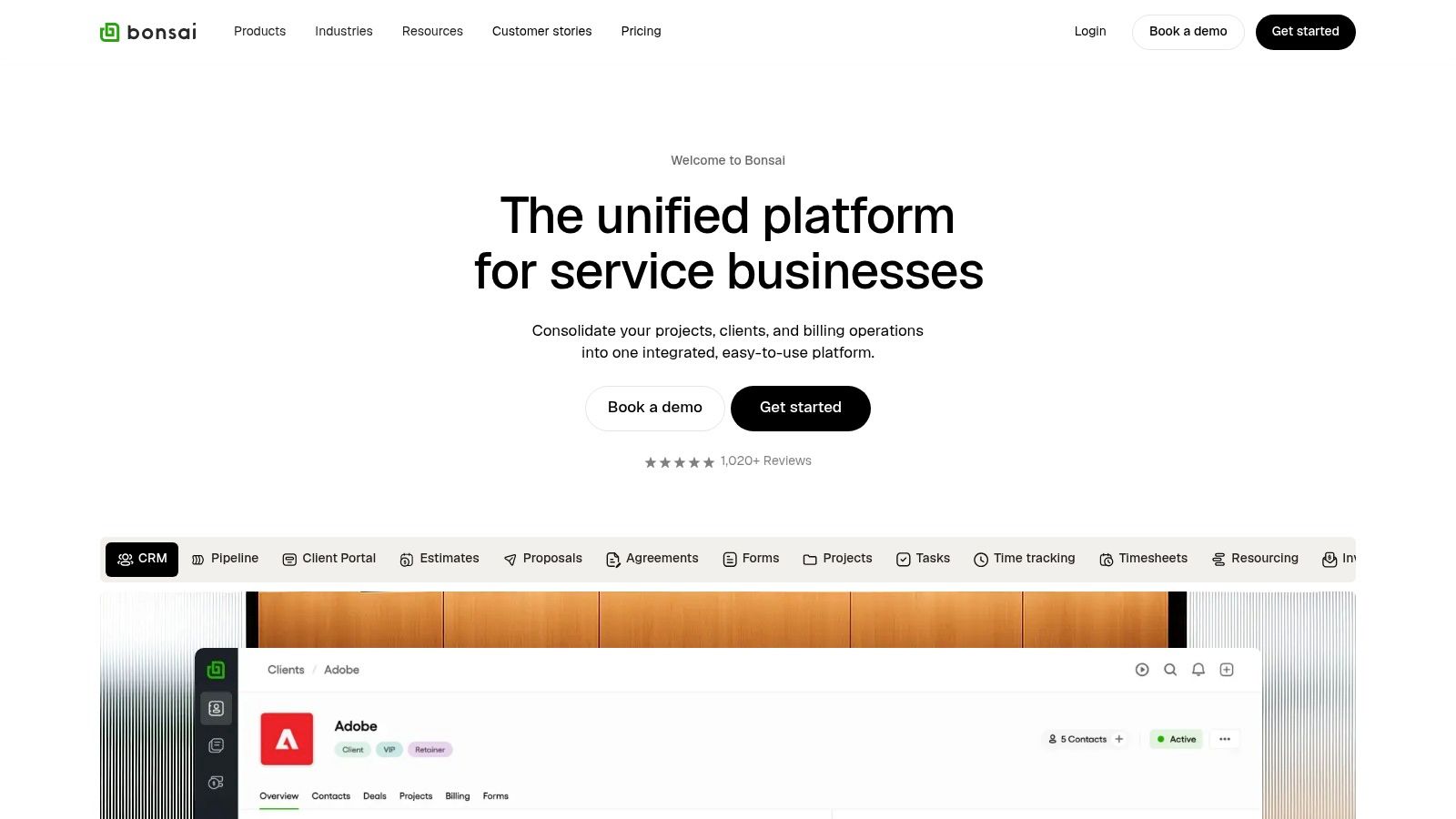
The platform allows you to track time directly against projects and clients, and then, with a single click, pull that tracked time into a professional invoice. This direct link between hours worked and getting paid eliminates manual data entry and reduces the risk of errors. Bonsai’s comprehensive approach means you can manage client relationships (CRM), send legally-vetted contracts, track expenses, and view financial reports all from one centralized dashboard.
Key Features & Pricing
Bonsai's tiered plans reflect its all-in-one nature. The Starter plan ($21/month) includes unlimited clients and projects, plus the full suite of proposals, contracts, invoicing, and time tracking. To access features like a client portal, workflow automations, and accounting integrations, you'll need the Professional plan ($32/month). The Business plan ($66/month) is geared toward subcontracting and team collaboration. Each plan comes with a 7-day free trial.
- Pros: The freelancer-first workflow is incredibly efficient, connecting tracking directly to invoicing and project management. It provides a clear path to scale your business operations within a single ecosystem.
- Cons: Advanced reporting, branding, and key integrations are locked behind the higher-priced tiers. The pricing is per-user if you need to add collaborators, which can become costly.
Website: https://www.hellobonsai.com
10. Fiverr Workspace (formerly AND.CO)
Fiverr Workspace, the platform formerly known as AND.CO, is an all-in-one toolkit designed to streamline the entire freelance business lifecycle. While many tools focus solely on time logging, Workspace integrates time tracking directly with proposals, contracts, invoicing, and payments. This holistic approach makes it an excellent choice for freelancers who want to manage their entire client workflow from a single dashboard, from initial pitch to final payment.

The platform’s strength lies in its interconnectedness. You can track time against a specific project, and when you’re ready to bill, those hours can be pulled directly into a professional invoice with just a few clicks. This seamless transition from tracking to invoicing is a major time-saver. It also includes features like proposal templates with e-signatures and expense tracking, which are invaluable for maintaining a professional and organized operation without juggling multiple subscriptions.
Key Features & Pricing
Fiverr Workspace offers a straightforward pricing model. The Free plan is a great starting point, allowing you to manage one active client with branded documents. This is ideal for freelancers just starting out or those with a single long-term client. To unlock its full potential, the Unlimited plan ($18/month) removes all branding and client limitations, giving you full access to customizable contracts and advanced reporting. It provides one of the most comprehensive feature sets for its price point, covering nearly every administrative task a freelancer faces. This makes it one of the best time tracking solutions for freelancers seeking a complete business management system.
- Pros: It’s an all-in-one solution that covers contracts, invoicing, payments, and expense tracking. The free plan is functional for single-client management.
- Cons: The free plan has significant limitations, including branding and a one-client cap. It lacks the advanced project management features of more specialized tools.
Website: https://workspace.fiverr.com
11. Everhour
Everhour is designed for freelancers and teams who live inside their project management tools. Instead of creating a separate workflow, it embeds time tracking, budgeting, and invoicing capabilities directly into platforms like Asana, Trello, ClickUp, and Jira. This deep integration allows you to track time against specific tasks without ever leaving your primary workspace, making it one of the best time tracking solutions for freelancers who prioritize seamless workflow consolidation.
The platform truly shines in its project budgeting and client-facing features. You can set detailed budgets for projects, receive alerts as you approach limits, and easily distinguish billable from non-billable hours. Everhour also includes native invoicing, allowing you to generate professional invoices directly from your tracked time and expenses, which simplifies the entire billing cycle from start to finish.
Key Features & Pricing
Everhour's pricing structure is straightforward, though it favors teams. The Free plan covers basic time tracking for up to five users but crucially lacks the integrations that make the platform powerful. The All-in-one plan ($8.50/user/month when billed annually) unlocks all features, including integrations, budgeting, invoicing, and expenses. This plan is ideal for freelancers who need a comprehensive tool to manage project financials and time without juggling multiple apps.
- Pros: Its native integrations into popular PM tools are best-in-class. The reporting and budgeting features provide clear financial oversight for client projects.
- Cons: The All-in-one plan has a 5-seat minimum, meaning a solo freelancer might overpay. The free plan is limited without the core integration features.
Website: https://everhour.com
12. RescueTime
RescueTime offers a different approach to time tracking, focusing on automatic data capture and productivity analysis. Instead of relying on manual timers, it runs quietly in the background on your computer, logging how you spend your time on different applications and websites. This hands-off method is ideal for freelancers who want to understand their work habits and generate accurate timesheets without the constant need to start and stop a clock.
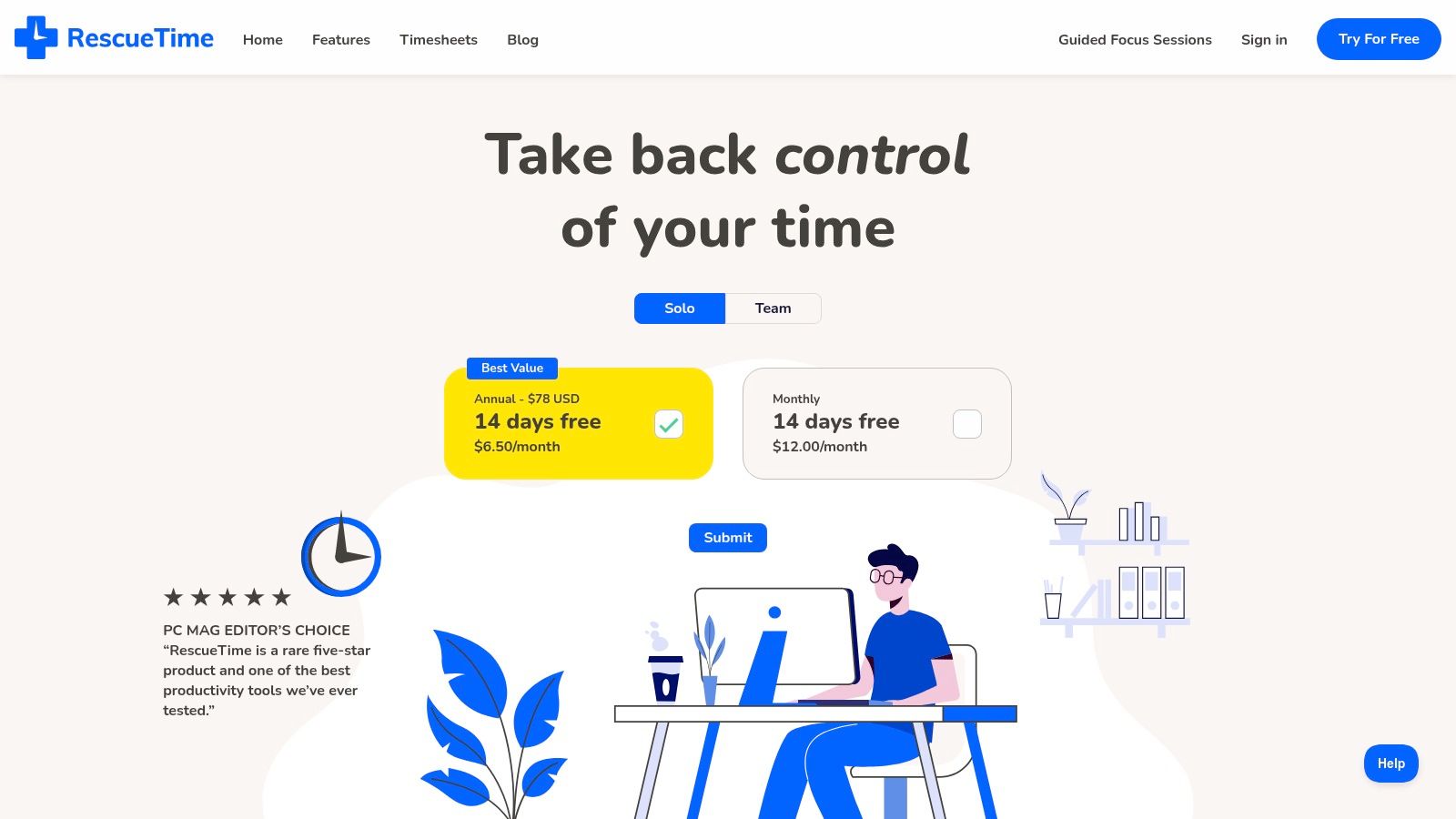
What makes RescueTime stand out is its emphasis on improving focus. The platform doesn't just track time; it helps you manage it better with features like "Focus Sessions," which can block distracting websites. Its detailed reports and productivity scores give you a clear picture of where your hours are going, helping you identify time-wasting activities. For freelancers billing by the hour, its Timesheets feature can automatically group your logged activity into client-ready reports, making it one of the best time tracking for freelancers who value deep work analytics.
Key Features & Pricing
RescueTime simplifies its offering with a straightforward plan structure. The Premium plan (around $6.50/month billed annually) provides access to all its core features, including automatic time tracking, Focus Sessions, detailed reporting, goal setting with alerts, and calendar integration. This single tier gives individual freelancers a powerful suite of tools for both time logging and productivity enhancement. For those needing to track multiple people, a Teams plan is available but requires a minimum of two seats. While it excels at data collection, it doesn't include native invoicing.
- Pros: Fully automates the time capture process. Excellent focus tools help minimize distractions and improve productivity.
- Cons: It is not an invoicing tool, so you must export data to bill clients. The team plan is less suited for solo freelancers.
Website: https://www.rescuetime.com
Time Tracking Tools Comparison for Freelancers
| Product | Core Features/Characteristics | User Experience/Quality ★ | Value Proposition 💰 | Target Audience 👥 | Unique Selling Points ✨ |
|---|---|---|---|---|---|
| 🏆 DeskCove | Automatic time capture, screenshots, webcam, app/URL tracking, detailed reports | ★★★★☆ Highly praised | From $10/user/mo, 14-day free trial | Team owners, PMs, freelancers, SMEs | Customizable monitoring, 1-year image retention, VIP support |
| Toggl Track | One-click timers, 100+ tool integrations, calendar sync, billable rates (paid) | ★★★★ Clean, fast UI | Free plan (up to 5 users), paid tiers | Freelancers, small teams | Generous free plan, browser extension |
| Harvest | Time tracking with invoicing, expenses, budgets, QuickBooks/Xero integrations | ★★★★ Simple, clean | Limited free plan, per-seat pricing | Freelancers, small businesses | Native invoicing and payments |
| Clockify | Unlimited users/time free plan, timesheet approvals, invoicing, GPS/location tracking | ★★★☆ Utilitarian interface | Free forever, low-cost upgrades | Teams of all sizes | Unlimited free tier, data region hosting |
| Timely by Memory | AI automatic time capture, project budgeting, integrations, team planning | ★★★★ Automated, accurate | Pricier than manual trackers | Freelancers, teams benefiting from automation | AI-assisted categorization |
| Paymo | Timers, invoicing, estimates, expenses, task views (Gantt, Kanban), client mgmt | ★★★★ Strong PM features | Free plan with limits, affordable tiers | Freelancers, small studios | All-in-one time + project mgmt |
| QuickBooks Time (TSheets) | GPS/mobile tracking, scheduling, alerts, QuickBooks integration | ★★★★ Strong for on-site work | Base + per-user fees | QuickBooks users, field workers | Deep QuickBooks integration |
| FreshBooks (Time + Invoicing) | Timer/manual entry, invoicing, expense tracking, proposals, payment collection | ★★★★ All-in-one accounting | Pricing varies by plan | U.S. freelancers & small businesses | Full accounting with time tracking |
| Bonsai (Freelance Suite) | Time tracking, contracts, proposals, invoices, CRM, scheduling, mobile apps | ★★★★ Freelancer-first | Per-user pricing | Freelancers needing all-in-one suite | Contracts + time tracking in one platform |
| Fiverr Workspace (AND.CO) | Time tracking, invoicing, contracts, expense tracking, client CRM | ★★★☆ Simple and lightweight | Free plan with Fiverr branding limits | Solo freelancers, one-client users | Quick setup, free plan for small workflows |
| Everhour | Integrations with PM tools, budgets, invoicing, approvals, time off | ★★★★ Strong integrations | Team plan minimum 5 seats | Teams using Asana, Trello, ClickUp | Deep PM tool integration |
| RescueTime | Automatic app/site tracking, focus sessions, goals, reports, calendar integration | ★★★★ Automates focus | Affordable annual pricing | Freelancers, individuals wanting hands-off tracking | Focus tools + automation |
Making Your Final Choice: Selecting the Right Tracker for Your Workflow
Navigating the landscape of time tracking software can feel overwhelming, but the journey to finding the perfect tool is a crucial investment in your freelance business. As we've explored, the market offers a diverse range of solutions, from the powerful, free-forever tiers of Clockify and Toggl Track to the sophisticated, all-in-one platforms like Bonsai and Paymo. The key takeaway is that the best time tracking for freelancers isn't about having the most features; it's about adopting the one that aligns perfectly with your existing workflow and solves your most significant challenges.
The right tool should feel less like a chore and more like a silent partner, working in the background to capture your value and provide critical business insights. Your choice ultimately hinges on your unique operational needs, client structure, and growth ambitions.
How to Pinpoint Your Perfect Match
To move from analysis to action, you need to distill your requirements into a clear set of criteria. Forget the marketing hype and focus on what will genuinely make your life easier and your business more profitable. Ask yourself these critical questions:
- What is my primary goal? Are you simply trying to capture billable hours accurately? Or do you need a tool that also handles invoicing, project management, and client proposals? If it's the former, a dedicated tracker like Harvest or Everhour might be ideal. If it's the latter, an integrated suite like FreshBooks or Fiverr Workspace will serve you better.
- What is my tracking style? Be honest with yourself. If you consistently forget to start and stop timers, manual tracking tools will lead to inaccurate data. In this scenario, an automatic or passive tracker like Timely by Memory, DeskCove, or the automated features in RescueTime will be a game-changer, ensuring no billable second is lost.
- What is my budget? Freelancers are often budget-conscious, and thankfully, many powerful tools offer robust free plans. Clockify and Toggl Track are standout choices for those who need comprehensive tracking without the cost. However, investing in a paid plan can often deliver a significant return through advanced reporting, integrations, and automation features.
- How complex are my projects? If you juggle multiple projects with varying rates and tasks for different clients, you need a tool with strong project organization and reporting capabilities. Paymo and Harvest excel in this area, allowing you to slice and dice your data to understand project profitability and resource allocation.
The Power of the Test Drive
Reading reviews and comparing feature lists is only the first step. The most critical part of your selection process is the hands-on trial period. Nearly every tool on our list offers a free trial or a free plan.
- Shortlist Your Top 2-3: Based on your answers above, select the two or three tools that seem like the best fit.
- Commit to a Real-World Test: Use each tool exclusively for a full week on your actual client projects. Don't just play with the features; integrate it into your daily routine.
- Evaluate the Experience: At the end of the week, assess how it felt. Was it intuitive or clunky? Did it save you time or create extra administrative work? Was the data it produced clear, actionable, and easy to export for invoicing?
This practical testing phase will reveal the subtle but crucial differences in user experience that a feature list can never capture. The best time tracking for freelancers is the one that becomes an invisible, indispensable part of your workday. It empowers you with the data to price your services confidently, justify your rates to clients, and strategically plan the future of your independent career. By choosing wisely, you transform time from a resource you sell into an asset you manage for maximum growth.
If your focus is on maximizing productivity and ensuring every billable second is captured without manual effort, consider giving DeskCove a try. Its powerful automatic time tracking, productivity monitoring, and detailed reporting are designed to give freelancers the clarity they need to grow their business. Explore how automated insights can streamline your workflow at DeskCove.