The 12 Best Tracking Software for Laptop Options in 2025

In an era of remote work and valuable mobile assets, securing and monitoring company devices is a necessity. Whether you're a manager aiming to boost team productivity, a freelancer needing to justify billable hours, or an IT admin wanting to protect your devices from theft, the right tracking software for laptop provides invaluable peace of mind and operational insight. But the market is crowded with options, from simple anti-theft tools to comprehensive productivity suites.
This guide cuts through the noise. We have curated a list of the 12 best solutions, analyzing them for specific use cases like remote team management, asset recovery, and enterprise-level endpoint security. We'll dive deep into key features, practical limitations, and implementation tips to help you choose the tool that aligns perfectly with your goals. To fully grasp the broader implications of these tools and why their selection is more critical than ever, it's helpful to consult a comprehensive Endpoint Security Management Guide.
This article will help you find the best platform for your needs, providing direct links and screenshots for each tool reviewed. You will learn how to select software that not only tracks location but also enhances productivity and secures your valuable digital assets effectively.
1. DeskCove
DeskCove earns its top spot by offering a robust and well-rounded suite of features that transform remote work hours into actionable business intelligence. It’s an exemplary choice for organizations seeking comprehensive laptop tracking software that balances detailed oversight with user-level flexibility. The platform excels at automatically capturing time, monitoring application and URL usage, and providing visual verification through randomized screenshots and webcam images.
What sets DeskCove apart is its focus on turning raw data into clear, manageable insights. Managers can move beyond simple time logs to analyze project budgets, optimize team workflows, and ensure resources are allocated effectively. A project manager, for instance, can use the analytics to see if a project is running over budget due to time spent on non-essential applications, allowing for a quick course correction. For a deeper analysis of similar tools, you can explore detailed comparisons of computer screen monitoring software.
Key Features & Use Cases
- Comprehensive Monitoring: Combines automatic time tracking with app/URL monitoring and optional screenshots, providing a complete picture of work activity. This is ideal for agencies needing to provide clients with detailed proof of work.
- Actionable Analytics: Converts tracked data into practical timecards, project budget reports, and productivity dashboards. This helps small businesses identify and reduce wasted time, directly impacting profitability.
- Per-User Configurability: Allows managers to adjust monitoring settings for each employee, accommodating different roles and trust levels within a team.
Pricing and Access
DeskCove maintains a straightforward pricing model, starting at $10 per user/month for the Basic plan. It offers a 14-day free trial that doesn’t require a credit card, allowing teams to fully evaluate the software without commitment.
Pros and Cons
| Pros | Cons |
|---|---|
| Detailed, multi-faceted activity tracking | Visual monitoring can feel intrusive without clear policies |
| Strong focus on actionable, budget-oriented analytics | Enterprise-level features and compliance details are not prominently advertised |
| Highly flexible, per-user monitoring settings | Requires cultural buy-in to avoid impacting team morale |
Website: https://deskcove.com
2. Prey
Prey has long been a go-to name in device recovery, establishing itself as powerful tracking software for laptop recovery and security. Unlike tools focused on employee productivity, Prey’s core strength lies in its anti-theft and device management capabilities. It excels at providing concrete evidence for law enforcement if a device is stolen, a critical feature for both individuals and businesses managing a fleet of laptops. Its cross-platform support is a major advantage, covering Windows, macOS, Linux, and even ChromeOS, making it highly versatile for diverse IT environments.
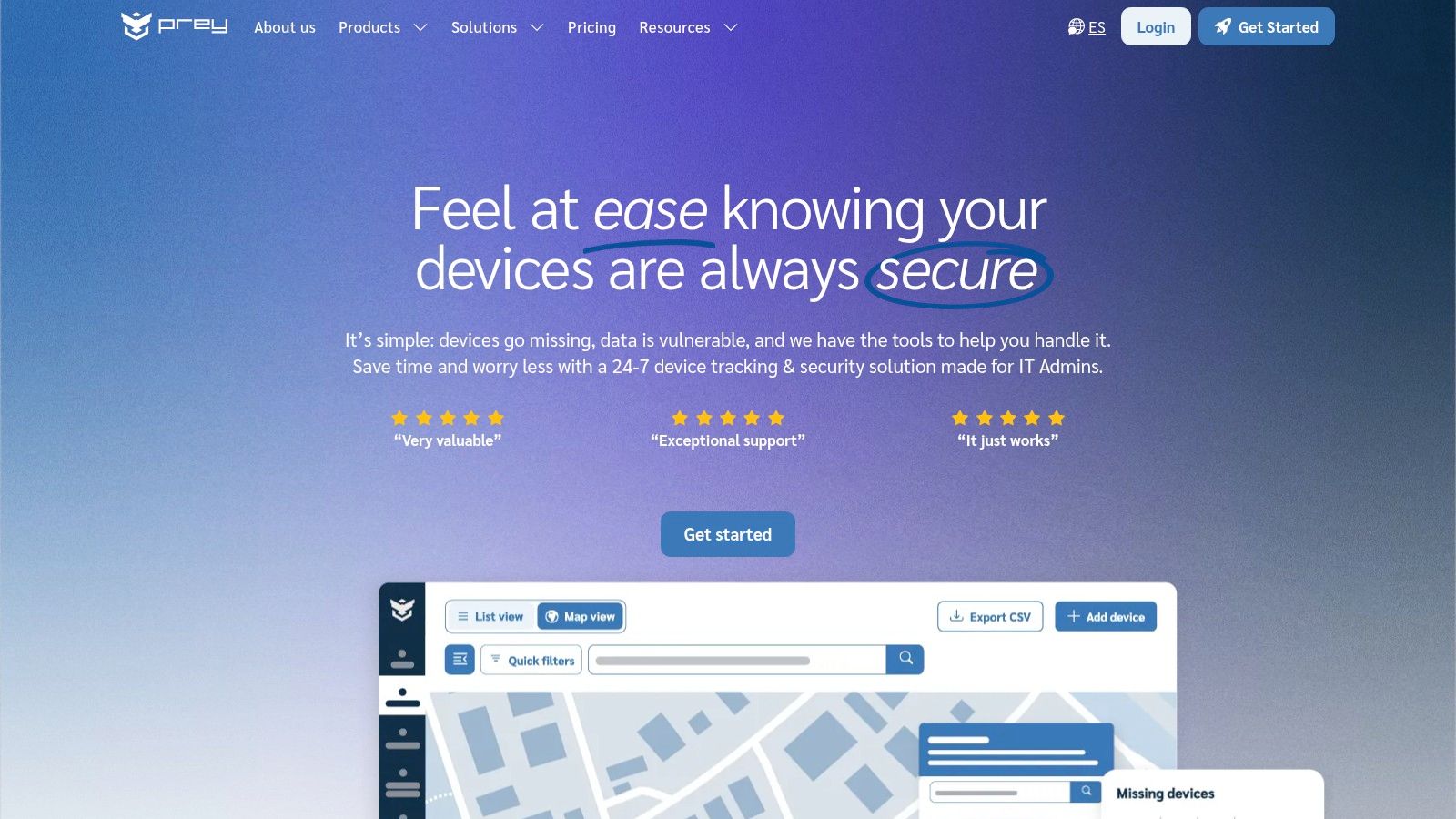
The platform operates through a lightweight agent that runs silently in the background. When a device is marked as missing, Prey generates detailed reports combining Wi-Fi and GPS triangulation for location tracking, screenshots of on-screen activity, and even photos from the device’s webcam. For organizations, fleet management tools like geofencing and mass remote actions provide robust control over company assets.
Key Features & Considerations
- Cross-Platform Support: Works seamlessly on Windows, macOS, Linux, ChromeOS, Android, and iOS.
- Recovery Evidence: Generates detailed "Missing Reports" with location history, screenshots, and webcam photos.
- Remote Actions: Allows you to remotely lock, wipe, or sound an alarm on a missing device.
- Fleet Management: Business plans include geofencing, audit logs, and mass actions for multiple devices.
While Prey offers a free plan, it's now available by request only. Paid plans are priced per device, offering a clear and scalable model. Its primary focus is on security and recovery rather than time tracking, making it an ideal choice for asset protection.
Website: https://preyproject.com/
3. Absolute Home & Office
Absolute Home & Office, famously known as the successor to LoJack for Laptops, offers a formidable layer of security focused on theft recovery. What sets it apart is its unique firmware-embedded technology, known as Persistence. This agent is built into the firmware of many major PC manufacturers, allowing it to survive OS reinstalls and hard drive wipes, making it an incredibly resilient tracking software for laptop protection. Its core mission is not employee monitoring but ensuring a device can be recovered if lost or stolen.
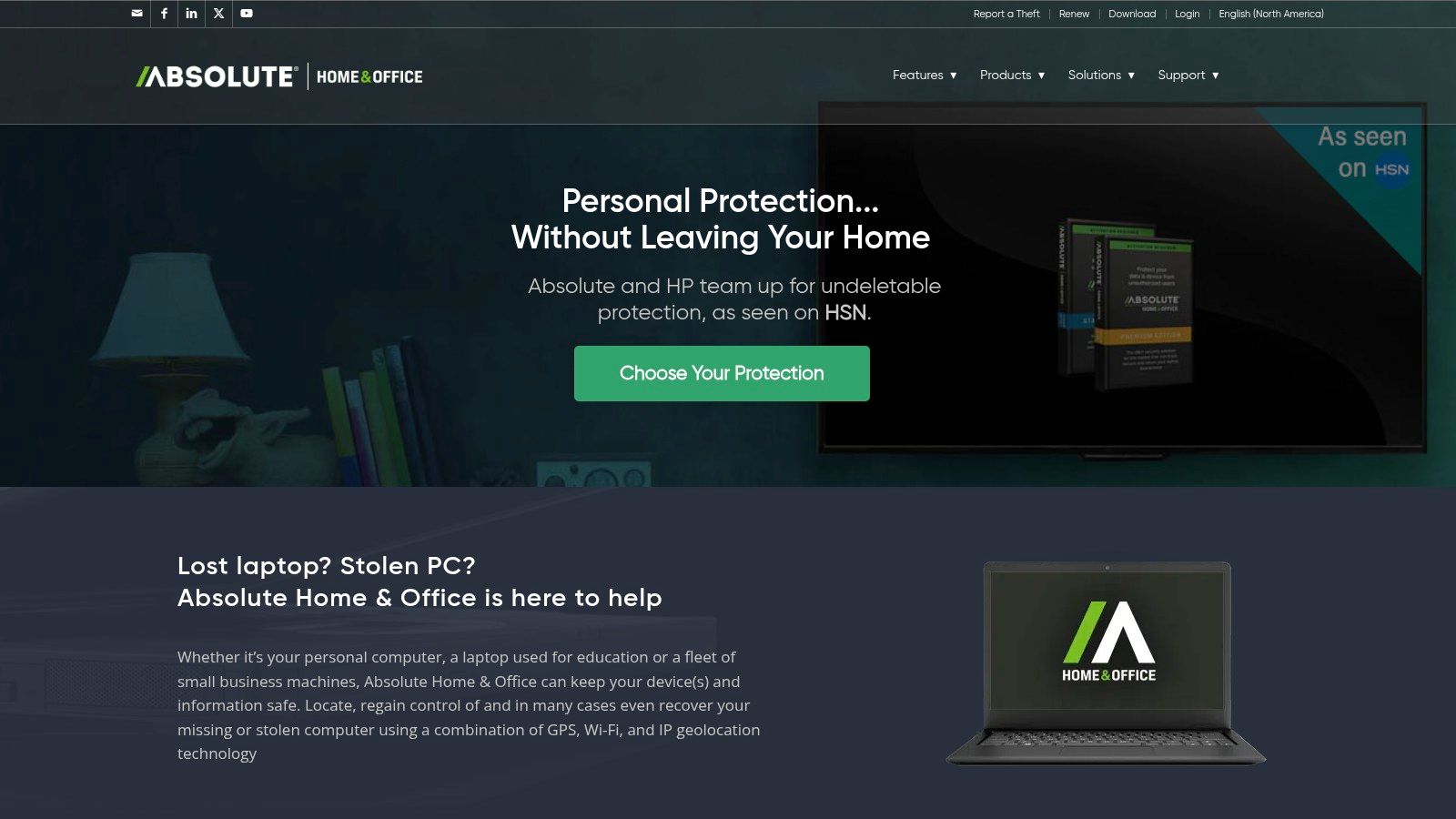
The platform empowers users with remote capabilities to locate, lock, or delete data from a missing device to prevent sensitive information from being compromised. A key differentiator is its professional Investigations Team, which works directly with law enforcement agencies to actively recover stolen hardware. For added peace of mind, their premium plans offer a service guarantee, potentially covering the cost of the device if recovery is unsuccessful.
Key Features & Considerations
- Firmware Persistence: The agent can self-heal on supported devices, making it extremely difficult for thieves to remove.
- Professional Recovery Team: A dedicated team coordinates with law enforcement to retrieve stolen assets.
- Remote Security Actions: Users can remotely locate, lock the device, or completely wipe its data.
- Recovery Guarantee: Premium tiers offer a guarantee, providing a financial safety net if the device isn't recovered.
Absolute Home & Office is available for Windows and macOS, with pricing based on subscription length per device. It's an excellent choice for individuals or small businesses whose primary concern is the physical security and recovery of their high-value laptop assets.
Website: https://homeoffice.absolute.com/
4. HiddenApp
HiddenApp positions itself as a streamlined and effective anti-theft tracking software for laptop recovery, designed primarily for individuals and small businesses. Its core function is to provide robust evidence collection tools when a device is lost or stolen, making it an excellent choice for personal asset protection. It focuses on gathering actionable intelligence, such as location data, screenshots, and webcam photos, to aid in recovery. The software supports macOS, Windows, and iOS, offering a straightforward solution for protecting personal tech.
The platform is praised for its simple setup and user-friendly interface, operating silently until a device is marked as missing. Once activated, it begins collecting data, including network information and even keystroke logs (as an optional feature), which can be crucial for identifying a thief. This focus on evidence makes it a powerful tool for law enforcement, providing more than just a pin on a map. For users seeking a no-fuss security solution at an affordable price, HiddenApp is a strong contender.
Key Features & Considerations
- Evidence Collection: Gathers location data, webcam photos, screenshots, and network details.
- Remote Control: Allows users to remotely lock their device, send on-screen messages, or sound a loud alarm.
- Optional Keylogging: Provides an advanced (and optional) feature to capture keystrokes for comprehensive evidence.
- Simple Pricing: Offers competitive annual pricing tiers designed for individuals managing one to ten devices.
HiddenApp’s strength is in its simplicity and focus on individual device security rather than enterprise-level fleet management. While the keylogging feature may raise privacy considerations, its value in a theft scenario is undeniable.
Website: https://hiddenapp.com/en/individual/pricing/
5. Apple Find My
For users invested in the Apple ecosystem, Apple Find My is the default, no-cost solution for device security. Built directly into macOS, it offers powerful tracking software for laptop recovery without needing third-party installations. Its primary advantage is its deep integration, utilizing Apple's vast, encrypted crowd-sourced network to locate devices even when they are offline and not connected to Wi-Fi. This feature alone makes it an indispensable tool for protecting MacBooks against theft or loss.
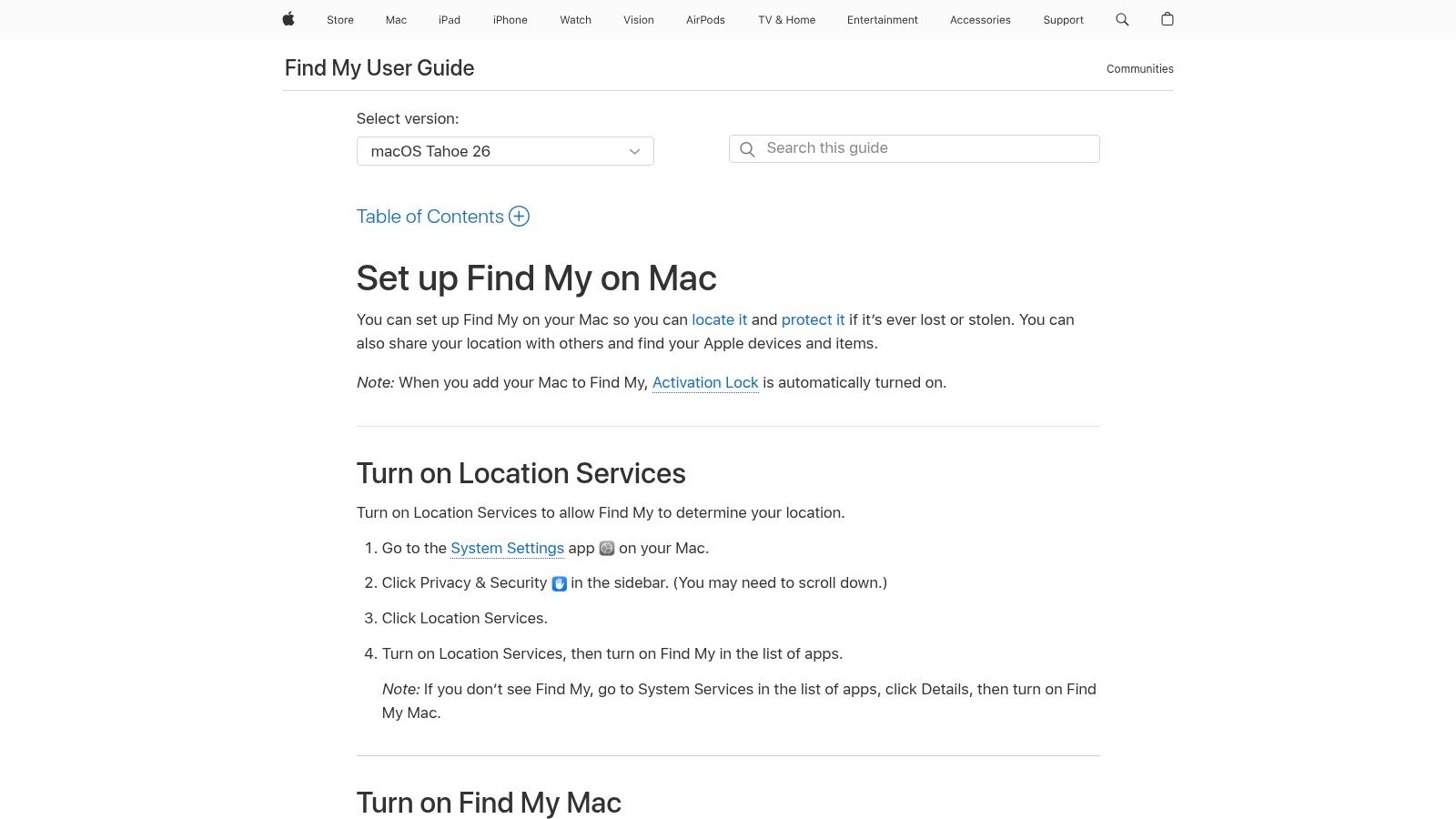
The service is managed through iCloud or the Find My app on another Apple device. When a MacBook goes missing, you can view its location on a map, play a sound to find it nearby, or place it in Lost Mode. Lost Mode remotely locks the device with a passcode and lets you display a custom message on the screen. For ultimate security, you can remotely erase the Mac, while Activation Lock prevents anyone from reactivating it without your Apple ID.
Key Features & Considerations
- Native Integration: Comes free and pre-installed on all modern MacBooks, iPhones, and iPads.
- Offline Finding: Leverages the global network of Apple devices to locate your laptop even when it's not online.
- Remote Security Actions: Allows you to remotely play a sound, lock, or completely erase a lost device.
- Activation Lock: A powerful theft deterrent that makes a stolen Mac nearly unusable to a thief.
The main limitation is its exclusivity; Find My is strictly for Apple products and cannot be used to track Windows or Linux machines. However, for organizations or individuals using MacBooks, it provides robust, privacy-focused asset protection at no additional cost.
Website: https://support.apple.com/guide/findmy-mac/set-up-fmm53101237/mac
6. Microsoft "Find my device"
For Windows users seeking a basic, no-cost safety net, Microsoft’s native "Find my device" feature provides essential tracking software for laptop recovery. This tool is built directly into Windows 10 and 11, integrating seamlessly with a personal Microsoft account. It is not designed for employee monitoring or fleet management but serves as a fundamental first line of defense if a personal laptop is lost, allowing users to locate it on a map and remotely lock it down to protect sensitive data.
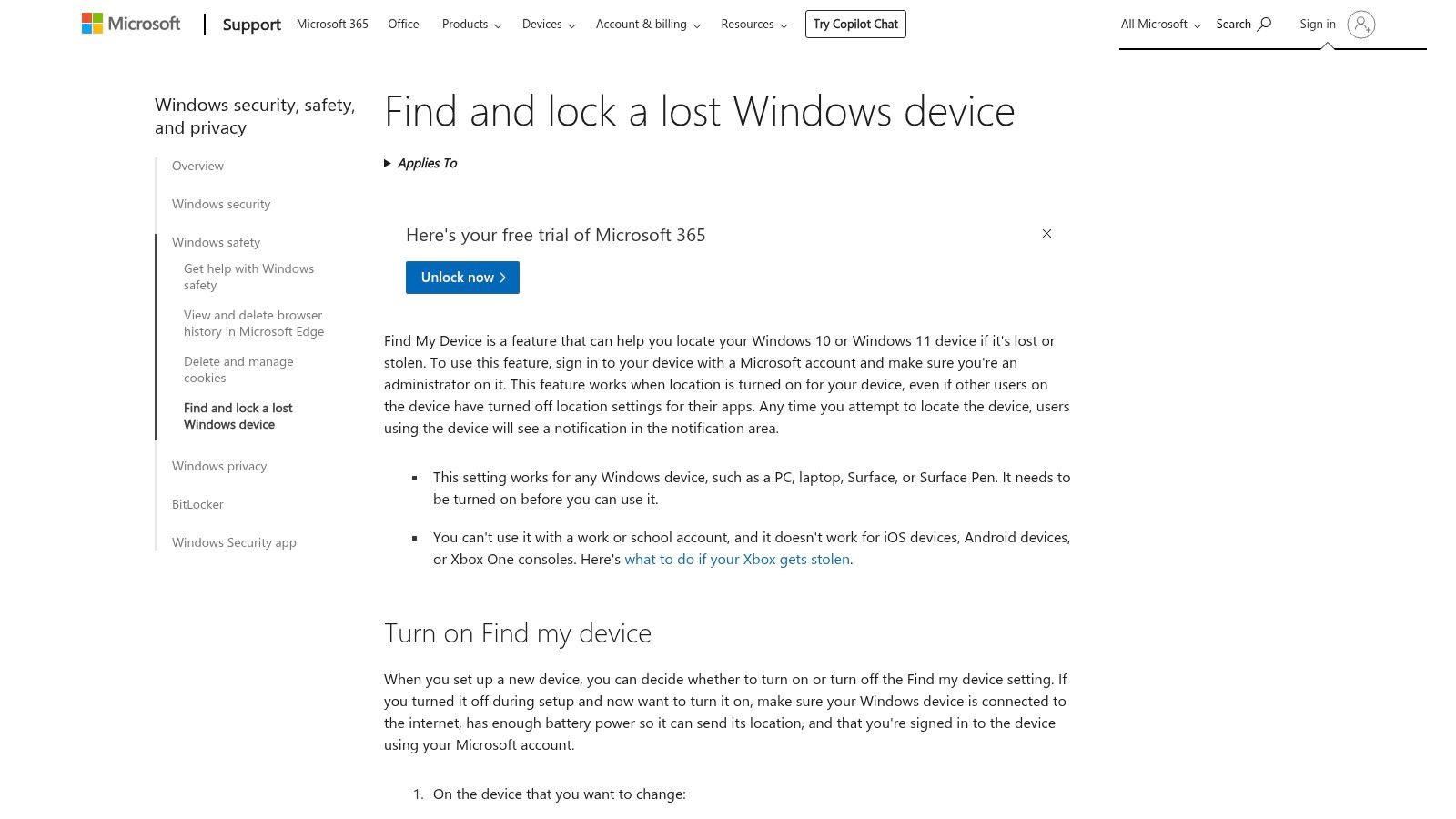
The functionality is straightforward: once enabled in Windows settings, you can log into your Microsoft account dashboard from any browser to see your device's last known location. While its accuracy depends on Wi-Fi and location services being active, it offers critical remote actions. You can lock the device to prevent access and display a custom message on the lock screen with contact information, a simple yet effective tool for recovery.
Key Features & Considerations
- Native Windows Integration: Built into Windows 10/11 and tied to your personal Microsoft account for easy setup.
- Map-Based Location: Shows the last reported location of your laptop on a map via the Microsoft account web dashboard.
- Remote Lock & Message: Allows you to remotely lock the PC and display a message on the screen.
- Zero-Cost Solution: Completely free for all personal Microsoft account holders.
It's crucial to note that "Find my device" must be enabled before a device goes missing. Its primary limitation is that it does not work with work or school accounts, making it unsuitable for business environments. For individual users, however, it's an indispensable and simple security feature.
7. Microsoft Intune
For organizations deeply integrated into the Microsoft 365 ecosystem, Microsoft Intune offers a powerful, enterprise-grade approach to endpoint management. More than just tracking software for laptop recovery, Intune is a complete Unified Endpoint Management (UEM) solution. Its strength lies in enforcing security policies, managing device compliance, and providing remote actions across a fleet of devices, rather than continuous, real-time tracking. This makes it an ideal tool for corporate IT departments focused on security and asset control.
When a corporate-owned device is lost or stolen, an administrator can use the "Locate device" feature. This action is privacy-focused and must be manually invoked; it isn't designed for surveillance. For organizations wanting to understand all aspects of device oversight, it is helpful to learn more about the principles of what is computer monitoring. Furthermore, for those already invested in the Microsoft ecosystem, further insights can be found by exploring how to leverage Mastering Intune Mobile Management for Your Business.
Key Features & Considerations
- Endpoint Management: Centralized control over device settings, security policies, and application deployment.
- On-Demand Location: The 'Locate device' action pinpoints a device's location when explicitly triggered by an admin.
- Remote Security Actions: Includes remote lock, restart, and full device wipe to protect sensitive corporate data.
- Compliance Policies: Enforce security requirements like encryption and password complexity across all managed devices.
Microsoft Intune is available as part of various Microsoft 365 and Enterprise Mobility + Security plans. Its focus is on corporate governance and security, making it a different class of tool compared to dedicated anti-theft software.
Website: https://www.microsoft.com/en-us/security/business/endpoint-management/microsoft-intune
8. Jamf
For organizations deeply embedded in the Apple ecosystem, Jamf stands out as the premier Mobile Device Management (MDM) solution. While not a traditional employee monitoring tool, it provides powerful asset management and security features, making it a form of tracking software for laptop fleets comprised of MacBooks. Jamf’s strength lies in its comprehensive lifecycle management, allowing IT administrators to deploy, manage, and secure Apple devices at scale with unparalleled control.
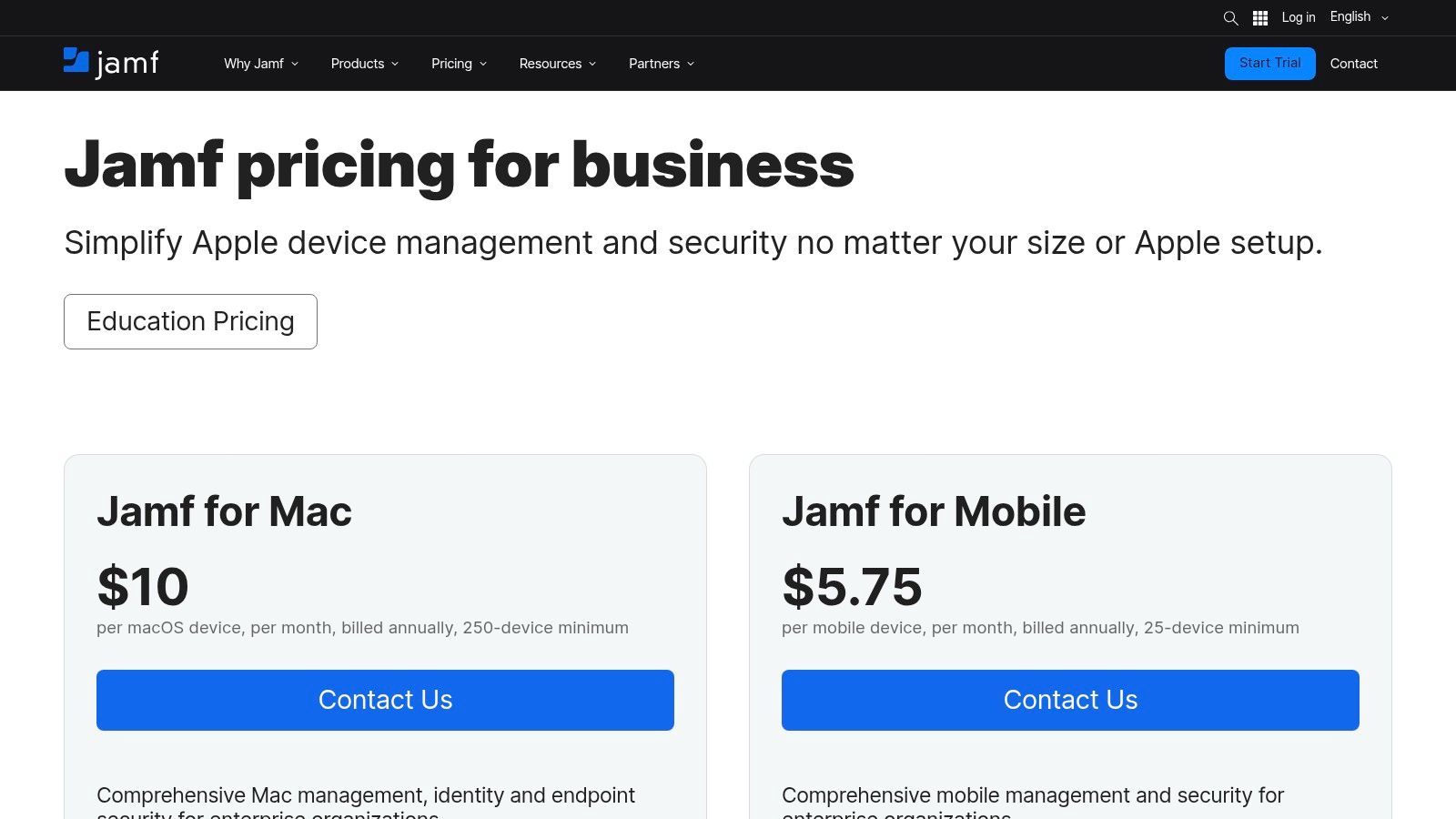
The platform enables IT teams to maintain a complete inventory of their Mac fleet and enforce security policies remotely. In the event of loss or theft, administrators can remotely lock or wipe a device to protect sensitive company data. This focus on security and management, rather than productivity metrics, makes it an essential tool for companies prioritizing asset protection within a macOS environment. Unlike some of the other options on this list, Jamf is not focused on time tracking but on robust device control and security integrations.
Key Features & Considerations
- Apple Ecosystem Mastery: Best-in-class support for deploying and managing macOS, iOS, and iPadOS devices.
- Remote Security Actions: Includes remote lock and wipe capabilities to secure compromised or lost MacBooks.
- Device Inventory & Management: Provides a centralized dashboard for complete visibility and control over an entire Apple fleet.
- Security Integrations: Offers add-ons like Jamf Connect and Protect for advanced endpoint security and access control.
Jamf’s pricing is typically provided by quote, tailored to the organization's size and needs, although some plans like Jamf Now have public pricing. While it excels at management, its 'Lost Mode' functionality is more robust on iOS than macOS, which lacks true GPS-style location tracking.
Website: https://www.jamf.com/pricing
9. Cisco Meraki Systems Manager
Cisco Meraki Systems Manager is a cloud-based mobile device management (MDM) solution that offers robust features for organizations already invested in the Cisco/Meraki ecosystem. While its primary function is broad device management, it provides effective tracking software for laptop location by leveraging network data. The system approximates a device’s location using its IP address, Wi-Fi BSSID, and proximity to Meraki access points, offering a creative solution for tracking laptops that lack built-in GPS. This network-centric approach makes it a powerful tool for IT administrators managing a fleet of company assets.
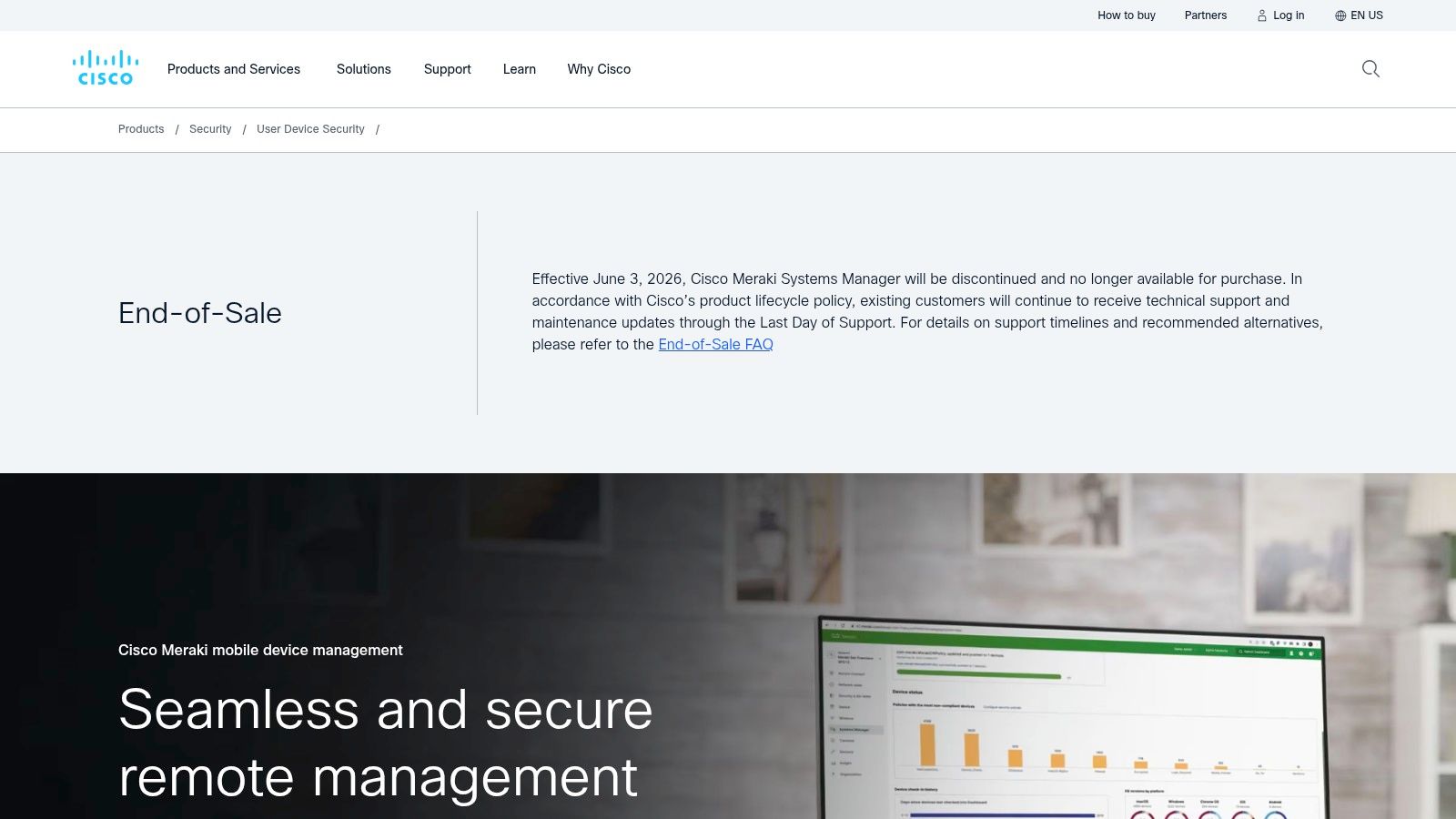
The platform includes a strong toolkit for administrators, allowing for remote screenshots and access to connection logs, which can be invaluable when trying to locate a missing device. Its deep integration with the broader Meraki stack is its key differentiator, enabling enhanced location accuracy within a managed network. However, prospective users should be aware that the product is on an End-of-Sale (EOS) timeline for new customers, making it a better fit for existing Meraki clients rather than new deployments.
Key Features & Considerations
- Multi-Signal Location: Uses a combination of IP address, Wi-Fi BSSID, and access point proximity for location approximation.
- Remote Admin Tools: Enables remote screenshots and provides connection logs to help identify a device’s last known user and location.
- Cisco/Meraki Integration: Tightly integrates with the Meraki infrastructure for enhanced network-assisted location tracking.
- End-of-Sale Status: The product is no longer available for new purchases, so organizations should plan for future migrations.
While powerful for existing users, its EOS status and reliance on network signals for approximate location are important limitations to consider.
Website: https://meraki.cisco.com/products/systems-manager/
10. Omnissa Workspace ONE (VMware Workspace ONE)
Omnissa Workspace ONE, formerly known as VMware Workspace ONE, is an enterprise-grade Unified Endpoint Management (UEM) platform designed for large-scale IT operations. While its primary function is comprehensive device management, it includes features that make it a powerful tracking software for laptop fleets. Its strength lies in integrating location tracking within a broader framework of security, compliance, and lifecycle management, offering centralized control over diverse device ecosystems including Windows, macOS, iOS, and Android.
The platform leverages its Intelligent Hub agent to report device location, which administrators can view from a central console. This capability is complemented by policy-driven security that can automate actions based on a device's status or location. For organizations that need robust remote support for troubleshooting or device recovery, the Workspace ONE Assist add-on provides direct remote control and diagnostics, adding another layer to asset management.
Key Features & Considerations
- Enterprise UEM: Provides cross-platform management with device location tracking via the Intelligent Hub agent.
- Policy-Driven Security: Automates compliance checks and security protocols for entire enterprise fleets.
- Remote Support: The Workspace ONE Assist add-on offers robust remote troubleshooting and recovery tools.
- Lifecycle Management: Manages the entire lifecycle of a device from onboarding to retirement.
As an enterprise-focused solution, pricing and licensing require contacting the sales team or a partner. Its location tracking features are part of a much larger management suite, making it ideal for large organizations needing an all-in-one solution rather than a standalone tracking tool.
Website: https://www.omnissa.com/workspace-one/
11. Best Buy (retailer for Absolute Home & Office)
For those who prefer purchasing from a familiar, trusted retailer, Best Buy offers a straightforward way to acquire tracking software for laptop security. Rather than being a software developer, Best Buy acts as a digital storefront for products like Absolute Home & Office. This provides an alternative purchasing route for consumers who want the convenience of a well-known checkout process, occasional promotional pricing, and instant digital delivery of subscription codes. The platform is especially useful for individuals buying a new laptop who want to bundle a security subscription at the same time.
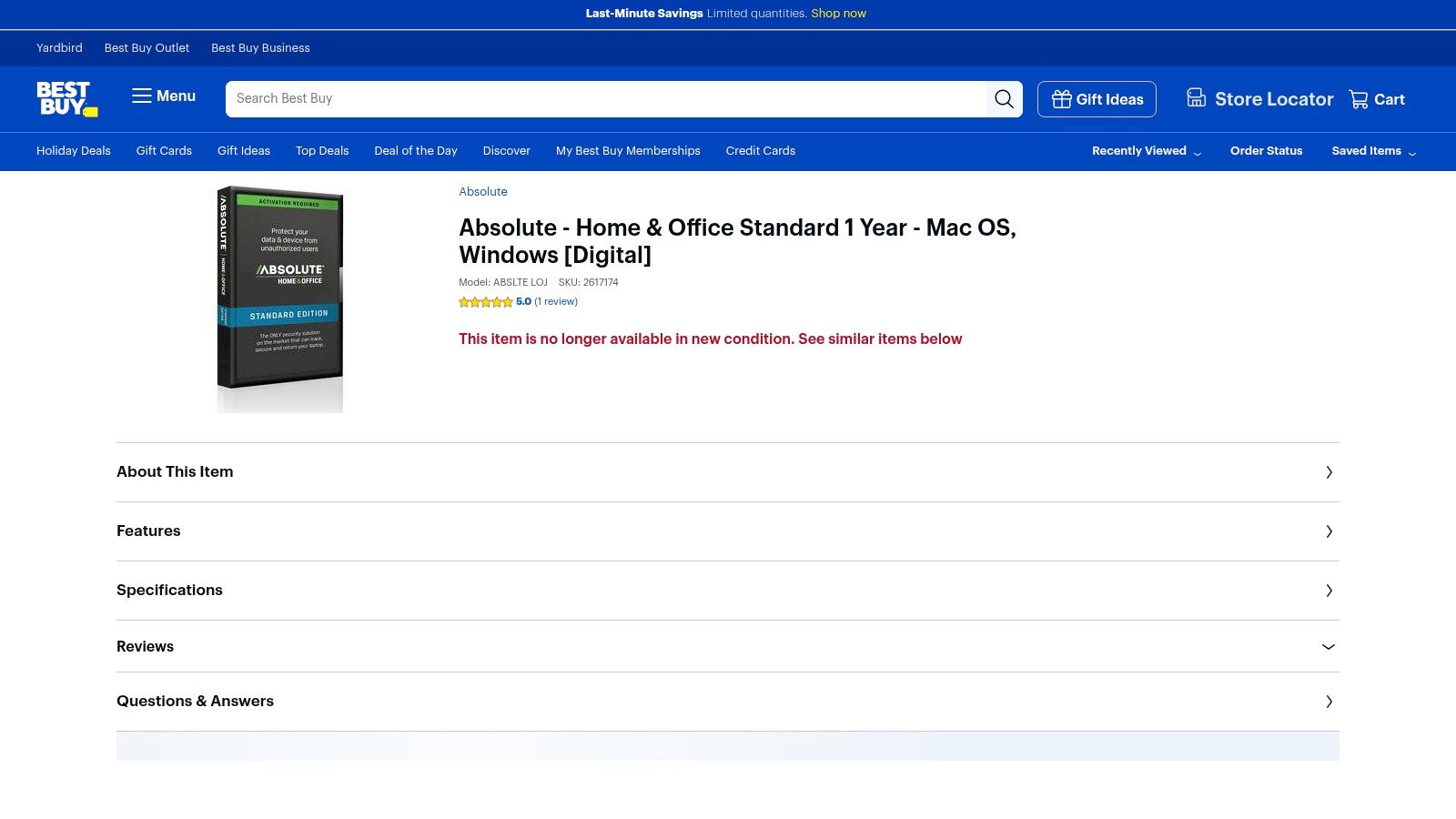
The primary advantage here is the simplicity and trust associated with a major retailer. Product pages clearly outline subscription terms, supported operating systems (like Mac OS and Windows), and often feature customer reviews to help guide purchasing decisions. While you won't find advanced fleet management tools or direct developer support, it serves as an accessible entry point for securing a personal device through a simple, one-time transaction.
Key Features & Considerations
- Digital Delivery: Instantly receive subscription codes for Absolute Home & Office upon purchase.
- Trusted Retail Experience: A familiar and secure checkout process from a major US retailer.
- Customer Reviews: Leverage user feedback directly on the product page to inform your decision.
- Retailer Policies: Purchases are subject to Best Buy's terms, which often means digital products are non-refundable.
While effective for individual users, this option is less ideal for businesses needing scalable, multi-device management. Stock and availability can also fluctuate, but for a quick, reliable purchase, it remains a solid choice.
12. Newegg (retailer for Absolute Home & Office)
While not a software developer, Newegg is a major online tech marketplace and a key purchasing channel for some of the best tracking software for laptop security, specifically Absolute Home & Office. For IT managers and consumers who prefer consolidated procurement or seek competitive deals, Newegg offers a reliable alternative to buying directly. It provides digital licenses for Absolute, a firmware-level security solution renowned for its persistent tracking and recovery capabilities. This makes Newegg a practical choice for businesses that bundle their hardware and software purchases through a single, trusted vendor.
The platform streamlines the acquisition process, delivering digital codes quickly after purchase. It lists various SKUs, including different plan durations for Absolute Home & Office, allowing buyers to select the option that best fits their budget and security strategy. Although pricing can fluctuate with promotions, it often presents an opportunity for cost savings, especially on multi-year subscriptions.
Key Features & Considerations
- Marketplace Procurement: Allows businesses to purchase Absolute Home & Office licenses alongside other IT hardware and software.
- Digital Code Delivery: Provides quick and efficient access to software licenses after purchase.
- Competitive Pricing: Features periodic promotions and competitive pricing on various subscription lengths.
- Reliable Vendor: A trusted name in tech retail, offering a secure purchasing environment.
Purchasing through Newegg is straightforward, but buyers should note that digital software sales are often final and non-returnable. Always check the specific terms of the listing before completing the transaction.
Website: https://www.newegg.com/absolute-home-office-standard-1-year-download/p/N82E16832727020
12 Laptop Tracking Solutions Compared
| Product | Core features | Target audience 👥 | Privacy / UX ★ | Price / Value 💰 | Unique selling point ✨ |
|---|---|---|---|---|---|
| DeskCove 🏆 | Auto time, app/URL tracking, randomized screenshots & webcam, timecards & reports | Teams, PMs, freelancers, SMEs 👥 | ★★★★ — configurable per user; monitor‑heavy (policy needed) | 💰 $10/user/mo (Basic) · 14‑day trial | ✨ Actionable productivity analytics from remote hours |
| Prey | Cross‑platform locate, photos/screens, remote lock/wipe, fleet tools | Individuals & SMBs 👥 | ★★★ — lightweight agent; recovery‑focused | 💰 Per‑device pricing; trial on request | ✨ Strong recovery evidence (photos/screens) |
| Absolute Home & Office | Locate/lock/wipe, firmware persistence, investigations & recovery team | Consumers & small biz 👥 | ★★★ — staffed recovery; some conditions | 💰 Retail/volume pricing | ✨ Firmware persistence + staffed recovery guarantee |
| HiddenApp | Location with webcam/screenshots, remote lock/wipe, alarms, optional keylogging | Individual owners, personal devices 👥 | ★★ — evidence heavy; privacy concerns | 💰 Budget annual tiers · 7‑day trial | ✨ Low‑cost, evidence‑focused anti‑theft |
| Apple Find My | Map location, offline crowd‑find, lost mode, lock & erase, Activation Lock | macOS users / Apple ecosystem 👥 | ★★★★ — native, privacy‑centric | 💰 Free | ✨ Encrypted offline finding + Activation Lock |
| Microsoft "Find my device" | Map locate, remote lock, display message via MS account | Windows personal users 👥 | ★★★ — free but must pre‑enable | 💰 Free | ✨ Native Windows dashboard access |
| Microsoft Intune | UEM: on‑demand locate, remote lock/wipe, compliance & policies | Enterprises, IT admins 👥 | ★★★★ — enterprise controls; admin‑invoked | 💰 License/quote (MS licensing) | ✨ Enterprise compliance + M365 integration |
| Jamf | Apple‑first MDM: inventory, remote lock/wipe, security add‑ons | Apple‑centric organizations 👥 | ★★★★ — deep Apple management | 💰 Quote‑based | ✨ Best‑in‑class Apple ecosystem support |
| Cisco Meraki Systems Manager | IP/BSSID/AP proximity location, remote screenshots, admin tools | Orgs using Meraki network 👥 | ★★★ — approximate location; EOS for new sales | 💰 License‑based | ✨ Network‑assisted location + Meraki integration |
| Omnissa Workspace ONE | Cross‑platform UEM, Intelligent Hub location, remote support & compliance | Large enterprises & IT teams 👥 | ★★★★ — mature enterprise tooling | 💰 Quote/licensing | ✨ Robust remote support & lifecycle controls |
| Best Buy (retailer) | Digital delivery of Absolute codes, product pages & reviews | Consumers buying Absolute 👥 | ★★★ — convenient checkout; stock varies | 💰 Retail pricing; promo dependent | ✨ Retail convenience + customer reviews |
| Newegg (retailer) | Marketplace SKUs for Absolute, digital code delivery | IT buyers & consumers 👥 | ★★★ — marketplace rules; check returns | 💰 Competitive deals & multi‑year SKUs | ✨ Marketplace procurement & SKU variety |
Making Your Final Decision: Security, Productivity, and Privacy
Selecting the right tracking software for laptop devices is a critical decision that hinges on a careful balance between security, productivity, and privacy. Throughout this guide, we've explored a wide spectrum of tools, from dedicated anti-theft solutions like Prey and Absolute Home & Office to comprehensive enterprise-grade Mobile Device Management (MDM) platforms like Jamf and Microsoft Intune. We've also examined the built-in, no-cost options from Apple and Microsoft, which provide essential baseline security for individuals and small businesses.
The key takeaway is that no single solution fits every scenario. Your final choice should be a direct reflection of your primary goals. Is your main concern the physical security of expensive hardware and the protection of sensitive data in case of loss or theft? If so, a dedicated anti-theft tool is your best bet. Are you a larger organization needing to enforce security policies, manage app deployments, and remotely wipe devices across a diverse fleet? An MDM platform is the clear winner.
Key Factors to Guide Your Choice
As you weigh your options, revisit these core considerations to ensure you select the most effective and appropriate tool:
- Primary Use Case: Pinpoint your most pressing need. Is it productivity monitoring for a remote team, asset recovery for field agents, or policy enforcement for a corporate office? Your answer will immediately narrow down the list of suitable candidates.
- Scalability and Management: Consider your team's size and technical expertise. A freelancer needs a simple, set-and-forget solution. In contrast, an IT department managing hundreds of devices requires a centralized dashboard with robust administrative controls and reporting features.
- Privacy and Transparency: This cannot be overstated. If you are implementing software that monitors employee activity, establishing a clear, written policy and communicating it openly is essential. Choose tools that offer granular privacy controls, allowing you to disable features like screenshots or keystroke logging to build trust and comply with local regulations.
- Total Cost of Ownership: Look beyond the monthly subscription fee. Factor in the time required for implementation, training your team, and ongoing management. A free tool might seem appealing, but if it lacks the features to save your team time, a paid solution with a strong ROI may be the more cost-effective choice.
Ultimately, the best tracking software for laptop management is one that integrates seamlessly into your existing workflows and company culture. It should empower your team, protect your assets, and provide valuable insights without creating an environment of mistrust. By carefully aligning a tool's capabilities with your strategic objectives, you can confidently implement a solution that enhances both security and operational efficiency.
Ready to gain a clearer understanding of how your team works while ensuring accountability and boosting productivity? DeskCove offers a powerful, yet user-friendly, platform designed for modern remote and hybrid teams. Explore how features like automatic time tracking, activity insights, and project management can provide the data you need to optimize workflows by visiting DeskCove and starting your free trial today.